Software Design Review Process: A Step-by-Step Guide
Learn the software design review process step by step: roles, stage gates, checklists, failure fixes and the metrics that show it works.
In this article
- Who Attends a Design Review and What They Own
- Roles in One Line Each
- Why Four to Six People Works
- Artifacts and Templates for Every Review
- The Four Artifacts
- Rules That Keep Records Honest
- Run One Design Review from Scope to Approved Baseline
- The Six Stages
- Session, Fix, and Approval
- One Test for Every Stage
- Design Review Checklist by Risk Area
- Numbers or It Stays Open
- How to Run the List in a Session
- Common Failure Modes and How to Fix Them
- The AI Context Risk
- Metrics That Show Your Design Review Works
- Track Outcomes, Not Activity
- How to Measure a Change
- Run Your First Gated Review in Loupe
- A Two Week Trial
In agent-authored pull requests, human intervention occurred in 52.17% of cases, compared with 83.59% for human-authored work, yet the agent cases needed more review effort and code churn when people stepped in, according to research on human intervention in agent-authored pull requests. That flips a common assumption. Automation doesn't remove review. It changes where review must be strict.
A good software design review process is a control with a measurable yield. It stops bad decisions before code exists, attaches business context that an AI reviewer can't guess, and proves each finding closed with evidence. More comments don't mean better review. Fewer, sharper findings, closed well, beat volume every time.
Who Attends a Design Review and What They Own
Small groups find more defects than big rooms. Structure does the work, not headcount.

Roles in One Line Each
- Author: Writes the design and answers every finding in writing.
- Moderator: Runs the session, keeps time, and stops drift into style debates.
- Reviewers: Each checks one perspective, such as security, data integrity, operability, or domain correctness.
- Domain owner: Signs off business rules and accepts business risk.
- Approver: Accepts the final baseline and freezes it.
- Agent reviewer: Checks conformance first when an AI pass runs. It doesn't own the decision.
That last line matters. An agent can flag drift from the approved design fast. It can't own a product call or a risk call. A person does. That split is the core of human in the loop AI agents done right.
Why Four to Six People Works
In NASA's analysis of more than 2,400 inspections, teams with 4 to 6 inspectors found an average of 12 defects, while teams outside that range found 7. A larger NASA report found about 14 defects when teams followed recommended practices, against 7 when they didn't. Preparation, defined roles, and follow-up drove the gap.
Take a refund design. Engineers can check retries and data flow. Only a finance domain owner can confirm who gets money back, and when. Without that person, the review checks form, not correctness. With that person, one short session can stop a costly rule error.
In Loupe, each work request carries a role that the agent review tools and the design review facts read, in place of the kind names of the Lifecycle template. Set that role wrong and the wrong checks run. Set it right and reviewer assignment, traceable comments, and approval states line up with the work.
Don't invite more people to fix a weak review. Give fewer people clear roles, real prep time, and one perspective each.
Artifacts and Templates for Every Review
Memory is a poor record. Four short artifacts leave a trail that anyone can trace back to a requirement. Keep them next to the design, not in chat threads.
The Four Artifacts
1. Pre-read pack. Include the architecture baseline, requirements with IDs, the risk list, and alternatives with reasons for each choice. Write quality targets as numbers. For example, p95 latency under 400 ms is a target a reviewer can test. The word fast isn't.
2. Reviewer prep note. Each reviewer writes their name, the perspective they checked, and each doubt with a line or section reference. A doubt without a reference forces the session to hunt for the spot. That wastes the group's time.
3. Finding record. Give each finding an ID, a plain description, and a severity of high, medium, or low. Add an owner, a due date, the evidence that will prove it closed, and a status of open, fixed, or closed.
4. Review summary. Record the date, participants, scope, and number of findings by severity. Add the fix rounds so far and the approved version number. Later readers can see what was checked and what shipped.
Rules That Keep Records Honest
A finding without an owner or due date isn't logged. Send it back until it has both. A review summary with a blank exit gate means the review isn't done, no matter how good the discussion felt.
Keep each artifact short. A one page pre-read that reviewers finish beats a long pack that nobody opens. Write plain descriptions, too. If a new team member can't tell what a finding claims, the author can't fix it well either.
These four records also help later reviews. When a defect escapes, you can check whether the risk area was covered, who owned it, and what evidence closed it. That turns blame into a process fix.
Run One Design Review from Scope to Approved Baseline
A review isn't a meeting. It's a sequence of gates. Each stage has an entry gate, what must be true to start, and an exit gate, what must be true to finish. If an exit gate is blank, the stage isn't done.
The reason to bother is old and well tested. Michael Fagan's inspections at IBM found 82% of all errors in one software product, and a later business application found 93% of defects through inspections, as summarized in the history of Fagan inspections at IBM. Those aren't guarantees for your team. Outcomes depend on prep, artifact quality, and discipline. But they show why checking a design before code beats relying on testing alone.
The Six Stages
Stage 1. Scope. Write what's reviewed, who attends, and the done rules. NASA's software architecture review guidance asks for participant identification, readiness criteria, and completion criteria up front. Skip this and reviewers guess at the boundary.
Stage 2. Pre-read. Send the baseline, requirements, risks, and alternatives two working days ahead. That gap is what turns a read aloud session into a defect hunt. Include quality attributes with numbers, not adjectives.
Stage 3. Individual prep. Each reviewer reads alone from one perspective for 30 to 60 minutes and writes down doubts. Slow down here. PSP data on review rate and defect removal found that at 200 lines of code per hour or slower, individual reviews identified nearly two thirds of design defects. Fast reading finds typos. Slow reading finds design errors.
Session, Fix, and Approval
Stage 4. Review session. Hold it for no more than 60 minutes. Walk the checklist and test named scenarios, such as a region outage or a 10-million-row import. Name the scenario or the discussion stays vague. Log and rate each finding before you leave the room.
Stage 5. Fix and verify. The author answers each finding in writing. A second reader checks the changes against the evidence named in the finding record. Discussion doesn't close a finding. Evidence does.
Stage 6. Approve baseline. The approver freezes the design and records the version. Implementation starts only then. Later code gets checked against this baseline, not against someone's memory of the meeting.
In our workflow, workers review a draft product design or tech design with the loupe-stage-design-review skill, the fix round answers each finding, and design writers leave drafts for the agent review. In the tech design stage, an agent writes the technical design from the approved product design, a second agent reviews it first, and you comment then approve. That mirrors the same gate logic described for agentic software development, with people holding the approval step.
| Stage | Goal | Entry gate | Exit gate |
|---|---|---|---|
| 1. Scope | Set what is reviewed and who attends | Design draft exists | Scope, readers and exit criteria written |
| 2. Pre-read | Share context before the session | Scope agreed | Requirements, risks and alternatives sent two working days ahead |
| 3. Individual prep | Find defects alone | Pre-read received | Each reviewer has notes from their own perspective |
| 4. Review session | Discuss findings, not style | Prep notes ready | Every finding logged and rated by severity |
| 5. Fix and verify | Author corrects and answers each finding | Findings have owners | Each finding closed with evidence |
| 6. Approve baseline | Freeze the design | No open high-severity findings | Approved version recorded; build may start |
One Test for Every Stage
Ask one question per stage. Can you point to the exit gate evidence, in writing, right now? If not, the stage isn't done and the next one shouldn't start. That single habit stops the most common failure, which is reviewing an incomplete design and calling it approved.
Practical rule: No approved baseline, no implementation dispatch. That one gate prevents more rework than any checklist item.
NASA's recommended evidence lists meeting records, architecture baselines, risk assessments, traceability artifacts, and corrective action logs. You don't need bureaucracy. You need those five things findable after the fact. When a design changes later, the trail tells you what changed, why, and who accepted the risk. Without it, every later debate restarts from opinion, and the implementation review can only check whether tests pass, not whether the code matches the decision.
Design Review Checklist by Risk Area
Use one row per risk area, with the question a reviewer must answer and the evidence that counts as an answer.
| Risk area | Question to answer | Evidence to accept |
|---|---|---|
| Security threats | Who can reach each entry point, and what can they change? | Threat list with a mitigation for each entry point |
| Failure modes | What fails first, and what does the user see? | Named failure cases with expected behavior |
| Scalability | What is the peak load, and what is the target? | Load and latency targets written as numbers, with the limit that breaks first |
| Data migration | Can the change run twice, and can it roll back? | Dry-run result and written rollback steps |
| Permissions | Who can view or act on each object? | Access matrix by role |
| Payments | What happens on a retry or partial failure? | Idempotency design and a reconciliation check |
| Operations | How is an incident detected and recovered? | Named alert, dashboard and runbook |
| Business rules | Which rule does this design encode, and who confirmed it? | Link to the requirement and domain owner sign-off |
Numbers or It Stays Open
An answer without a number stays open where a number applies. The word scalable isn't evidence. A statement like handles 300 requests per second at p95 under 400 ms is. A reviewer can test the second claim, dispute it, or accept it. The first claim only invites nodding.
The same rule fits other rows. Secure isn't an answer. A threat list tied to entry points is. Recoverable isn't an answer. A named alert, a dashboard, and a runbook are.
How to Run the List in a Session
Each reviewer takes two or three areas that match their perspective. The moderator checks that every row got an answer before the session ends. Rows nobody owns are the rows where defects hide, so assign them by name during the scope stage, not in the room.
Review one architectural decision at a time. Small units let reviewers hold the whole design in mind. A document that bundles a data model change, a new payment flow, and a permission rewrite will get shallow comments on all three. Split it, and each part gets real scrutiny.
Our agent review checks every design and every pull request against the approved design, and sends it back for fixes before you see it. So this checklist does double duty. It's what human reviewers work through in the session, and it's what the agent reviewer should test against before a person spends attention on the draft.
One caution. A checklist can become a ritual where reviewers tick boxes without thinking. Fight that by demanding evidence per row, not ticks. If the evidence column is empty, the row isn't answered, whatever the tick says.
Common Failure Modes and How to Fix Them
The most common failure looks like success. A design gets approved in minutes with a looks good comment. No perspective was assigned. No checklist was used. The approval proves attendance, not scrutiny.
| Symptom | Likely cause | Fix |
|---|---|---|
| Approved in minutes with 'looks good' | No perspective or checklist given | Assign one perspective per reviewer and require a written check per risk area |
| Design covers dozens of decisions | Review unit too large | Split into one decision per review, each with its own pre-read |
| Findings with no name or date | No tracking step | Require owner, severity and due date before a finding is logged |
| Review of an unfinished design | No entry gate | Refuse the session until the baseline is marked ready |
| Scalability discussed without numbers | No targets in the pre-read | Write load and latency targets before the session |
| AI reviewer approves business logic it cannot know | Context not attached | Link requirements to design claims and send payments, permissions and migrations to a human domain owner |
| Design closed with no change | Findings closed by discussion | Require the new design version or test result as evidence for each fix |
The AI Context Risk
AI reviewers add a sharper version of the rubber stamp problem. In Qodo's State of AI Code Quality report, 65% of developers said the assistant misses relevant context, and 25% estimated that at least one in five AI-generated suggestions contains factual or misleading code. Interviews in the same research found doubt about AI understanding complex business logic.
So an AI reviewer can approve a payment or permission design that reads well but breaks a rule it never saw. The fix is to attach context before the check runs. Link each design claim to its requirement. List the assumptions a machine can't test. Escalate payments, permissions, and data migrations to a human domain owner every time.
Close findings with evidence, not conversation. In our implementation flow, the worker writes build notes tagged build-notes, and a fix round responds to a review finding with evidence under a Review answers section, which the next agent review checks. That pattern works in any tool. The answer sits next to the finding, and the next reviewer verifies it instead of trusting it.
Metrics That Show Your Design Review Works
Comment counts lie. A 2024 study found that even when 73.8% of automated review comments were acted on, pull-request closure time increased 42%, as reported in JetBrains analysis of AI code review comments. Teams did more review work and shipped slower. Acceptance rate is a weak proxy for quality.
Track Outcomes, Not Activity
- Review rate: Pages or lines per hour. Bad sign: the rate jumps while findings drop, which usually means skimming.
- Findings per review hour: Bad sign: near zero on complex designs, which suggests no real prep.
- Severity-weighted defects: Bad sign: many low findings, no high ones, review after review.
- Fix rounds per design: Bad sign: rounds climb after approval, which points to unclear design.
- Reopened findings: Bad sign: the same issues return, which means closure evidence was weak.
- Time to approved baseline: Bad sign: long waits with short sessions, which means queue delay, not scrutiny.
- Escaped defects: Defects found after build that the design review should've caught. This is the ground truth metric.
- Hours to merge: Bad sign: review adds days without cutting escaped defects.
How to Measure a Change
Measure for four weeks before you change the process. Change one thing. Then compare the same metrics. Changing three things at once tells you nothing about which one worked.
Ask three questions each month. Which defects were stopped before coding? How many fix rounds came from unclear design rather than build error? Did post-merge defects fall? If you can't answer those, you're counting comments, not yield.
Our analytics show cost per finished card, merge rate, fix rounds, and hours to merge, and let you compare models with experiments. A design that went through agent review also shows a summary below its last section, with its state, its counts, and the rounds behind Show rounds. That puts the cost of each approval next to its result.
A lightweight review with fewer comments can beat an exhaustive one. What matters is whether high severity issues get caught without drowning human attention in low value notes.
Run Your First Gated Review in Loupe
Start with the mapping. Each review step pairs with a feature and one clear action for you.
| Review step | Loupe feature | What you do |
|---|---|---|
| Scope and entry | Card stage and state on the board | Move the card only when the baseline is ready |
| Pre-read and draft | Designs render in place for line comments | Comment on any line and suggest rewrites |
| Agent design check | Second agent reviews the draft before you see it | Check whether it passed or needs a fix round |
| Human approval | Approve, or request changes with a note | Approve the version; the agent sends a new one |
| Implementation check | Worker opens a GitHub pull request; second agent checks conformance | Review the conformance result and the fix rounds |
| Live review | Preview deployment with the live review widget | Leave notes on the page, then approve |
| Measure | Analytics and experiments | Compare this card's yield with your recent work |
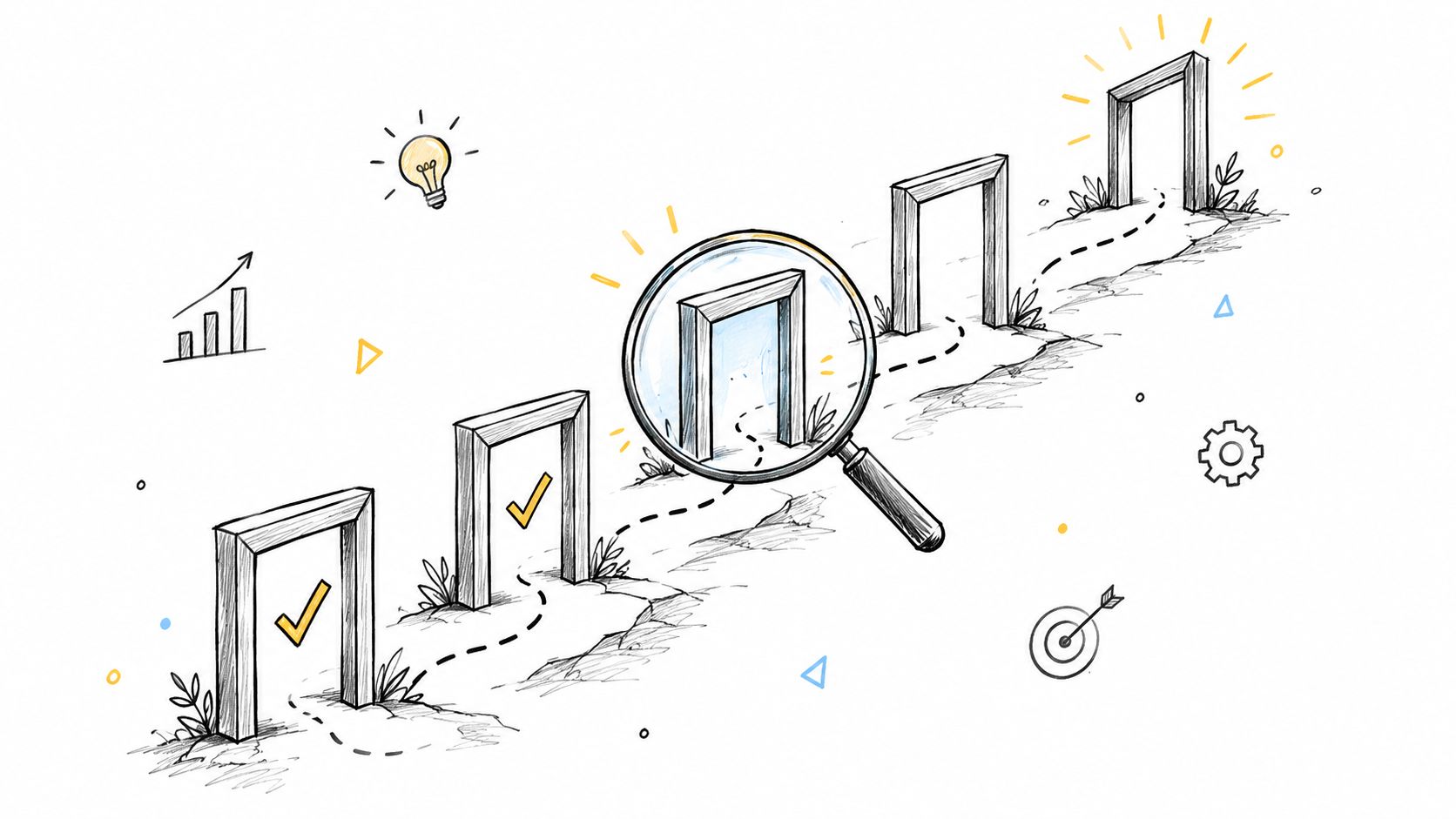
The workflow runs six stages. Product design, tech design, implementation, agent review, live review, and done. In product and tech design, an agent drafts the document, a second agent reviews it first, and you comment and approve before any code. Implementation builds from the approved design and opens a GitHub pull request.
In the agent review stage, a second agent reviews the change against the approved design, and fix rounds run until it passes. In live review, you try the change on a preview, leave notes on the page with the widget, then approve. Loupe recommends a preview URL for each pull request so you can use the live review widget. This end to end shape is the practical side of an AI engineering workflow with gates instead of handoffs.
Attach the business context before the agent review runs, or the second agent checks conformance against nothing. The design, fix-round and implementation skills read the product design and tech design tags from an optional Documents section of .loupe/lifecycle.md, and each work request carries a role that the review tools read. That is what turns a comment count into a gate with measurable yield.
A Two Week Trial
Pick one card. Write its entry and exit gates in the design document. Let the agents run one full loop, from draft to live review. Then compare its fix rounds and time to merge with your recent work.
Start with one card, not a team wide rollout. One honest loop teaches you more than a month of process debate, and it shows you exactly where your gates leak.
Run your next design through explicit gates instead of a single approval click. Loupe gives you agent-drafted product and tech designs, a second agent checking conformance, and human approval before code starts. Try it on one card and watch your fix rounds.