AI Agents Examples: 8 Workflows from Review to Deploy
Explore 8 AI agents examples across code review, PR approval, design checks, and deployment, with tactics and metrics to track each one.
In this article
- 1. AI Code Review Agent
- Keep feedback worth reading
- 2. Automated Deployment Agent
- Build once, promote deliberately
- 3. Post-Deployment Monitoring and Rollback Agent
- Define recovery before release
- 4. Auto PR Approval with Guardrails
- Define low risk by content
- 5. Design Conformance Review Agent
- Turn the design into reviewable requirements
- 6. Ticket-to-Pull-Request Agent
- Write a card the agent can finish
- 7. Preview Site Review with Annotations
- Make feedback actionable
- 8. Dependency Update Agent
- Reduce noise without hiding risk
- How the 8 AI agent workflows compare
- Start Small and Measure Every Agent
- Establish a useful baseline
- Preserve accountability as you expand
A pull request has sat for two days waiting for a reviewer. The fix is a one-line change, the tests pass, and the developer has already moved to another task. Nobody wants to skip review, but nobody wants a release held up by an avoidable wait.
That's where agents can help. They can inspect a change, gather test results, request a fix, and move work to the next approved stage. A human should still decide when the change affects architecture, permissions, customer data, or an unclear requirement.
The useful distinction isn't between manual work and full autonomy. It's between decisions you can describe as rules and decisions that need someone's judgment. An agent can check whether required tests passed. It shouldn't decide that a failed security test probably doesn't matter.
Give agents permission to move work forward, not permission to redefine what counts as finished.
The most useful AI agents examples fit into a release cycle: design, implementation, review, merge, deployment, and recovery. Each needs a clear input, a permitted action, and a stopping point.
Some tools below are AI agents. Others, such as deployment pipelines and dependency bots, provide predictable automation around an agent. Keep that distinction clear: use AI to interpret evidence, and use fixed rules to enforce permissions.
Start with the stage where your team waits most often. Measure completed work and the effort needed to correct it, not how much text or code an agent produces.
1. AI Code Review Agent
An AI code review agent reads a pull request and flags possible bugs, security issues, and risky changes before a human reviews it. GitHub Copilot code review and CodeRabbit reviews on GitHub and GitLab are examples of this first-pass review pattern.
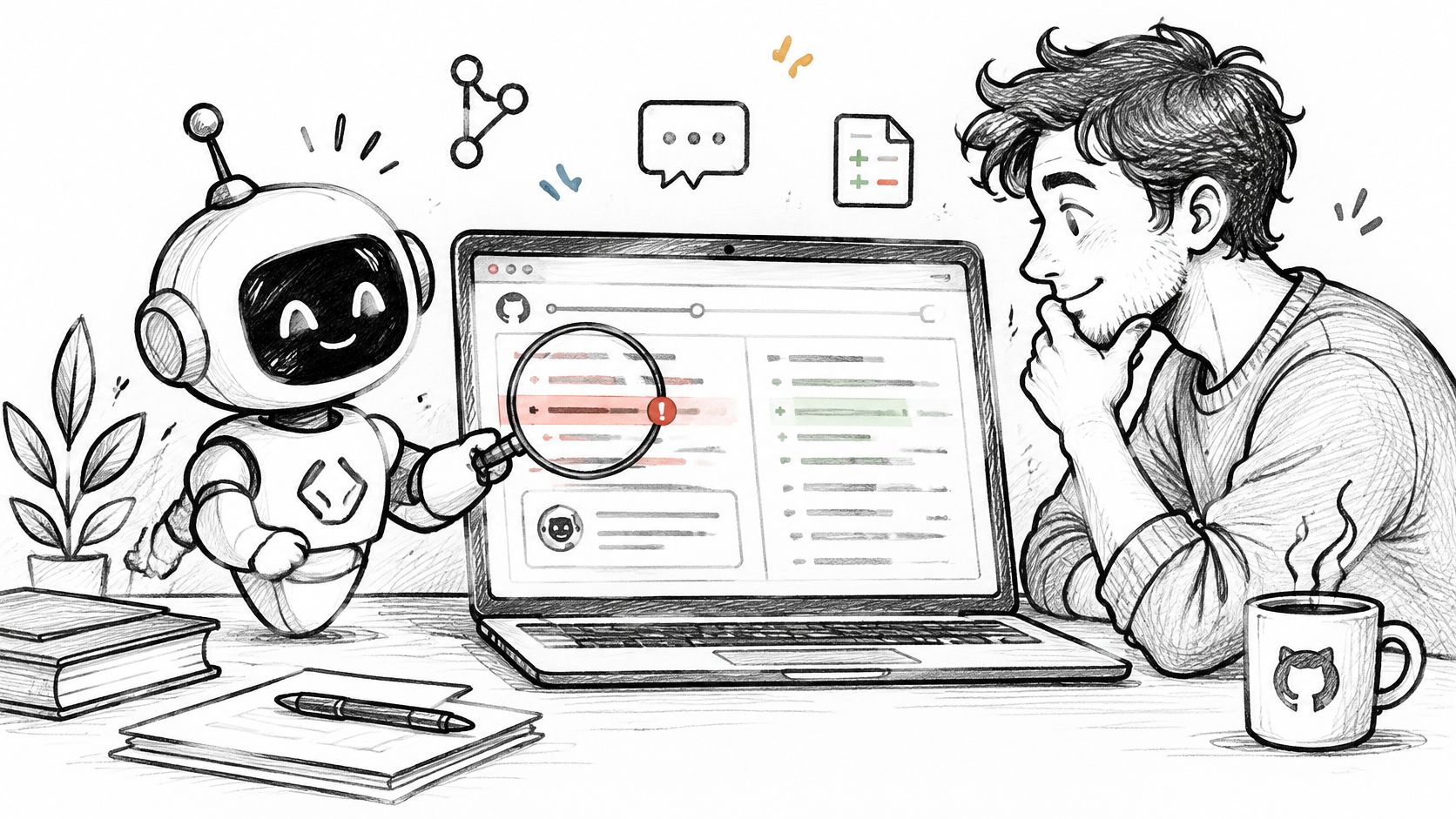
Say a developer changes how your application handles expired sessions. The agent checks whether the new branch returns the right response, whether tests cover expiration, and whether logs could expose a token. The human reviewer decides whether the behavior matches the product's security expectations.
Keep feedback worth reading
Start with a single repository and give the reviewer a narrow job. Ask it to identify defects with a file location, a failure scenario, and a suggested test. Leave indentation and import ordering to formatters and linters.
Use a shared code review checklist so the agent and human reviewers apply the same standards. Otherwise, developers spend time answering comments that reflect preferences rather than release risks.
- Prioritize bugs: Focus on broken behavior, missing error handling, and security-sensitive paths.
- Require evidence: Ask the agent to explain how the issue could occur.
- Keep human ownership: Let a person dismiss findings and make the final approval decision.
Don't measure success by comment count. A reviewer that leaves fewer, more useful comments is better than one that interrupts every pull request.
Rule to set: The agent may comment and request fixes, but it can't approve security-sensitive changes.
Metric to track: Track fix rounds per completed review in Loupe analytics, alongside whether reviewers accept or dismiss the findings.
2. Automated Deployment Agent
A deployment agent should execute an approved release, not invent a release procedure. Give it a known artifact, a target environment, test results, and a deployment workflow it's allowed to run.
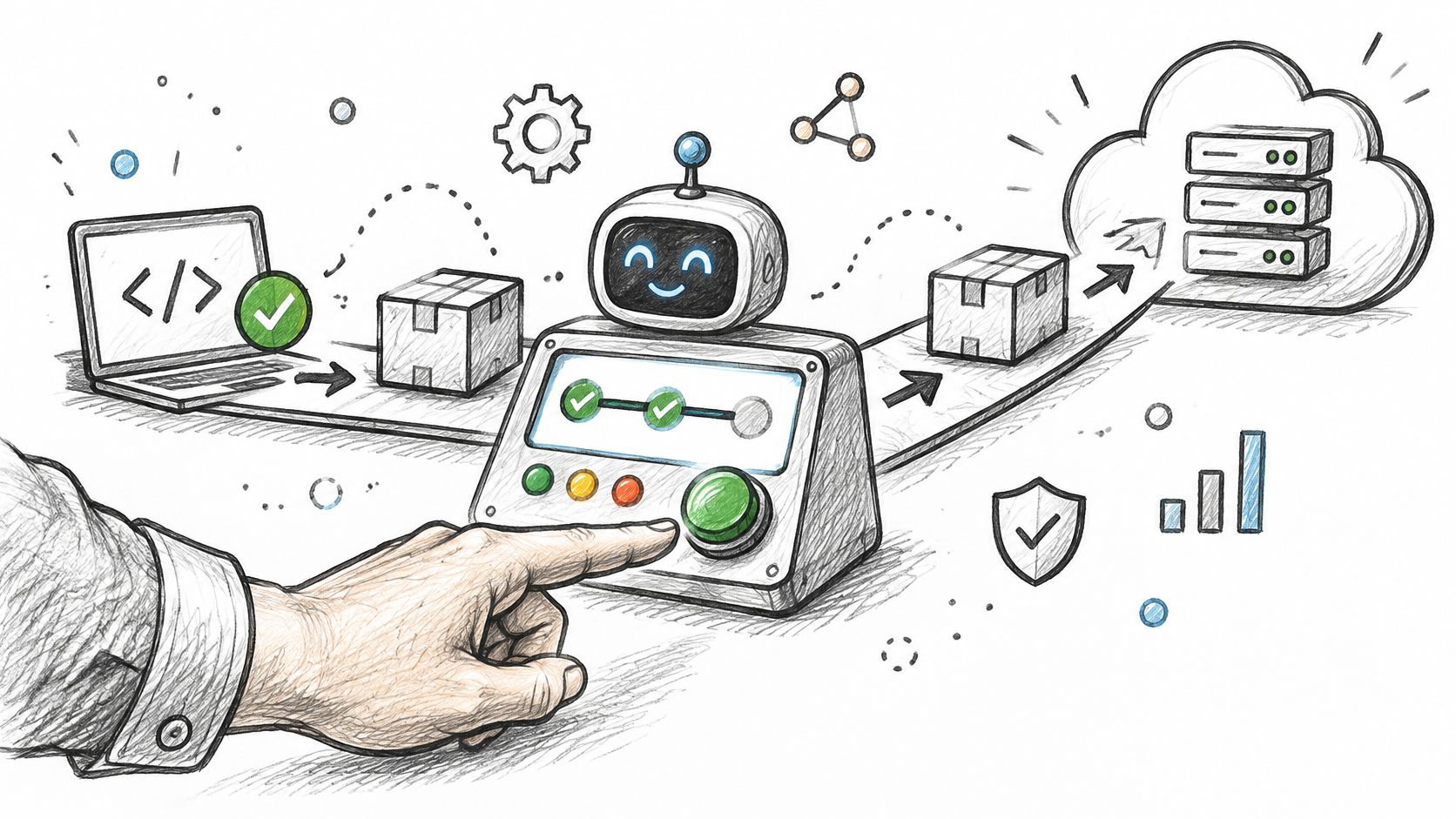
GitHub Actions can deploy after a merge, while Harness AI-assisted deployment verification can help assess release health. A fixed GitHub Actions workflow isn't an AI agent by itself. The agentic part is interpreting results, coordinating permitted steps, and escalating when something doesn't match the plan.
Build once, promote deliberately
For a web application, start with a preview deployment. Let the agent confirm that the build completed, smoke tests passed, and the preview points to the expected commit.
After approval, promote the same artifact rather than rebuilding from a moving branch. Record the commit, artifact, environment, approval, and deployment result so an operator can reconstruct what happened.
- Separate credentials: Preview access shouldn't automatically grant production access.
- Protect production: Keep an explicit human checkpoint before the production job starts.
- Stop on uncertainty: Missing checks, unavailable secrets, or an unexpected migration should pause the release.
The trade-off is straightforward: extra gates can preserve some waiting time. That's acceptable when the gate protects a consequential decision rather than asking someone to repeat a mechanical check.
For example, an agent can prepare a release containing an approved copy change. It should stop if that release also includes an unreviewed database migration.
Rule to set: Deploy only the approved artifact after required checks pass and a human authorizes production.
Metric to track: Track hours to merge in Loupe analytics, and pair it with approval-to-deployment time from your pipeline logs.
3. Post-Deployment Monitoring and Rollback Agent
A successful deployment job doesn't mean customers can use the application. The monitoring agent checks what happens after release: health endpoints, error rates, latency, and critical user journeys.
Say a checkout release passes its build checks but starts returning payment errors in production. The agent should compare the release against your defined health limits, preserve the evidence, and trigger the recovery action you approved beforehand.
Recovery boundary: An agent should execute a tested rollback plan, not improvise a repair while customers are affected.
Automated rollback in a deployment pipeline and Harness AI-assisted deployment verification can support this pattern. The important work happens before deployment, when engineers decide which signals justify recovery and whether rollback is safe.
Define recovery before release
Use service-specific limits rather than a vague instruction to watch for problems. Distinguish application failures from a monitoring outage or an unrelated third-party incident.
A rollback also needs a compatibility check. Reverting application code may be unsafe after a destructive schema change, so some releases need a forward fix or a feature-flag shutdown instead.
- Name the signals: Identify the health checks and user journeys that govern recovery.
- Choose the action: Specify rollback, traffic reduction, feature disablement, or escalation.
- Preserve evidence: Save the release identifier, relevant logs, and reason for the action.
Keep the human checkpoint before production, even when recovery is automatic. Approval should cover both the release and its recovery plan.
Rule to set: Automatic rollback is allowed only for releases with a tested, compatible recovery path and breached health limits.
Metric to track: Link recovery events to finished cards, review their cost in Loupe analytics, and track detection-to-recovery time in your monitoring system.
4. Auto PR Approval with Guardrails
Auto PR approval is exciting because it removes a queue, not just a task. A safe change can move forward without waiting for someone to click a button after every check is already complete.
GitHub auto-merge and Mergify rules can handle the merge step when required conditions are met. Neither should be treated as proof that a change is correct, and auto-merge isn't the same as an independent review approval.
Define low risk by content
Start with documentation, isolated tests, and small changes in explicitly permitted paths. Don't classify a change as safe just because its diff is short. A tiny permissions change can have a large impact.
For example, a documentation correction might qualify when its build passes and it touches no executable configuration. A test update that weakens an assertion should go to a human, even though it lives in a test directory.
A repository analysis described by Ars Technica reported that average pull-request submission-to-merge time increased by 49% after AI-agent adoption. More generated work doesn't automatically remove review bottlenecks.
- Require current checks: Results must apply to the latest commit, not an earlier version.
- Exclude sensitive paths: Route authentication, billing, infrastructure, and migrations to people.
- Audit outcomes: Review rejected and reverted automatic merges each month.
Use human-in-the-loop agent boundaries to make escalation a normal route through the workflow, not an exceptional failure.
Rule to set: Auto-approval applies only to allowed change categories with passing required tests and no protected-path changes.
Metric to track: Track merge rate and fix rounds in Loupe analytics, and inspect reverted automatic merges separately.
5. Design Conformance Review Agent
Passing tests doesn't prove that an implementation follows the approved design. A feature can work locally while using the wrong storage layer, bypassing an existing service, or introducing a dependency the team explicitly rejected.
A design conformance agent compares the pull request with the approved technical design. Architecture check bots can enforce concrete dependency rules, while an agent can inspect requirements that need more context.
Turn the design into reviewable requirements
Suppose the design says background jobs must use the existing queue and must be safe to retry. The reviewer checks both requirements against the implementation and asks for evidence where behavior isn't obvious.
In our review process, a second agent checks the change against the approved design, and fix rounds continue until that review passes. The implementation worker records build notes and answers review findings with evidence, giving the next review something specific to verify.
A useful software design review process makes requirements testable before implementation starts. Approve the design first, then require the reviewer to cite the requirement behind each finding.
- Separate drift from improvement: A better approach may still require a design decision.
- Ask for evidence: Point to code, tests, or build notes that demonstrate compliance.
- Escalate conflicts: Don't let the worker rewrite requirements to match its implementation.
This checkpoint won't catch every defect. Its job is narrower: prevent the team from reviewing a technically plausible solution to the wrong problem.
Rule to set: Any departure from an approved design needs a human decision before implementation continues.
Metric to track: Compare fix rounds in Loupe analytics before and after adding conformance review, keeping similar task types together.
6. Ticket-to-Pull-Request Agent
Give a coding agent a bounded task, and it can inspect the repository, change files, run tests, and open a pull request. GitHub Copilot coding agent assigned to GitHub issues and Devin by Cognition working in its own environment are examples of this pattern.
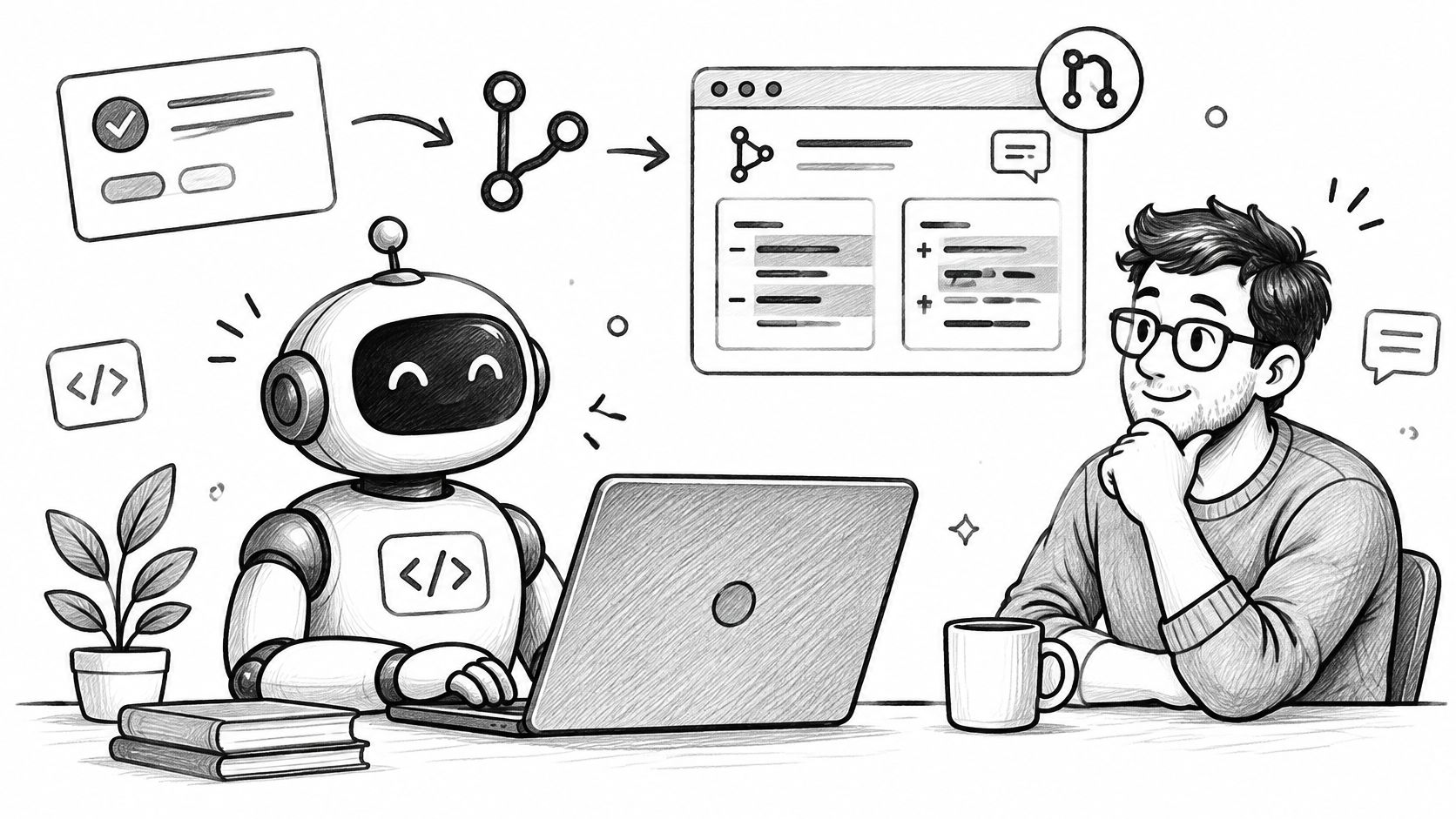
The best starting task is a reproducible bug or a missing test, not a broad request to improve the application. For example, ask the agent to fix a date filter that excludes records at the end of the selected day.
Write a card the agent can finish
Include the current behavior, expected behavior, relevant code area, acceptance criteria, and commands used to validate the change. State what's out of scope, especially refactoring and dependency changes.
Our implementation process uses a worker that builds from an approved design and opens a pull request. That keeps the task connected to decisions already made instead of asking the worker to resolve product ambiguity while coding.
- Start narrow: Choose small bugs and tests with observable outcomes.
- Define completion: Require a reviewable pull request and validation results.
- Limit retries: Pause repeated failed attempts so a person can resolve the blocker.
The hidden cost isn't just model usage. A cheap run that creates a confusing patch can consume more review time than a more deliberate run that produces a clean change.
Don't reward code volume. Reward a finished card that meets its acceptance criteria without passing cleanup work to another developer.
Rule to set: The worker must stop when acceptance criteria conflict, required access is missing, or the task needs an unapproved design change.
Metric to track: Track cost per finished card and merge rate in Loupe analytics.
7. Preview Site Review with Annotations
A reviewer opens a preview and notices that the mobile checkout button disappears below a sticky footer. Describing that issue in a separate chat creates extra work: someone must identify the page, viewport, element, and build.
On-page annotations keep that context attached to the work. The reviewer marks the element, explains the expected behavior, and sends the note back to the matching card for an agent to address.
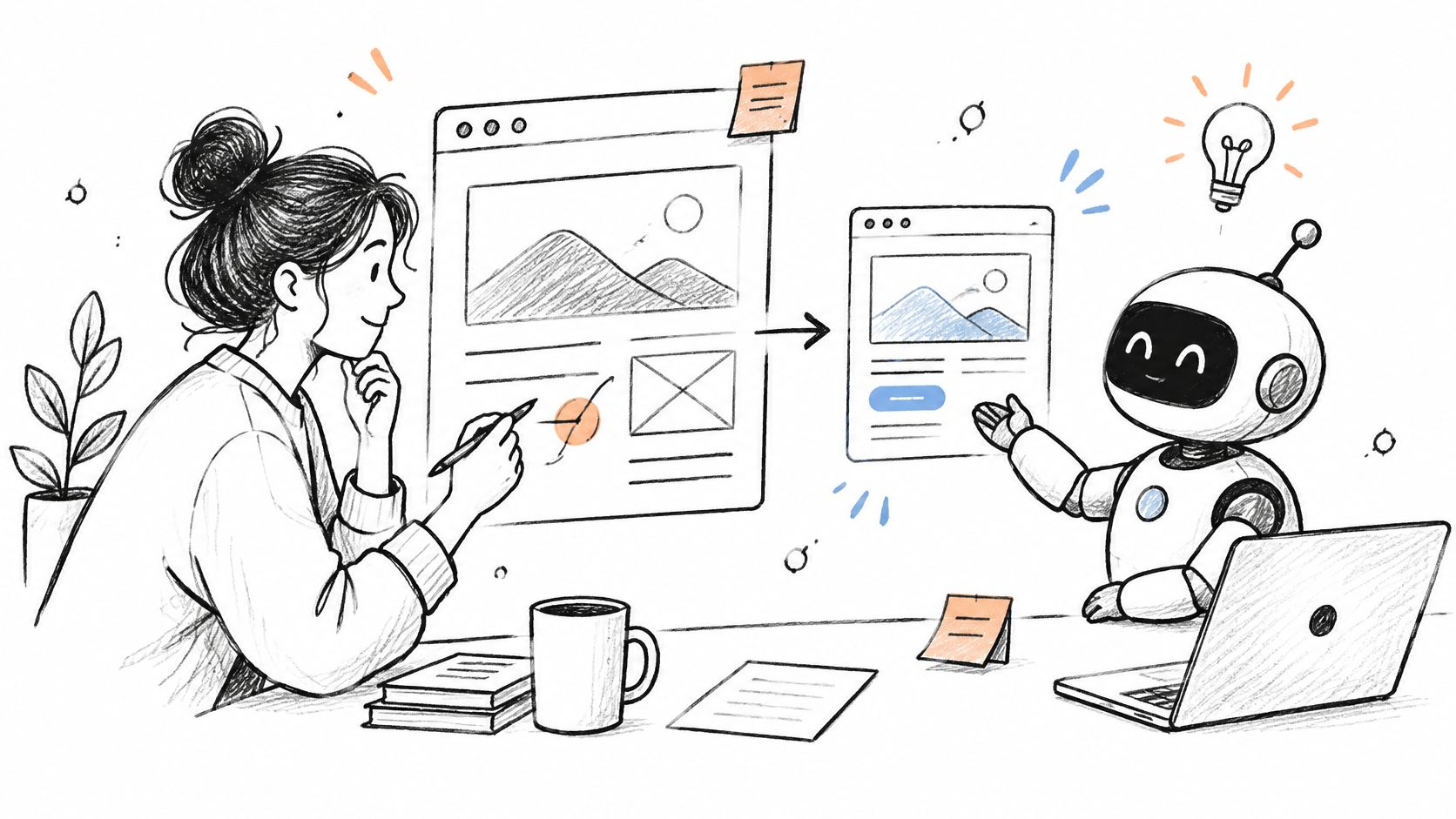
Vercel and Netlify preview links provide environments for stakeholder feedback. An annotation workflow adds the missing connection between the visible issue and the implementation task.
Make feedback actionable
Our site review process saves page annotations back to the corresponding card. The agent can work from that feedback, while the reviewer keeps a traceable record of what was requested.
Write a clear note for each issue. Describe what's wrong, what should happen, and how to reproduce it instead of asking the agent to make the page feel better.
A preview comment should describe an observable change, not make the agent guess at a design preference.
Keep scope under control. Fixing an overlap is review feedback; redesigning the checkout flow is new product work and should receive its own decision.
After the agent updates the preview, have the reviewer confirm the result. A successful build can't tell you whether the visual issue was resolved.
Rule to set: Every annotation must belong to a card and identify a specific expected change; new requirements return to design review.
Metric to track: Compare hours to merge and fix rounds in Loupe analytics before and after adding annotations.
8. Dependency Update Agent
Dependabot opens dependency update pull requests on GitHub. Renovate can group package updates and apply repository rules. These are useful release-cycle automation examples, but routine update detection doesn't require an AI model.
Add an agent when the work needs interpretation: reading migration guidance, investigating a failed test, or explaining a compatibility change. Keep package selection and merge permissions governed by fixed policy.
For example, a patch update to a utility library might qualify for automatic merging after checks pass. A major framework update should become planned engineering work with a migration review and preview testing.
Reduce noise without hiding risk
Group compatible minor updates where that makes review easier. Avoid combining unrelated runtime, build, and database dependencies into a pull request that's difficult to diagnose.
- Validate the lockfile: Make sure resolved packages match the intended update.
- Test real behavior: Run relevant integration tests, not just installation.
- Keep major updates manual: Review migration notes and application behavior before approval.
Passing tests are necessary, but they aren't a complete risk assessment. A dependency may affect a production-only integration or a code path your current suite doesn't cover.
Don't let an agent weaken tests to make an update pass. If a new package version changes expected behavior, require a person to decide whether the application should change with it.
Rule to set: Auto-merge only permitted patch updates with passing required checks; route major updates and unexplained failures to a human.
Metric to track: Use Loupe analytics to track cost per finished update card and merge rate, and review update-related reversions alongside them.
How the 8 AI agent workflows compare
| Item | Key Success Metric | Main Example | Main Risk |
|---|---|---|---|
| AI Code Review Agent | Fix rounds per card; hours to merge | GitHub Copilot code review | False positives and missed business logic |
| Automated Deployment Agent | Cost per finished card; hours to merge | GitHub Actions deployment workflows | Bad rules can ship broken code |
| Post-Deployment Monitoring and Rollback Agent | Hours to merge; deployment outcomes | Automated rollback in a deployment pipeline | Poor thresholds can trigger inappropriate rollbacks |
| Auto PR Approval with Guardrails | Merge rate; hours to merge; fix rounds | GitHub auto-merge when checks pass | Weak rules can approve bad changes |
| Design Conformance Review Agent | Fix rounds per card; cost per finished card | Loupe dual-agent design review | Depends on complete, clear design documents |
| Ticket-to-Pull-Request Agent | Cost per finished card; merge rate | GitHub Copilot coding agent | Struggles with vague or large tasks |
| Preview Site Review with Annotations | Hours to merge; fix rounds | Loupe site review widget | Vague feedback can lead to wrong changes |
| Dependency Update Agent | Merge rate; cost per finished card | Dependabot pull requests | Update volume can flood the review queue |
Start Small and Measure Every Agent
Pick a workflow where the input is clear and mistakes are easy to contain. Code review and dependency updates are sensible starting points because you can keep human approval while testing whether the automation helps.
Write the operating rule before enabling the agent. Specify what it can read, what it can change, what counts as completion, and when it must ask a person. Give each escalation a named owner so a paused card doesn't become another forgotten queue.
Establish a useful baseline
Track fix rounds, merge rate, and cost per finished card in Loupe analytics. Add hours to merge when waiting time is the problem, and use deployment or monitoring logs for release-specific measures.
Compare similar work. A documentation correction and an authentication change shouldn't share the same expectations for review effort or speed. Record human rescue work too, because an agent's usage cost alone won't tell you whether it saved the team time.
- Keep the task comparable: Separate routine fixes from new features and architectural work.
- Inspect exceptions: Read the cards that stalled, failed review, or needed repeated corrections.
- Expand deliberately: Add permissions only when completed work becomes cheaper or easier without lowering quality.
A faster first response isn't enough. If developers spend longer correcting findings, reviewers have more cleanup work, or operators reverse more releases, adjust the workflow before increasing its scope.
Preserve accountability as you expand
The next step should usually be a better handoff, not broader autonomy. Connect the approved design to implementation, implementation to review, and the merged change to its release record.
Loupe is a software factory for coding agents that runs on your own terms, with your agents, your machine, and your rules. We recommend a second GitHub account for your agents to open pull requests, so you can approve them from your own account without confusing authorship and review.
Keep production authorization separate from code generation. Our own shipping policy is human review before release, including code written with AI coding tools.
The strongest workflow isn't the one that avoids every human action. It's the one that uses people for meaningful decisions and lets automation handle the repeatable steps around them. Expand only when the numbers improve and the team can still explain why each change moved forward.
Loupe connects product design, technical design, implementation, and review in a board-based workflow with explicit human checkpoints. Visit Loupe to explore how to coordinate coding agents and measure cost, fix rounds, and merge outcomes across your release cycle.