AI Code Review Tools: 10 Options Compared for 2026
Compare 10 AI code review tools for GitHub and CI/CD pipelines. See features, limits, pricing notes, and real use cases to pick the right fit.
In this article
- 1. Loupe
- What Makes It Different
- 2. CodeRabbit
- Trade-Offs To Budget For
- 3. Qodo
- 4. Greptile
- Where Cost Creeps In
- 5. Graphite
- 6. Sourcery
- Limits Worth Knowing Early
- 7. Bito AI Code Review
- 8. CodeAnt AI
- When It Fits And When It Doesn't
- 9. Kodus
- 10. GitHub Copilot Code Review
- The Cost And Lock-In Trade
- How the 10 AI code review tools compare at a glance
- Pick Your Review Setup in One Week
It's Friday afternoon. You've opened a large pull request, your teammates are deep in their own work, and nobody has time for a careful review. The diff sits idle until Monday, then the first comment asks for a small change, and the whole cycle starts again.
AI code review tools promise faster first feedback, but they don't do the same job. Some only comment on changed lines. Others read the full codebase, enforce team rules, run in your IDE, or hold a coding agent to an approved design. That difference matters. One analysis reported that as AI coding use rose, average pull-request review time rose 49%, comments per pull request rose 53%, and the share of pull requests requiring changes doubled. More code doesn't mean less review work.
Large diffs make the problem worse. In a project analysis, a study that mined 8,329 commits and 39,237 review comments found that more changed lines generally increased review duration while producing fewer messages. In plain terms, big reviews get slow and shallow.
This list judges each tool by its place in a real workflow. I state the limits and cost traps up front, not at the end. Test the short list on your own pull requests before you commit.
1. Loupe
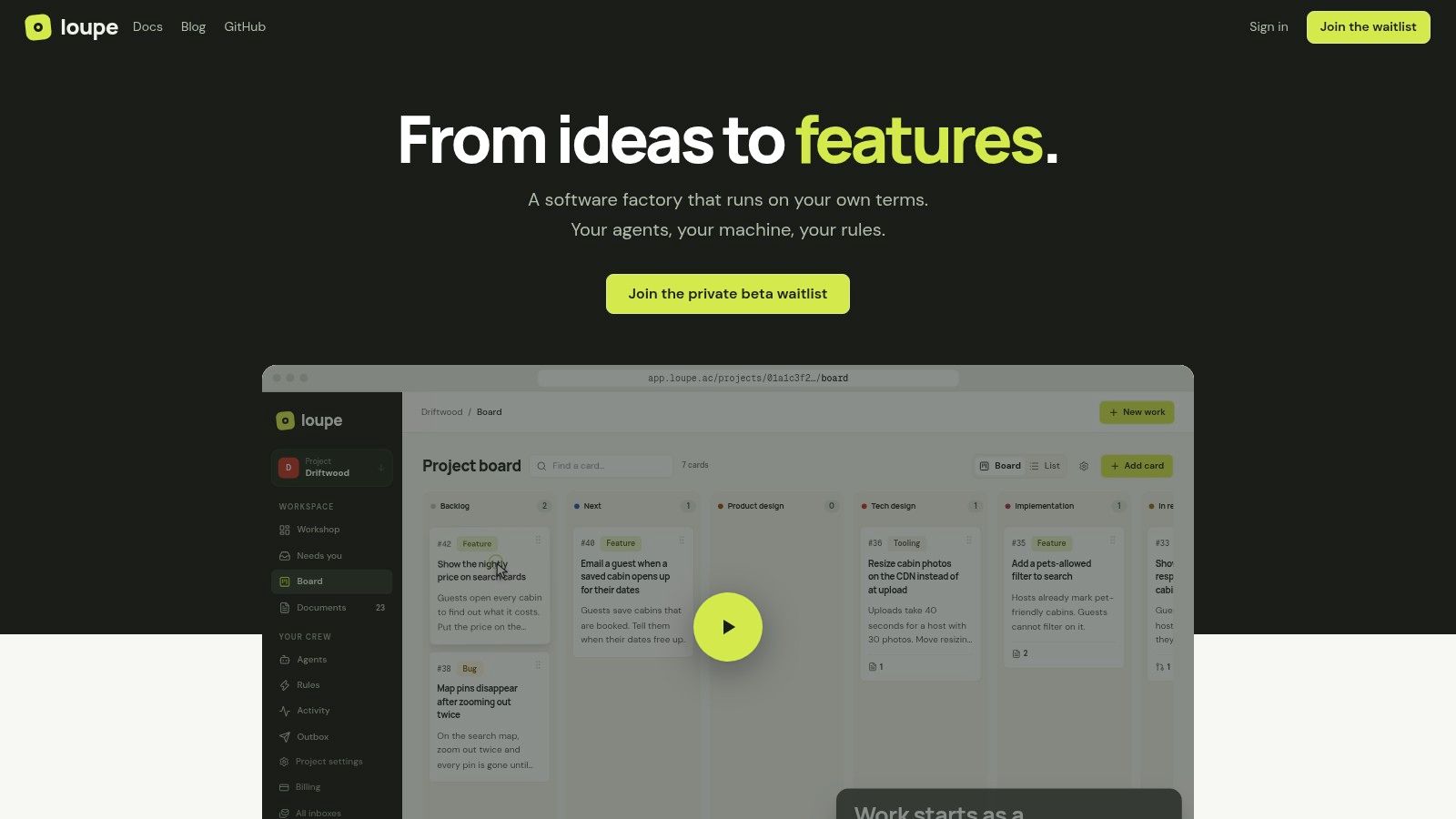
Loupe is an open-source software factory for coding agents, covering the path from product idea to merged pull request. It runs on your own terms: your agents, your machine, your rules. Each card moves across one board through product design, technical design, implementation, agent review, live review, and completion. Rules advance cards automatically and pause them at human checkpoints marked for you.
Agents draft designs, revise documents from your inline comments, and build the approved work. A second agent reviews each design and each pull request against the approved design, returning it for fixes before you see it. Fix rounds run until the change passes. On a preview deployment or an iOS app in the simulator, you point at an element, leave a note, and it lands on the right card.
What Makes It Different
- Full workflow in one board: Design, build, and review stay linked, so context survives every handoff.
- Human approval stays explicit: You approve designs and final changes. Agents handle the repeat work between checkpoints.
- Delivery metrics, not just comments: Analytics show cost per finished card, merge rate, fix rounds, and hours to merge, with model comparison experiments.
- Workers on your infrastructure: The bridge runs workers on your own machine and subscriptions, with tools such as Claude Code, Codex, OpenRouter, GitHub, and MCP clients.
That measurement focus matters. In one industrial study, developers labeled 73.8% of automated review comments as resolved, yet average pull-request closure time rose from 5 hours 52 minutes to 8 hours 20 minutes. Resolving comments fast can still mean merging slowly. A tool that measures the whole cycle tells you more than a comment count.
Pros: traceable design conformance, a central inbox for waiting cards, interactive sessions where you take over any card, and free self-hosting under AGPL with Docker Compose. Cons: the hosted service is in private beta and pricing is not published. Setup needs a machine to run the bridge alongside your coding agents, and a GitHub repository for pull requests. Additional forges are planned but not supported yet.
2. CodeRabbit
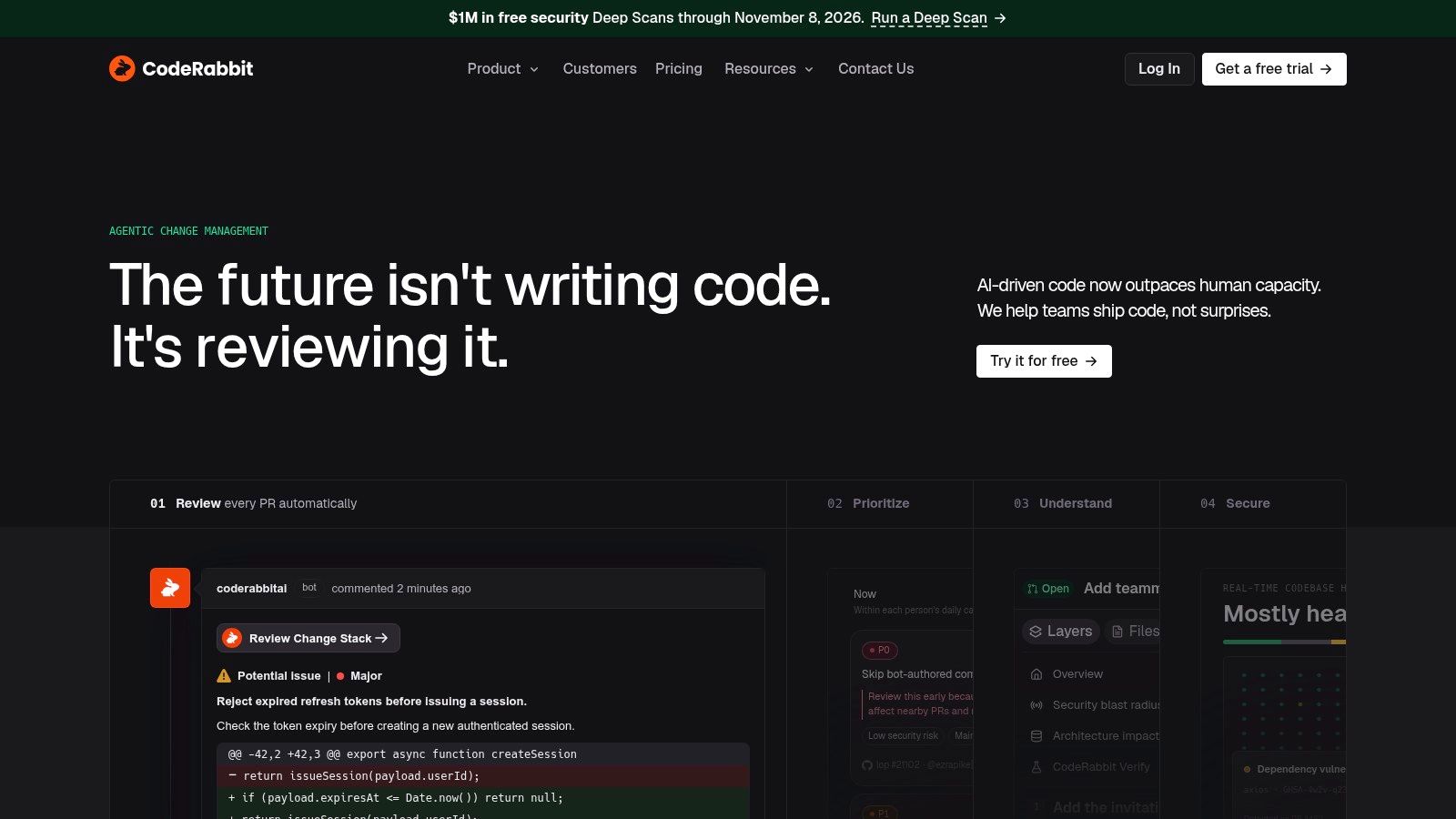
If you want a classic AI reviewer on every pull request, CodeRabbit is the direct option. It posts line-by-line comments, summaries, and suggestions with one-click fixes. It also runs in the CLI and IDE, so you can get feedback before you open the pull request.
Its best use is as a separate review layer over code written by people or by different coding agents. You can add team guidance, linters, and SAST support, and connect tools such as Jira and Linear. MCP connections let coding agents use it too. A shared code review checklist helps you decide which of those comments a human still needs to check.
Trade-Offs To Budget For
- Hourly review allowances: Paid plans limit reviews per developer per hour, and eligible extra reviews may add usage charges.
- Tiered power features: Triage, custom checks, multi-repository analysis, and architectural impact features sit on higher tiers.
- Free start for open source: Public repositories can use the free open-source plan.
Treat its comments as a first pass, not approval. Test it on noisy, large pull requests first. That's where comment volume can train your team to skim.
3. Qodo
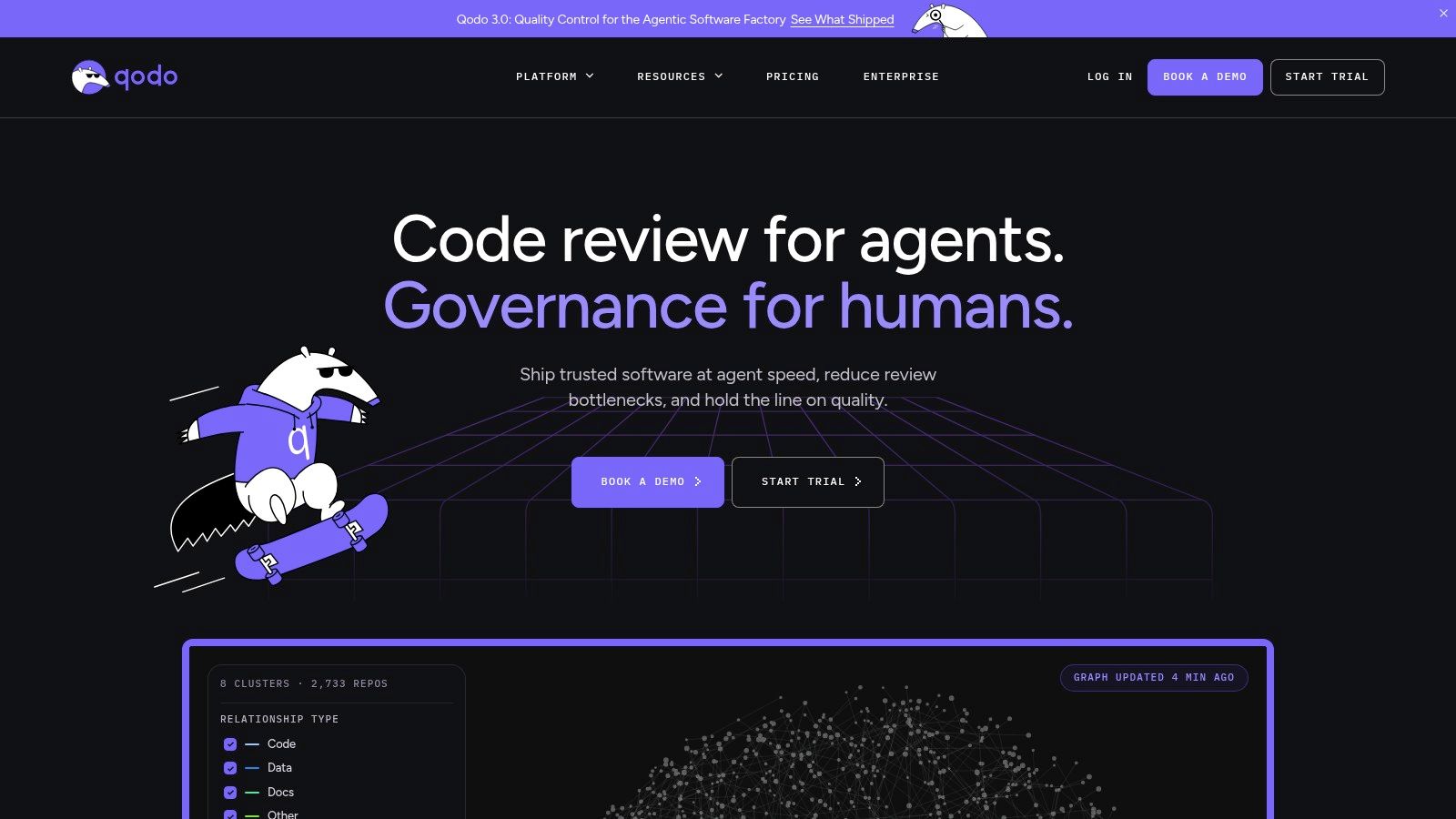
Qodo fits teams that want governance, not just comments. It reviews pull requests with codebase context, applies team rules, and works across IDE, CLI, and Git workflows. The point is to enforce the same standards in every repository.
Multi-repository context is the main reason to look at it. A diff-only reviewer can miss a caller in another service or a rule your team agreed on last quarter. Qodo aims at that gap with context that spans repositories and rules you define once.
Test rule: Pick five past pull requests that broke another repository. Run any context-aware reviewer on them and count how many it catches before you trust its marketing.
Enterprise options include BYOK, analytics, single-tenant SaaS, and on-premises or air-gapped deployment. Those controls help regulated teams, but they require an enterprise plan. The self-serve plan uses credits, so you must watch review volume and cost.
Pros: Stronger rule and governance coverage than a basic bot. Cons: It may be more than you need if you only want lightweight summaries. Start with a small rule set. A long rule list on day one creates noise you can't tune.
4. Greptile
Greptile reviews pull requests with repository context, with a focus on issues that depend on how the wider codebase works. That aim is sound. In the SWE-PRBench benchmark, eight frontier models detected only 15% to 31% of human-flagged issues when given diff-only context across 350 pull requests. Context is the ceiling for AI code review tools, not a nice extra.
It supports GitHub, GitLab, and Bitbucket, plus more enterprise hosting options. Self-hosting is available with Docker Compose or Kubernetes, according to the vendor. That suits teams with data-control needs.
Where Cost Creeps In
- Review depth uses more credits: Deeper reviews cost more than standard ones.
- Volume drives the bill: Total cost depends on how many reviews you run and at what depth.
- Free starter is narrow: There's a free starter option for one developer, but the allowance is limited.
Before you roll it out, model your busiest week, not your average week. This guide to LLM cost comparison is useful for that math. Also test vendor improvement claims on your own repositories. Your code is the only benchmark that counts.
5. Graphite
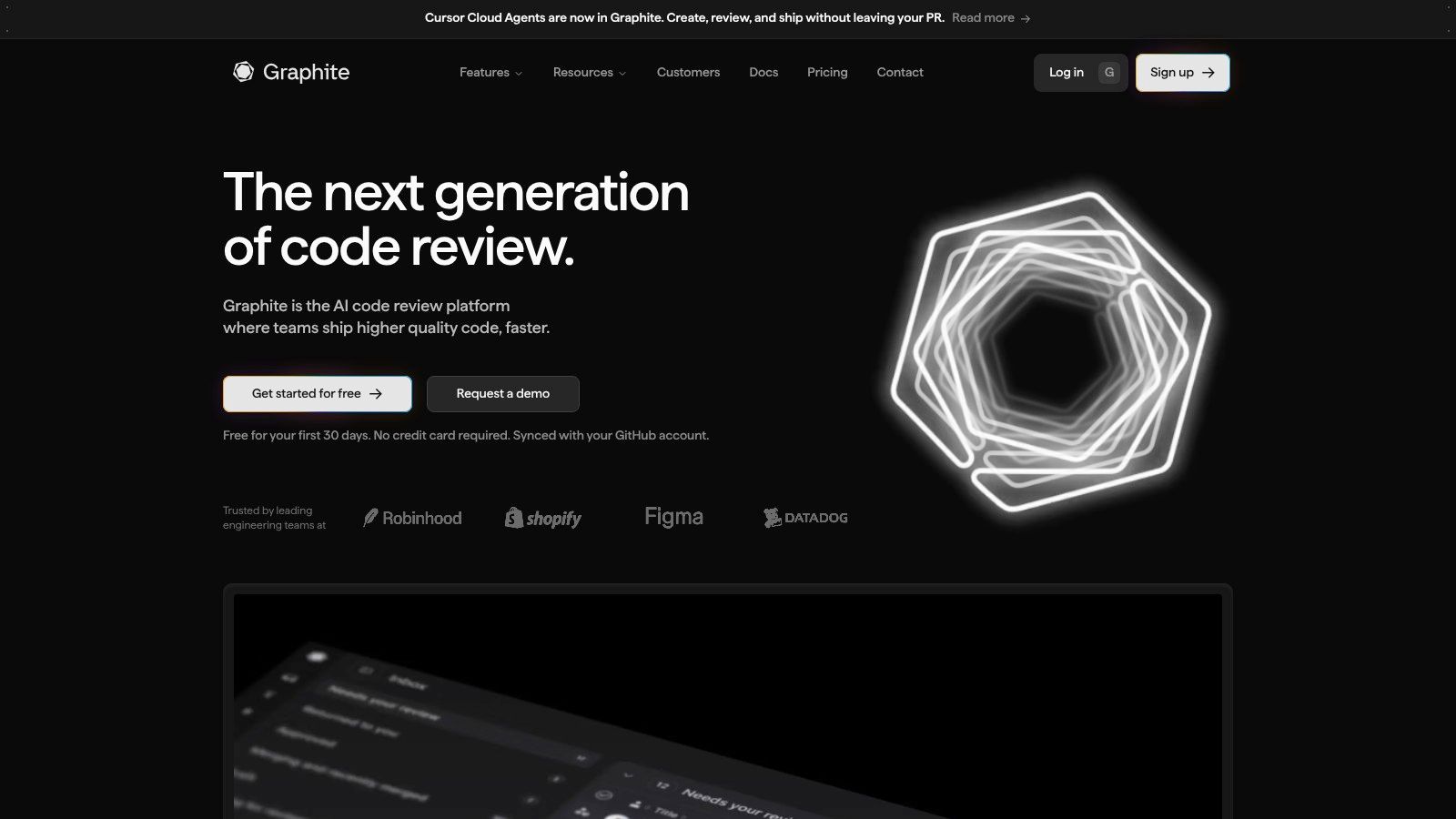
Graphite pairs AI review with a full pull request workflow. You get automatic AI reviews on new pull requests in enabled repositories, suggested fixes, a stacked-PR CLI, an inbox, notifications, and a merge queue. If your team already works in stacked pull requests, that bundle makes sense.
It also reports review metrics such as issues found and acceptance rates. Use those numbers with care. Acceptance tells you developers acted on comments. It doesn't tell you the comments were right, or that merging got faster.
A reviewer that posts many comments isn't a better reviewer. Count accepted fixes, escaped bugs, and hours to merge.
Pros: Review and pull request management live in one workflow, and there's a free Hobby tier for personal accounts. Cons: It's GitHub-centered, so it won't suit teams on other hosts. Unlimited AI reviews sit in the paid Team tier, not the free tier.
I wouldn't buy Graphite for AI review alone. Buy it if you also want its stacking and merge queue workflow. Otherwise you're paying for tools you'll leave unused.
6. Sourcery
Sourcery fits teams that want feedback before the pull request exists. It reviews pull requests on GitHub and GitLab, and it can also check files, uncommitted changes, or branch comparisons in the IDE. That moves a finding from review comments to the moment you are still editing.
Its rule engine is the useful part. You write review rules in plain language and scope them to file paths, so a convention like error handling in one folder can be enforced without a config project. It posts summaries, inline findings, status checks, and suggested fixes you can apply. Security scanning is included.
Limits Worth Knowing Early
- Plan and diff-size limits: Review limits depend on your plan and diff size, and reviews may be skipped when limits are reached.
- Re-review cap: Automatic re-reviews are capped per pull request, so confirm the current limit on your plan before you depend on it.
- Enterprise-only controls: Some deployment and model-control options need the Enterprise tier.
For private code, check data-retention and model-training terms before you enable it broadly. I'd treat Sourcery as a pull request reviewer plus pre-commit checker, not a self-hosted platform or a merge pipeline.
7. Bito AI Code Review
Bito covers a wide surface. It reviews pull requests and merge requests on GitHub, GitLab, and Bitbucket, including self-managed versions. It also works in IDE and CLI workflows, so one tool can follow a change from local edit to merge.
Its incremental reviews are the practical highlight. After each push, it focuses on newer commits instead of reviewing everything again. That cuts repeated comments, which is where many bots lose trust. You can also ask follow-up questions in chat and apply one-click suggestions. Analytics and custom guidelines come on higher tiers.
The cost trap is usage. Pricing includes a monthly lines-of-code allowance, with charges for extra use. A monorepo or a generated-code heavy team can burn through that fast. Measure your monthly changed lines before you pick a plan.
Pros: Broad Git provider support and paid plans that include IDE and CLI review, not just pull request review. Cons: Self-hosting is an add-on or enterprise capability depending on the plan. Confirm provider, model, and plan details with the vendor in writing before you rely on them.
8. CodeAnt AI
CodeAnt AI combines AI pull request review with a broader code quality and security platform. Its checks target logic bugs, concurrency pitfalls, performance issues, and security problems. You can add team-specific checks with plain-language custom prompts, and the vendor describes support for GitHub, GitLab, Azure DevOps, and Bitbucket.
Don't confuse AI review with security assurance. The OWASP AI Secure Coding research appendix reports that in WebGoat testing, GitHub Copilot Code Review failed to flag any OWASP Top 10 vulnerabilities and could not reason reliably about cross-function data flow. Any tool in this list needs SAST, dependency scanning, and expert review beside it for security-sensitive work.
When It Fits And When It Doesn't
- Good fit: You want review, quality, and security tooling from one vendor, and you'll use the extra modules.
- Poor fit: You only need pull request feedback. The wider platform is then extra cost and setup you don't need.
Product modules may be priced separately, so check what's in your package. Test detection claims on your own past vulnerabilities, not on a demo repository.
9. Kodus
Kodus is the open-source, bring-your-own-model option. You can self-host it under AGPLv3, according to the project site, or use the hosted service. You connect your own provider credentials or a compatible endpoint, including self-hosted models.
That control is real value for platform teams. With BYOK, the provider bills you directly, and the vendor states there's no Kodus markup. You see what inference costs and you choose the model. Git platform support is also wide, covering GitHub, GitLab, Bitbucket, Azure DevOps, and Forgejo.
Self-hosting also fits supply-chain discipline. NIST software supply chain guidance identifies software bills of materials, vendor-risk assessment, open-source software controls, and vulnerability management as core capabilities. Running the tool yourself keeps component records and artifacts under your control.
Pros: Model choice, transparent inference cost, and forges beyond GitHub. Cons: You own deployment, updates, and operations, and you still manage provider costs and credentials. Hosted feature parity and support may also differ from the open-source version.
10. GitHub Copilot Code Review
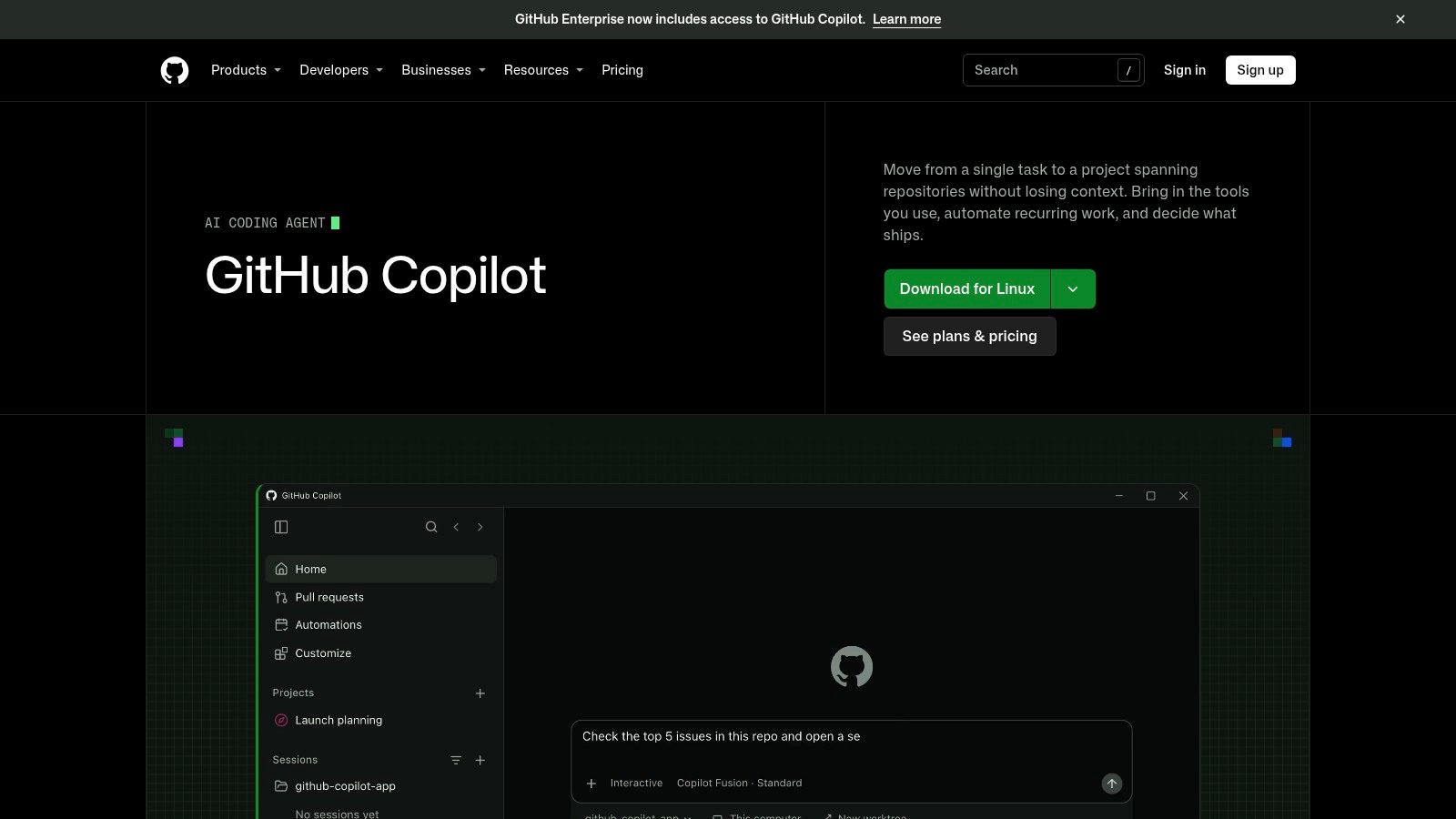
If your team already lives in GitHub, GitHub Copilot code review needs no new bot or new interface. It comments inside the normal pull request flow, and you can apply suggestions one by one or in groups. You can also hand a suggestion to Copilot's cloud agent for a follow-up fix.
It gathers repository context, supports custom instructions and MCP context, and lets you set review effort. Copilot itself has solid assisted-coding results behind it. In a GitHub study, developers using GitHub Copilot were 53.2% more likely to pass all 10 unit tests than developers without AI assistance, across 202 developers. That's about code writing, though, so test review quality separately.
The Cost And Lock-In Trade
- Metered use: Reviews consume GitHub AI Credits, and agentic workflows can also consume GitHub Actions minutes.
- Variable bill: Total cost depends on usage, plan allowances, model choice, and workflow activity.
- GitHub only: It's not a cross-forge review layer, unlike several tools above.
Pair it with strong generation habits, the kind covered in this overview of AI code generation tools, or you'll review more code than you save time writing.
How the 10 AI code review tools compare at a glance
Read the deployment column before the feature column. A pull request bot is easy to trial, a team rule engine only pays off if it fits your repositories, and a self-hosted or agent-pipeline option changes who owns the data, the model bill, and the review gate.
| Item | Best for | Pricing model | Self-hosting | Main limit |
|---|---|---|---|---|
| Loupe (Recommended) | Coordinating coding agents across design, implementation, and review | Free self-hosted; hosted pricing not listed | Yes, free under AGPL-3.0 | Requires a Mac or Linux bridge and GitHub.com; hosted service is in private beta |
| CodeRabbit | AI reviews across pull requests, CLI, and IDE workflows | Free for public repositories; paid plans with usage allowances | Hosted SaaS only; self-hosting not covered here | Paid reviews have hourly allowances; advanced controls require higher tiers |
| Qodo | Enforcing team standards across repositories and workflows | Self-serve credit-based; enterprise pricing/options | Enterprise on-premises or air-gapped deployment | Enterprise controls require an enterprise plan |
| Greptile | Repository-aware reviews and cross-file issue detection | Usage-based, with a limited free starter option | Yes, Docker Compose or Kubernetes | Costs vary with review volume and depth |
| Graphite | AI reviews alongside stacked pull request workflows | Free Hobby tier; paid Team tier | GitHub-hosted SaaS; no self-hosted path covered | GitHub-oriented; unlimited AI reviews require the paid tier |
| Sourcery | Pull request and IDE reviews with custom team rules | Plan-based review limits | Some enterprise options | Review limits depend on plan and diff size |
| Bito AI Code Review | Reviews across major Git providers, including self-managed versions | Monthly lines-of-code allowance; possible overage charges | Available as an add-on or enterprise capability | Costs depend on usage and allowance |
| CodeAnt AI | Combining pull request review with code quality and security tools | Subscription with separately priced modules | Hosted SaaS only; self-hosting not covered here | Broader platform may be excessive for review alone |
| Kodus | Open-source reviews with model choice and multiple Git platforms | Hosted service or self-managed; BYOK provider costs | Yes, under AGPLv3 | Self-hosting requires the team to manage deployment and updates |
| GitHub Copilot code review | GitHub-centered teams using Copilot | Metered through AI Credits; workflows may use Actions minutes | GitHub-hosted SaaS only | Usage costs vary; limited to GitHub workflows |
Use “Main limit” as the buying question, not the deal breaker. Loupe and Kodus put more operational weight on your team; Greptile, Bito, and Copilot shift the risk to metered use; CodeRabbit, Graphite, Sourcery, Qodo, and CodeAnt AI sit between those poles depending on plan and Git host.
Pick Your Review Setup in One Week
Start with two or three tools that fit your Git host, deployment needs, and budget. Don't test ten. You'll spend the week comparing dashboards instead of learning from real pull requests.
Run each tool on real pull requests from the last month. Pick a mix, small fixes, large features, and at least two changes that later caused bugs. For each tool, count false alarms, missed bugs, accepted fixes, fix rounds, and hours to merge. Those numbers tell you if the tool helps. Comment volume doesn't.
Trust is the reason this matters. In survey results cited by Vention, more than 45% of developers distrust AI output accuracy, with only 32% expressing confidence in results. A noisy reviewer gets ignored fast, and an ignored reviewer makes human comments easier to skim too. I favor the tool that makes fewer, higher-confidence comments over the one that posts the most.
It can work when the workflow is sound. One 2025 study of an internal platform that combined code generation with automated review reported a 33.8% reduction in total cycle time and a 29.8% reduction in review time. Measure your own cycle time before and after. If hours to merge don't fall, the tool isn't paying for itself, whatever its comment count says. Also watch cost per accepted finding. A cheap tool that produces work nobody accepts is expensive in reviewer time.
If you use coding agents, decide who approves their pull requests before you start. We recommend a second GitHub account for your agents to open pull requests, so you can approve them. That keeps a human as the final approver in GitHub's own rules, not just in your team norms. It's a small setup step that prevents an awkward gap later.
Use preview deployments too, with a URL for each pull request. Reviewers can check the live change, not just read the diff, and leave notes on the exact page element that's wrong. That's how our live review works, and it shortens the loop on visual and UX changes where code comments are clumsy.
Keep security checks separate from AI review. Run SAST and dependency scanning in CI, and route auth, payments, and data-handling changes to a human who knows that area. Treat an agent pass as triage, never as proof a change is safe.
After one week, keep the tool with the best accepted-fix rate and the lowest added review time. Turn off the categories that produced only noise. Re-run the same test set each quarter, because models and pricing change under you. AI code review tools earn their place on your pull requests, or they don't stay.
If your bottleneck isn't one slow review but the whole path from design to merged pull request, Loupe coordinates your coding agents across design, build, and agent review with human checkpoints and per-card cost and merge metrics. Self-host it free under AGPL-3.0 with Docker Compose, run workers on your own machine, and see whether design-conformance review cuts your fix rounds.