Engineering Management Software: 10 Tools That Deliver
Compare 10 engineering management software picks for startup teams: boards, workflow rules, analytics, and honest limits so you can choose with confidence.
In this article
- 1. Loupe
- Where humans keep control
- 2. Jira
- 3. Linear
- Strong planning, separate execution controls
- 4. Shortcut
- 5. Plane
- Self-hosting isn't local agent orchestration
- 6. GitLab
- 7. monday dev
- Flexible boards need firm boundaries
- 8. Jellyfish
- 9. LinearB
- Measure outcomes, not agent busyness
- 10. Swarmia
- How the 10 engineering management tools compare
- How to Pick Yours and Get Running This Week
- Map your stages
- Define approval before automation
- Measure cost and merge outcomes
Which engineering management software keeps work visible, keeps humans in control, and doesn't turn your engineering manager into a full-time board administrator?
A tracker can show that a task is in progress without showing who approved the design, what an agent can change, or why a pull request is waiting. Those gaps matter when developers and coding agents share the work.
The platforms below cover different jobs: agent-orchestrated lifecycle boards, work trackers, and engineering analytics layers. They aren't interchangeable. A reporting tool won't run your development process, and a configurable board won't automatically govern an agent.
Each pick gets the same practical test:
- Local execution: Can you run coding agents on your own machine, or must you build that connection yourself?
- Workflow control: Can you change the stages and handoffs without creating an administration project?
- Human checkpoints: Can a person approve consequential work before it moves forward?
Local execution also isn't the same as self-hosting. Hosting a tracker yourself doesn't mean it manages local coding agents.
These are short comparisons with clear limitations. The useful question isn't which platform has the most features. It's which one fits the way your team wants to plan, build, verify, and ship.
1. Loupe
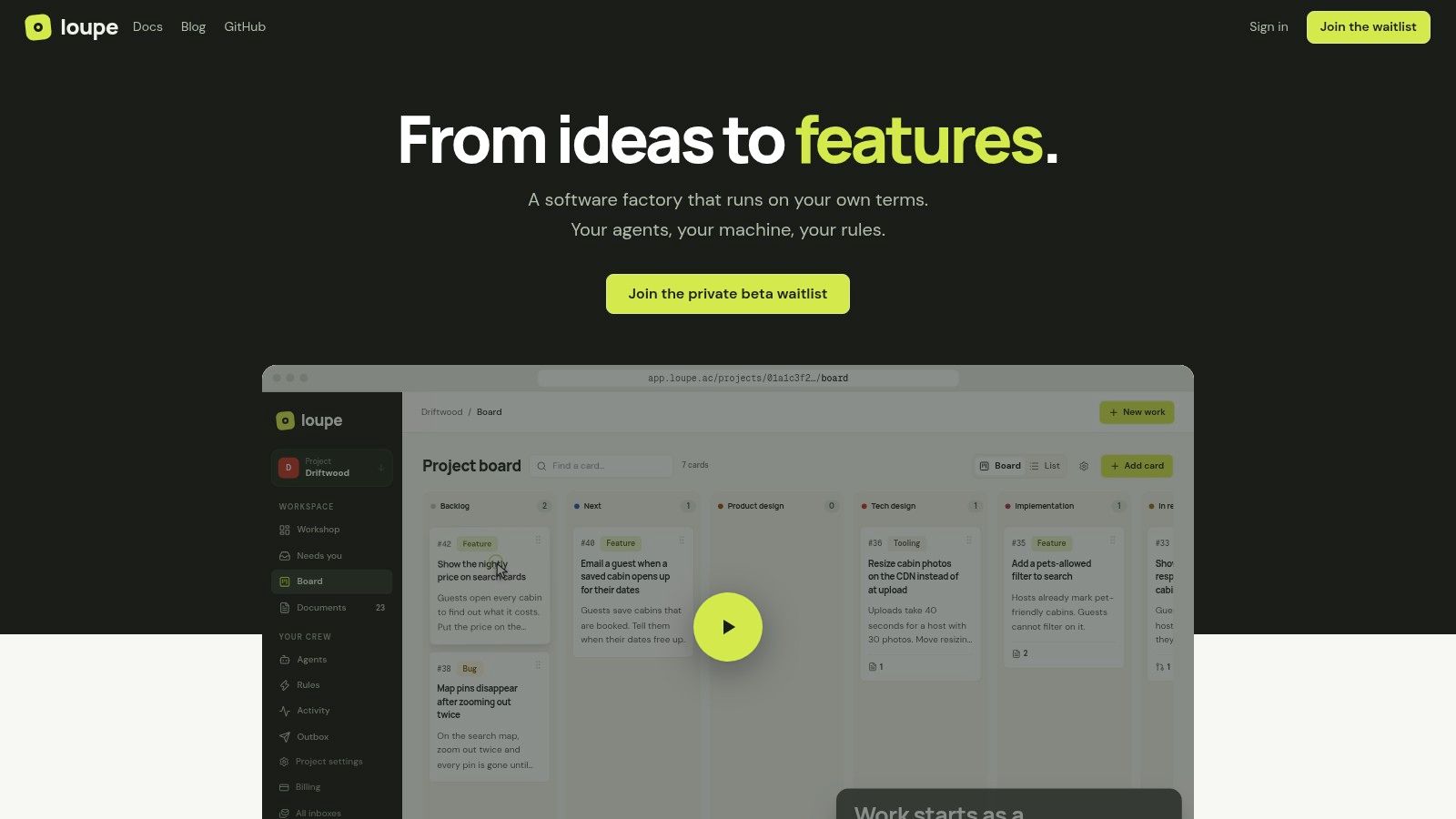
Best for teams that want agents working inside a defined development lifecycle, rather than beside a separate ticket board.
Our open-source software factory connects product design, tech design, implementation, agent review, live review, and done. Agents draft designs and prototypes, build approved specifications, and open GitHub pull requests. A second agent reviews designs and checks implementations against the approved intent before human review.
Workers run on your machine and subscriptions. Supported connections include Claude Code, Codex, OpenRouter, GitHub, and MCP clients.
Where humans keep control
Workflow rules automate handoffs and pause at marked human checkpoints. You can comment on design documents, annotate web previews or an iOS simulator, and take over an interactive session before returning work to an agent.
Questions, reviews, and waiting tasks share an inbox. That matters when the manager's job is resolving decisions, not searching across agent terminals.
- Strengths: End-to-end context, design-conformance reviews, on-page feedback, and explicit approval points.
- Measurement: Cost per finished card, merge rate, fix rounds, and hours to merge, with model-comparison experiments.
- Deployment: Free AGPL-3.0 self-hosting through Docker Compose. The hosted service is in private beta, without public pricing.
- Limits: The worker bridge needs Mac or Linux. Repository support covers GitHub.com, not GitHub Enterprise or other forges.
The website doesn't provide customer testimonials, awards, or certifications. Evaluate the workflow directly rather than treating the product description as proof of delivery improvements.
My recommendation: Pick this approach when coordinating agent work is the main problem. Don't add a lifecycle system merely to replace a simple backlog.
2. Jira
Jira makes sense when your process needs more flexibility than your team needs simplicity. It combines Scrum and Kanban boards, backlogs, configurable workflows, automation, and agile reporting.
That flexibility helps when bugs, features, and infrastructure changes need different paths. It also gives someone a continuing job maintaining fields, transitions, and automation.
For the shortlist criteria, workflow customization is the strongest fit. Treat local agent execution as an integration project, not as something a ticket board provides. Human review statuses can make decisions visible, but repository controls must still prevent an unapproved merge.
A column called Approved isn't an approval gate unless the next action actually depends on approval.
- Good fit: Teams needing detailed issue tracking, marketplace extensions, or cross-team planning.
- Trade-off: Advanced planning, governance, and analytics require paid capabilities, while configuration takes ongoing attention.
- Pricing: Jira offers a free plan for up to 10 users, with Standard listed at $7.91 and Premium at $14.54 per user per month; Enterprise is quoted.
Keep the board small at first. The practical principles in this guide to Kanban board software are more useful than creating a status for every possible situation.
3. Linear
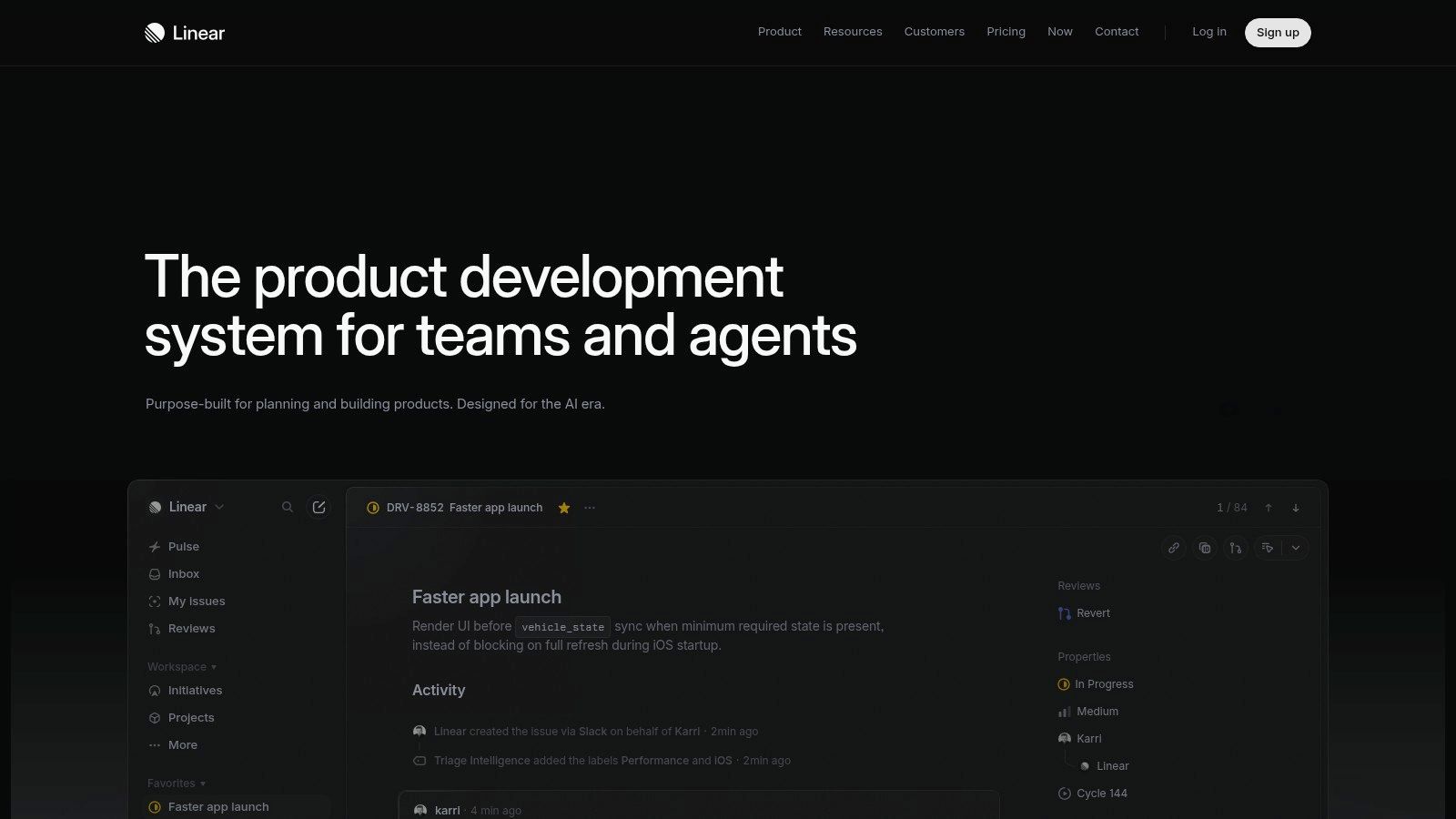
Choose Linear when developers need a clear place to manage issues, cycles, projects, initiatives, and roadmaps without designing an elaborate process.
Its agent platform and MCP access connect planning with coding workflows. That's useful for giving an agent task context and returning progress to the tracker. It doesn't, by itself, establish where an agent runs or what it may do.
Strong planning, separate execution controls
For local agents, verify the complete path from issue assignment to coding session and back. For human checkpoints, decide whether approval belongs in the issue workflow, the pull request, or both.
Linear is less attractive when your organization needs extensive process customization. Its product-development structure is a benefit until you spend more time working around it than using it.
- Strengths: Software-focused planning, connected projects and roadmaps, and agent-related access.
- Limits: Insights, private teams, and some triage capabilities require higher tiers.
- Pricing: Linear offers unlimited members on its free plan, limited to two teams and 250 issues; annual-billing prices are $10 per user per month for Basic and $16 for Business, with custom Enterprise pricing.
I'd shortlist it for a startup that wants a tracker first and is comfortable keeping execution safeguards close to the code.
4. Shortcut
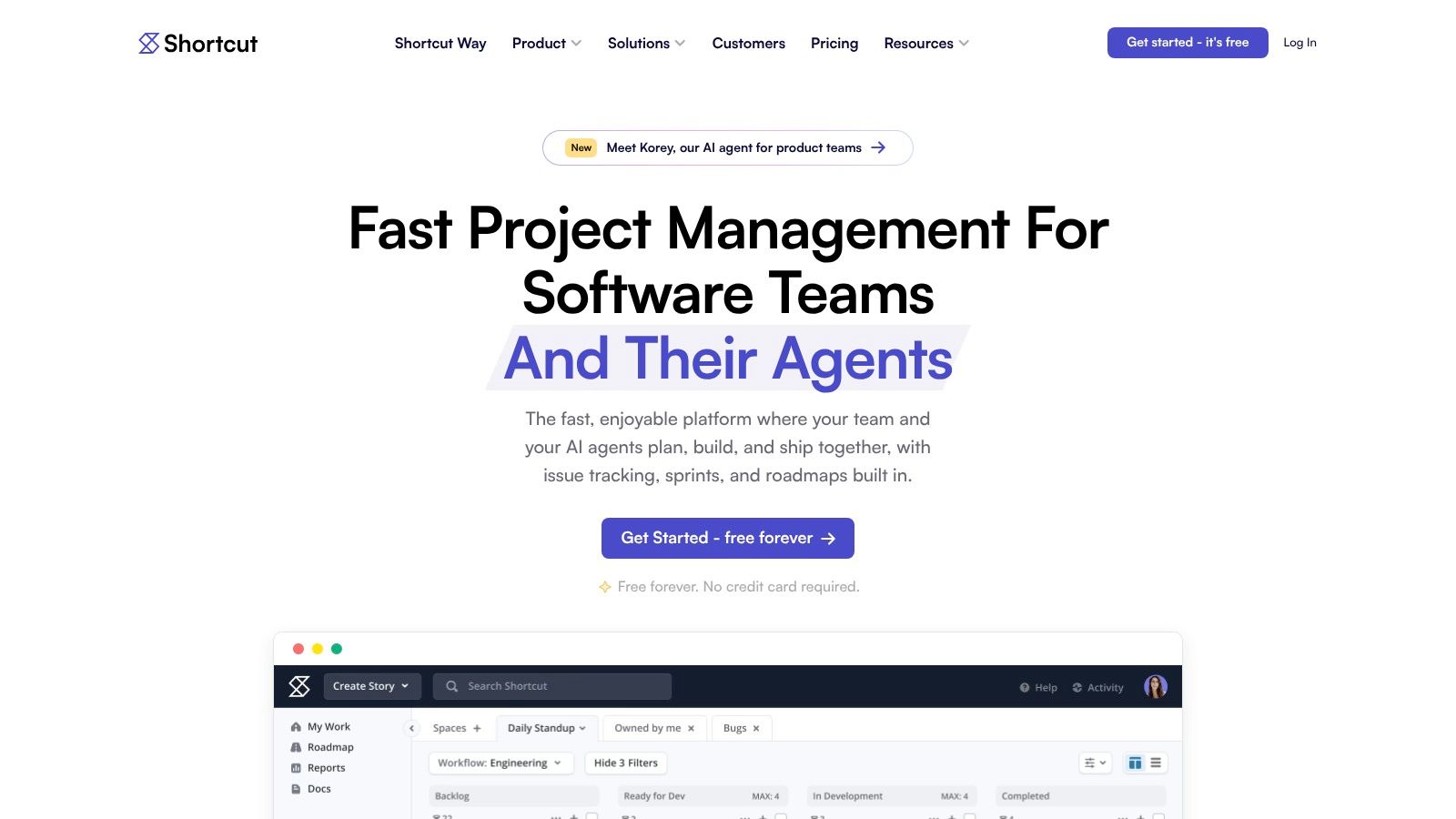
A team wants stories, iterations, documentation, and roadmaps, but doesn't want to administer an enterprise suite. Shortcut sits comfortably in that middle ground.
It supports customizable development workflows, reports, objectives, and integrations with GitHub, Slack, and Figma. Its MCP server can connect planning context with coding agents.
The distinction is important: connecting an agent isn't the same as controlling its runtime. Keep local execution permissions in the agent environment, and use the tracker to record scope, decisions, and handoffs.
- Workflow fit: Stories and iterations suit teams that organize delivery around a shared backlog.
- Approval fit: Make review ownership explicit, then enforce merge and release decisions in the appropriate development tools.
- Limitations: Advanced reports and unlimited workspaces sit on higher tiers. SSO and SCIM require Enterprise.
Shortcut has a free plan for teams of up to 10 users, with annual-billing prices of $8.50 per user per month for Team and $12 for Business; Enterprise pricing is custom.
Try a real feature and a bug through the proposed workflow before committing. Nonstandard processes can expose gaps that a clean demonstration board won't show.
5. Plane
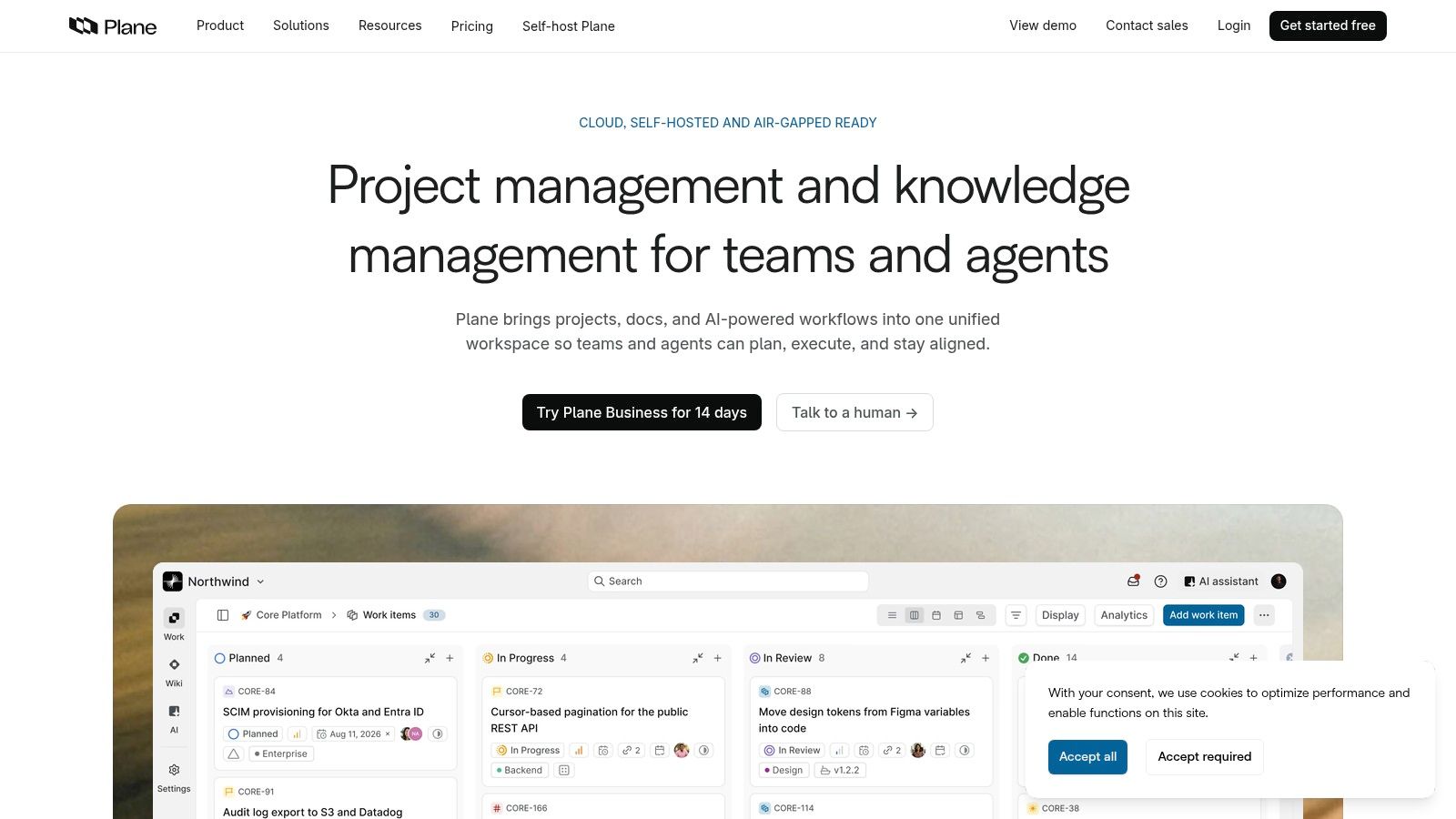
Plane is worth considering when control over hosting matters as much as control over the backlog. It combines work tracking, documentation, and AI features across cloud and self-hosted editions.
Initiatives, epics, projects, cycles, and work items provide structure. Board, list, calendar, Gantt, and spreadsheet layouts offer different ways to inspect the same work.
Self-hosting isn't local agent orchestration
A self-hosted tracker gives you deployment control. It doesn't automatically provide sandboxed coding workers, scoped credentials, or approval-aware execution.
A review of coding-agent runtime security distinguishes local processes that share machine resources from cloud or CI execution using isolated sessions and permission-scoped tokens. Evaluate those controls separately from where the board lives.
- Strengths: Integrated documentation, deployment choice, and self-hosted options including air-gapped environments.
- Trade-offs: Your team owns deployment, updates, and maintenance. Community and Commercial editions don't have identical controls.
- Pricing: Plane lists a free cloud tier, Pro at $6 per seat per month, Business at $13, and custom Enterprise Grid pricing.
Use this self-hosted project management guide to frame the operational decision. Choose self-hosting because you need the control, not because infrastructure maintenance looks free.
6. GitLab
If your team already works in GitLab, start there before buying another management platform. Issues, source control, merge requests, CI/CD, and security workflows can keep planning close to delivery evidence.
That proximity helps with human checkpoints. A manager can connect a work item to the change, its pipeline results, and the review discussion instead of copying status between systems.
Put the enforceable checkpoint where the consequential action happens, not only where someone reports progress.
Local coding agents still need their own runtime controls. Self-managed deployment is useful, but it isn't proof that a platform safely isolates agent execution.
- Strengths: Connected planning and delivery, built-in pipelines, security capabilities, and self-managed deployment.
- Limitations: A team shopping only for management workflows may not need the full DevSecOps platform. Portfolio planning, governance, and analytics can require higher tiers.
- Pricing: GitLab offers a free plan and lists Premium at $29 per user per month billed annually, with custom Ultimate pricing.
Include add-ons and usage-related charges in the buying decision. The strongest reason to choose it is reducing handoffs around an existing code platform, not collecting more features under one contract.
7. monday dev
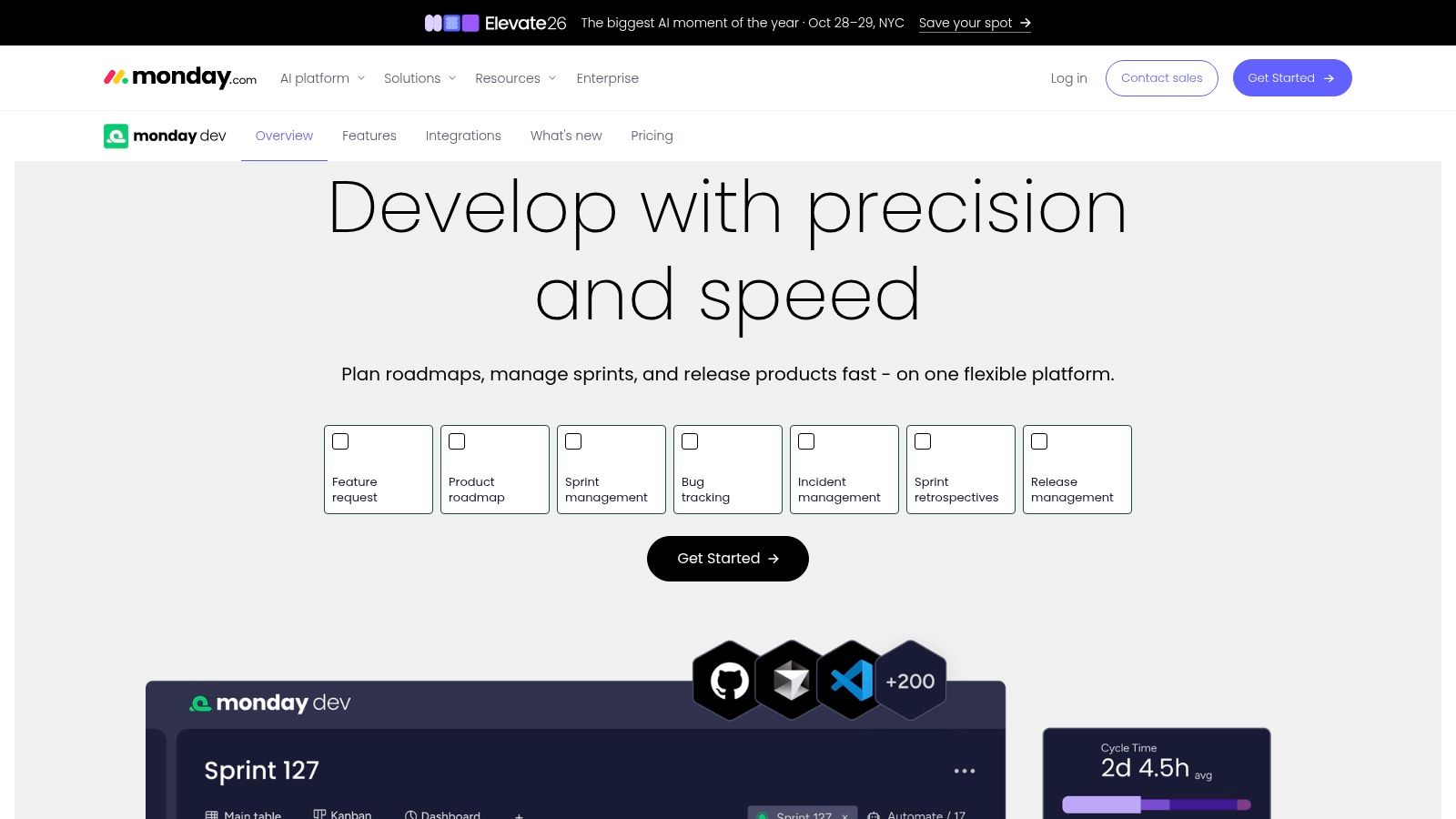
Engineering managers sometimes need a board that product, operations, and leadership can all understand. monday dev favors that shared, visual workspace.
It combines configurable boards with development templates, sprint management, roadmaps, dashboards, and capacity planning. That makes it useful when engineering plans need to connect with work outside engineering.
Flexible boards need firm boundaries
Workflow customization is the main attraction. Keep the development process readable, though. A board filled with stakeholder fields can become another reporting surface developers avoid.
For local agents, plan a separate execution integration. For human checkpoints, distinguish a board update from an enforceable permission to implement, merge, or release.
- Strengths: Visual configuration, cross-department planning, and a free trial.
- Trade-off: Teams needing deeper issue, code, and release workflows may prefer a more engineering-specific tracker.
- Pricing: monday dev lists annual-billing prices of $9 per seat per month for Basic, $12 for Standard, and $20 for Pro, starting at three seats, with custom Enterprise pricing; the listed Standard plan includes GitHub integration with two-way sync.
Test the GitHub handoff during the trial. Confirm that engineers can keep working near the code without manually maintaining a second version of progress.
8. Jellyfish
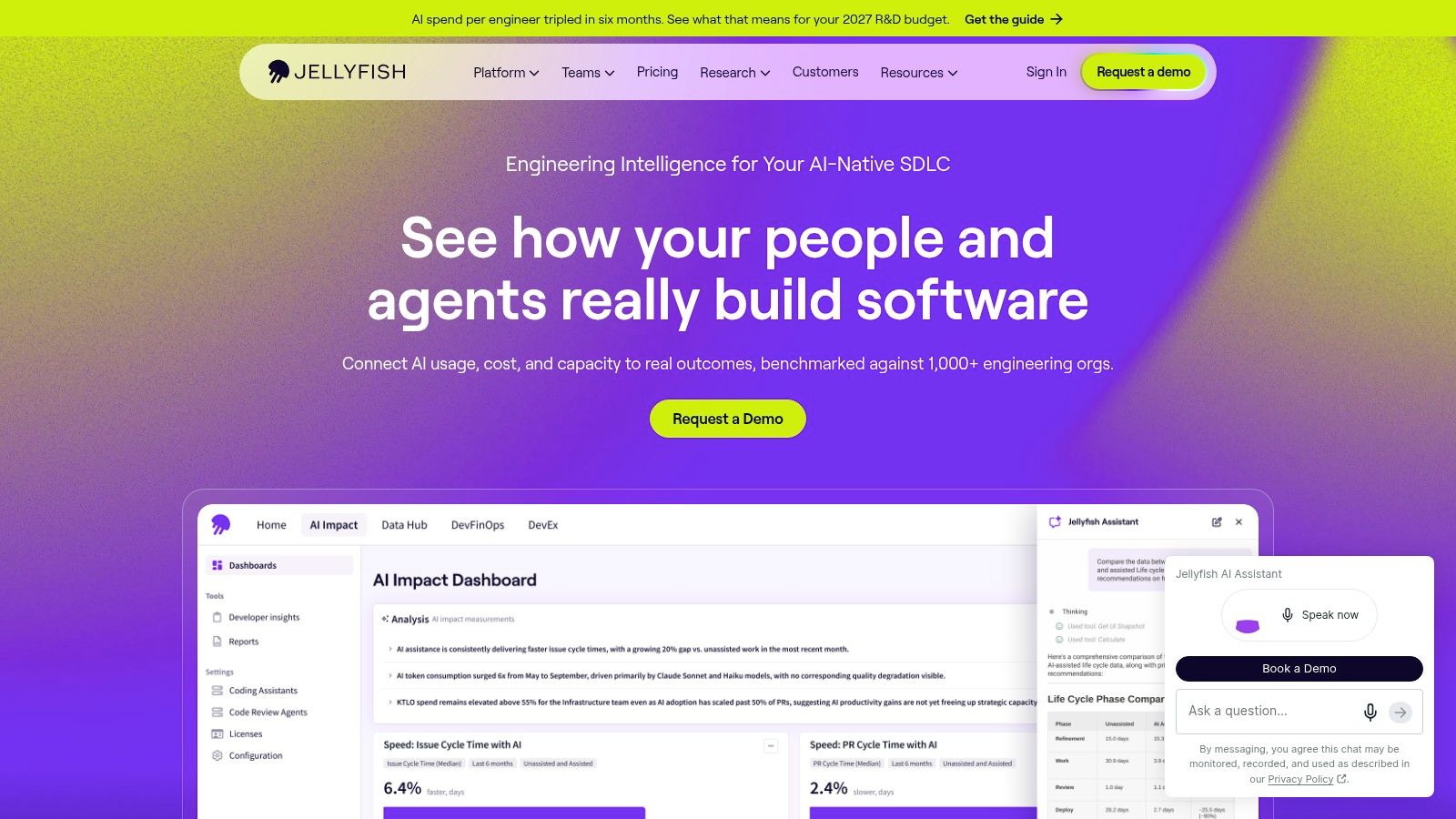
Jellyfish answers leadership questions rather than replacing the team's execution board. Its engineering intelligence capabilities focus on resource allocation, delivery, engineering operations, team health, and alignment with business priorities.
Use it when you need to understand where effort goes across teams and tools. Don't expect it to replace issue tracking, code hosting, or a local agent runtime.
The measurement problem deserves attention. In a survey of developers and engineering leaders covered by DevOps.com, 81% reported spending more time reviewing code after adopting AI tools.
- Useful for: Investment and allocation discussions that need evidence beyond a backlog.
- Not its primary job: Running local coding agents or pausing their execution for a design approval.
- Buying consideration: Public pricing isn't listed in the available product information. Evaluate the connected data and reporting against a real management decision.
Jellyfish belongs beside an existing tracker, not in place of one. Before adopting it, name the decision you can't currently make, such as whether maintenance work is displacing planned product work.
If the answer is only “we want more dashboards,” fix the management question first.
9. LinearB
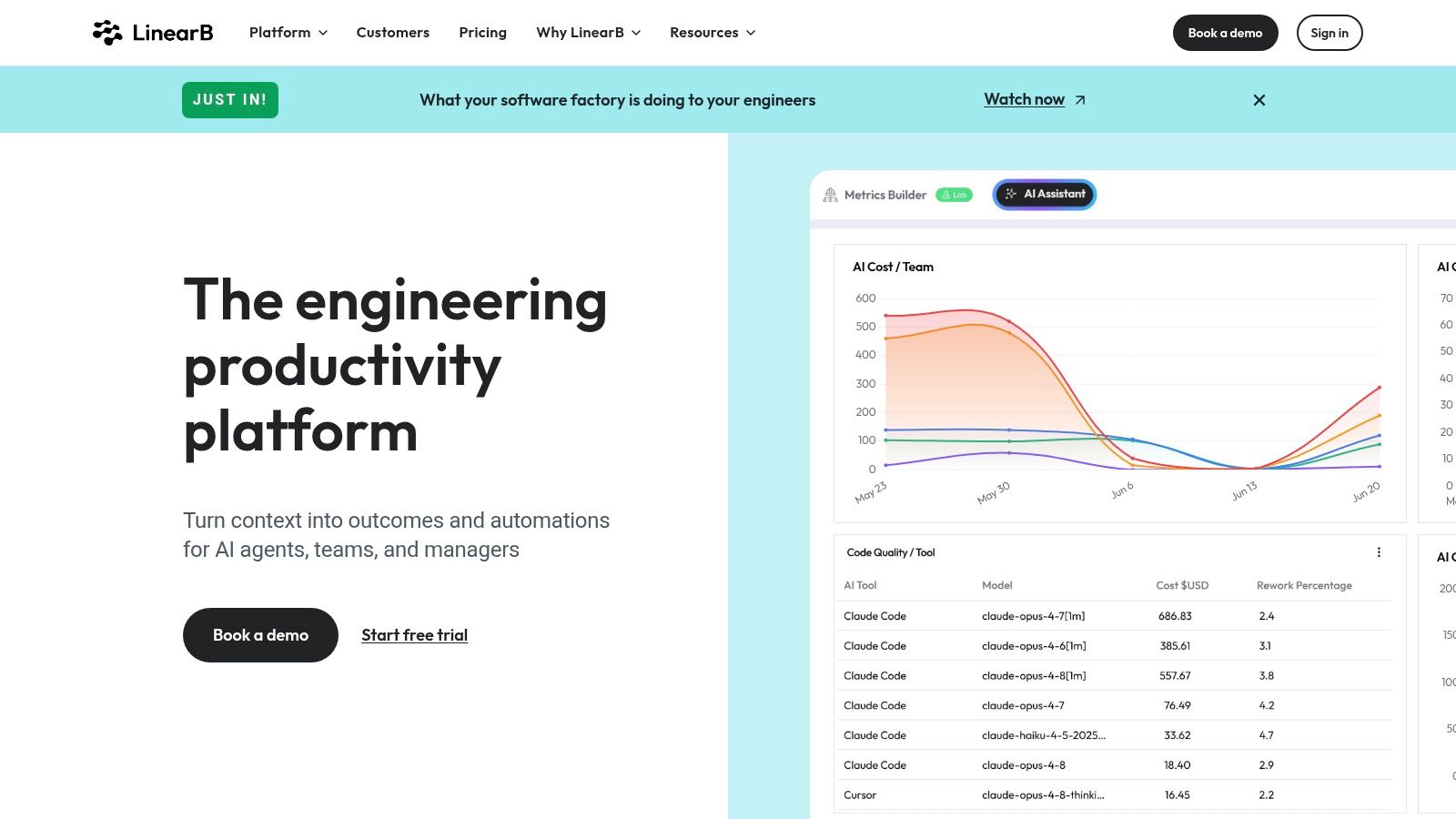
LinearB combines engineering delivery measurement with workflow automation. It covers process signals, AI impact measurement, developer surveys, and code-review capabilities.
That makes it relevant when your question is whether AI changes delivery, not merely whether developers use it. Programmable workflows can help act on process signals, but they aren't a substitute for a complete product-to-implementation lifecycle.
Measure outcomes, not agent busyness
For local execution, distinguish Enterprise on-prem agents from a developer's local coding worker. For human checkpoints, identify exactly which automated actions require approval and where that approval is enforced.
- Capabilities: AI code reviews, MCP access, pull-request descriptions, and higher-tier forecasting and resource allocation.
- Pricing: LinearB lists annual Essentials pricing at $29 per user per month for teams with 50 or more developers, including a 45-day trial, and Enterprise at $59 for teams with 100 or more developers.
- Trade-off: Those published entry points make it a less natural first purchase for a small startup. Confirm deployment options and Enterprise terms during evaluation.
Pair delivery reporting with AI agent observability. A slow merge might reflect a weak implementation, an unanswered product question, or an overloaded reviewer. Those need different fixes.
10. Swarmia
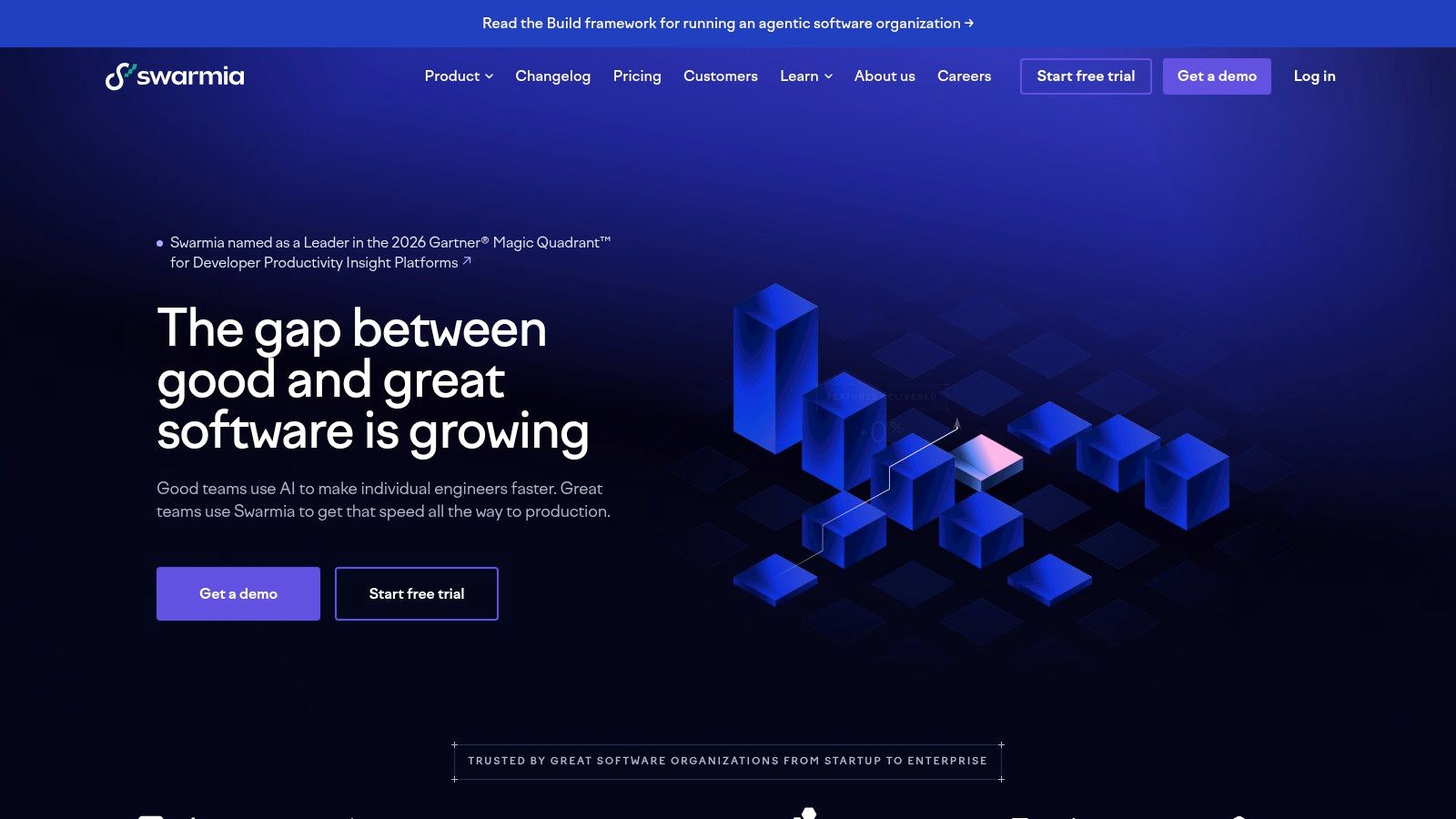
Swarmia is an analytics layer for understanding delivery and developer experience together. It combines code, issue, and DORA metrics with developer surveys, working agreements, and AI adoption and cost measurement.
It connects with GitHub, GitLab, Jira, Linear, Shortcut, and Azure Boards. That makes it a companion to your existing workflow rather than another place to manage tasks.
Use metrics to ask better team questions, not to rank individual developers.
Local coding-agent execution and approval gates still belong elsewhere. Swarmia's role is helping managers interpret what happens across that process.
- Strengths: Delivery indicators alongside engineer feedback, plus modular buying options.
- Limitations: It won't replace a project tracker. Per-developer charges deserve attention as your organization grows.
- Pricing: Swarmia is free for companies with up to nine developers; listed annual individual-module options range from $5 to $23 per developer per month, with Standard at $45 and Enterprise at $55.
Start with a specific question, such as why review queues keep growing. Combine the metric with developer feedback before changing the process. A long review wait could mean unclear ownership, large changes, or a reviewer who is repeatedly pulled into incidents.
How the 10 engineering management tools compare
| Best for | Starting price | Free plan | Self-hosting |
|---|---|---|---|
| Loupe: coordinating coding agents across the development lifecycle | Free self-hosted; hosted pricing unpublished | Yes, self-hosted | Yes, free under AGPL-3.0 |
| Agile issue tracking and cross-team planning | $7.91/user/month | Yes, up to 10 users | Not listed |
| Product development issues, roadmaps, and cycles | $10/user/month | Yes, with team and issue limits | Not listed |
| Software teams managing stories, iterations, and roadmaps | $8.50/user/month | Yes, up to 10 users | Not listed |
| Project tracking and documentation with cloud or self-hosted deployment | $6/seat/month | Yes | Yes |
| Teams connecting code, CI/CD, security, and project tracking | $29/user/month | Yes | Yes |
| Flexible development workflows shared across departments | $9/seat/month | No; free trial available | Not listed |
| Engineering leadership insights into delivery and resource allocation | Contact for pricing | Not listed | Not listed |
| Larger engineering teams measuring delivery and automating workflows | $29/user/month; 50+ developers | No; 45-day trial | On-prem agents available on Enterprise |
| Engineering effectiveness, delivery metrics, and developer experience | Free for companies with up to 9 developers | Yes, up to 9 developers | Not listed |
How to Pick Yours and Get Running This Week
For startup teams with fewer than ten engineers, I'd usually start with Linear, Shortcut, or a lifecycle board. Add Swarmia or Jellyfish once you have enough delivery history and a clear question the tracker can't answer.
Don't buy an analytics layer to compensate for inconsistent work tracking. If nobody records why work is blocked or links changes to the intended outcome, a dashboard won't supply that missing context.
Map your stages
Write down how a real change moves from an idea to running software. Include design decisions, implementation, review, and validation, not just To do, Doing, and Done.
Loupe provides a concrete example with six stages: product design, tech design, implementation, agent review, live review, and done. The useful principle is that each stage has a purpose, an owner, and evidence required to move forward.
Define approval before automation
Decide which actions need human permission before connecting agents. Product scope, sensitive technical changes, merge decisions, and release validation deserve explicit ownership.
Don't require a manager to approve every harmless action. Let agents operate within agreed boundaries, then stop them when scope, permissions, or consequences change.
- Name the approver: Avoid a review state with no accountable person.
- Require evidence: Attach the design, test results, change summary, or preview needed for the decision.
- Define recovery: Assign responsibility for reverting a change or stopping a run.
Measure cost and merge outcomes
Record a baseline before changing the workflow. Compare similar work, and include human review and debugging time rather than counting generated output alone.
Our analytics report cost per finished card, merge rate, fix rounds, and hours to merge, with experiments for comparing models. Those measures support the software-factory approach: your agents, your machine, and your rules.
The broader caution is supported by the 2025 DORA report, which describes how AI can increase throughput at the cost of stability when engineering foundations are weak.
Start with a bounded change and inspect the whole path to merge. Choose the engineering management software that matches how humans and agents should share control, not the platform with the longest feature list.
Keep product design, implementation, agent review, and human approval on one board, with coding workers running on your machine. Visit Loupe to explore the workflow and try self-hosting it with a bounded development task.