10 Design to Code Tools for Developer Workflows in 2026
Compare 10 design to code tools for 2026, from Figma-to-code converters to agent workflows. See pros, cons, and limits for each one.
In this article
- 1. Loupe
- Where It Goes Beyond Generation
- 2. Builder.io Code
- Best With a Maintained Design System
- 3. Locofy
- Review the Export, Not Just the Preview
- 4. Anima
- Where It Stops
- 5. Figma Make
- Don't Confuse a Working Demo With Integration
- 6. UXPin Merge
- Best When Code Components Are the Reference
- 7. v0 by Vercel
- Strong Stack Fit, With Review Required
- 8. Bolt
- Better for App Building Than Strict Handoff
- 9. Lovable
- Keep Architecture in the Review
- 10. Figma Dev Mode and MCP
- A Context Layer, Not a Delivery Pipeline
- How the design to code tools compare at a glance
- Pick the Tool That Fits Your Review Process
- Test a Real Feature
- Keep Approval Explicit
A designer finishes a screen on Monday. The developer builds it on Thursday, and it looks different. The spacing is close, but the wrong button component slipped in. The empty state wasn't specified. Review turns into another round of design work.
Design to code tools aim to close that gap. But they solve different parts of the problem. Some export frontend code from Figma. Others build working apps from prompts. A smaller group connects approved designs, implementation, feedback, and pull requests.
The distinction matters. In Figma's 2025 survey of 2,500 users, 68% of developers said they use prompts to generate code. Generating more code, though, doesn't tell you whether developers spend less time fixing it.
Judge the tool by what your team must do after generation, not just by the first preview.
For an existing product, component reuse and repository fit often matter more than a polished demo. For an early concept, a clickable app may be enough. Choose based on where work gets stuck, and be clear about whether the tool stops at code or helps carry changes through review.
1. Loupe
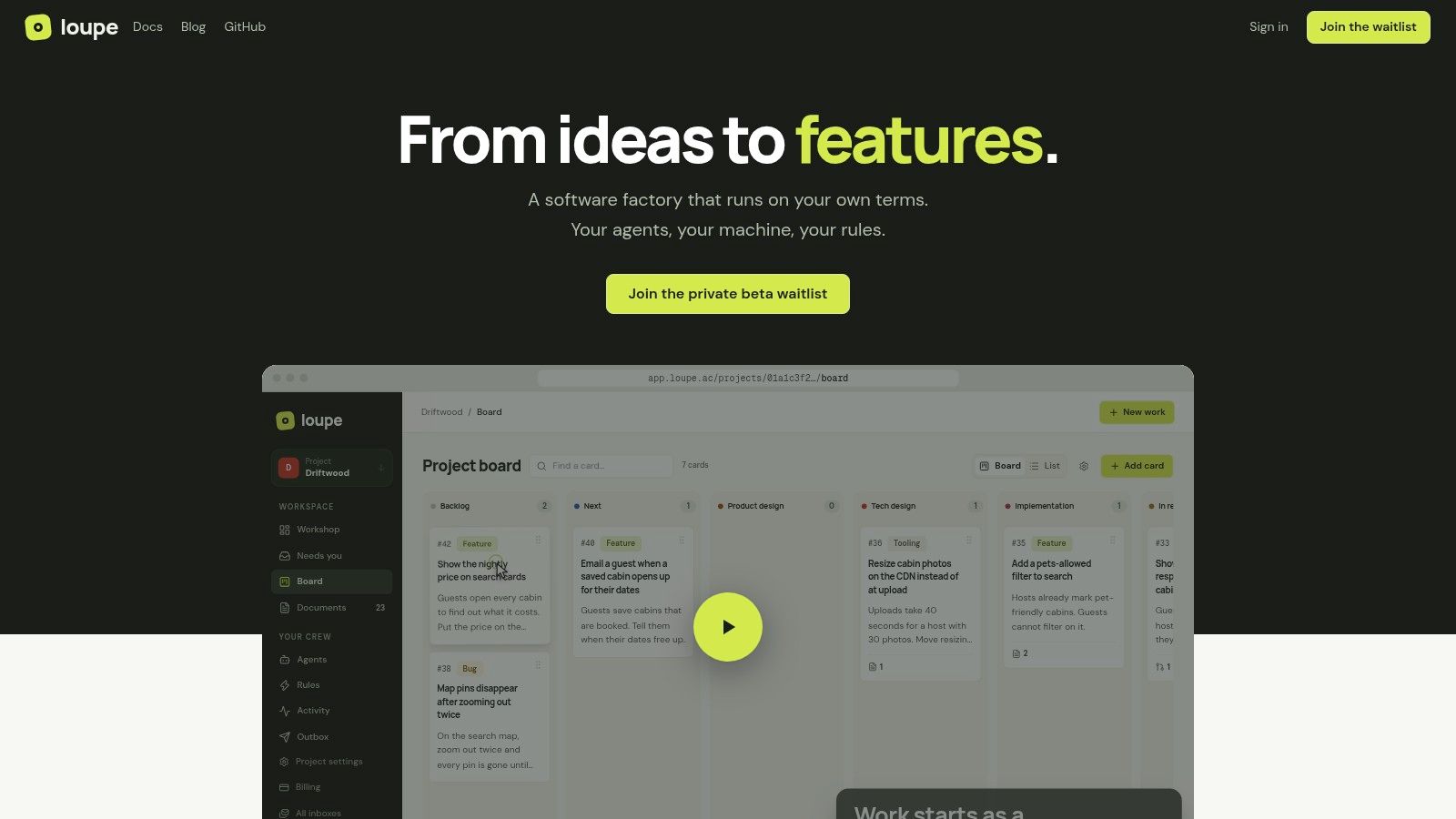
A Loupe card starts before code exists. In product design, an agent drafts the product document and clickable prototype, a second agent reviews that draft, and the owner reviews it before implementation. Approved work then moves through technical design, a worker build, a GitHub pull request, agent review, live review, and done.
Where It Goes Beyond Generation
The useful distinction is sequence. Loupe keeps the approved design beside the pull request, checks changes against it before a human sees them, and sends failures back for fixes. On preview deployments, notes made on the UI return to the card, so feedback stays attached to the work instead of disappearing into chat.
- Control: Workers run on your machine and subscriptions, with Claude Code, Codex, OpenRouter, GitHub, and MCP clients in the mix.
- Review: Interactive sessions, document comments, a shared inbox, and explicit “You” checkpoints leave humans in charge of approvals.
- Measurement: Analytics cover cost per finished card, merge rate, fix rounds, and hours to merge, with experiments for comparing models.
- Deployment: Self-host with Docker Compose under the AGPL, or use the hosted service in private beta.
Choose Loupe when the bottleneck is handoffs and review, not first-pass UI code. It asks for more setup and workflow ownership than a Figma exporter, and GitHub is the clear forge while others are planned. Agent review can catch drift early, but the human checkpoints remain the final gate.
2. Builder.io Code
An existing application changes the buying decision. You don't just need a matching screen. You need the screen to use your components, tokens, and frontend conventions.
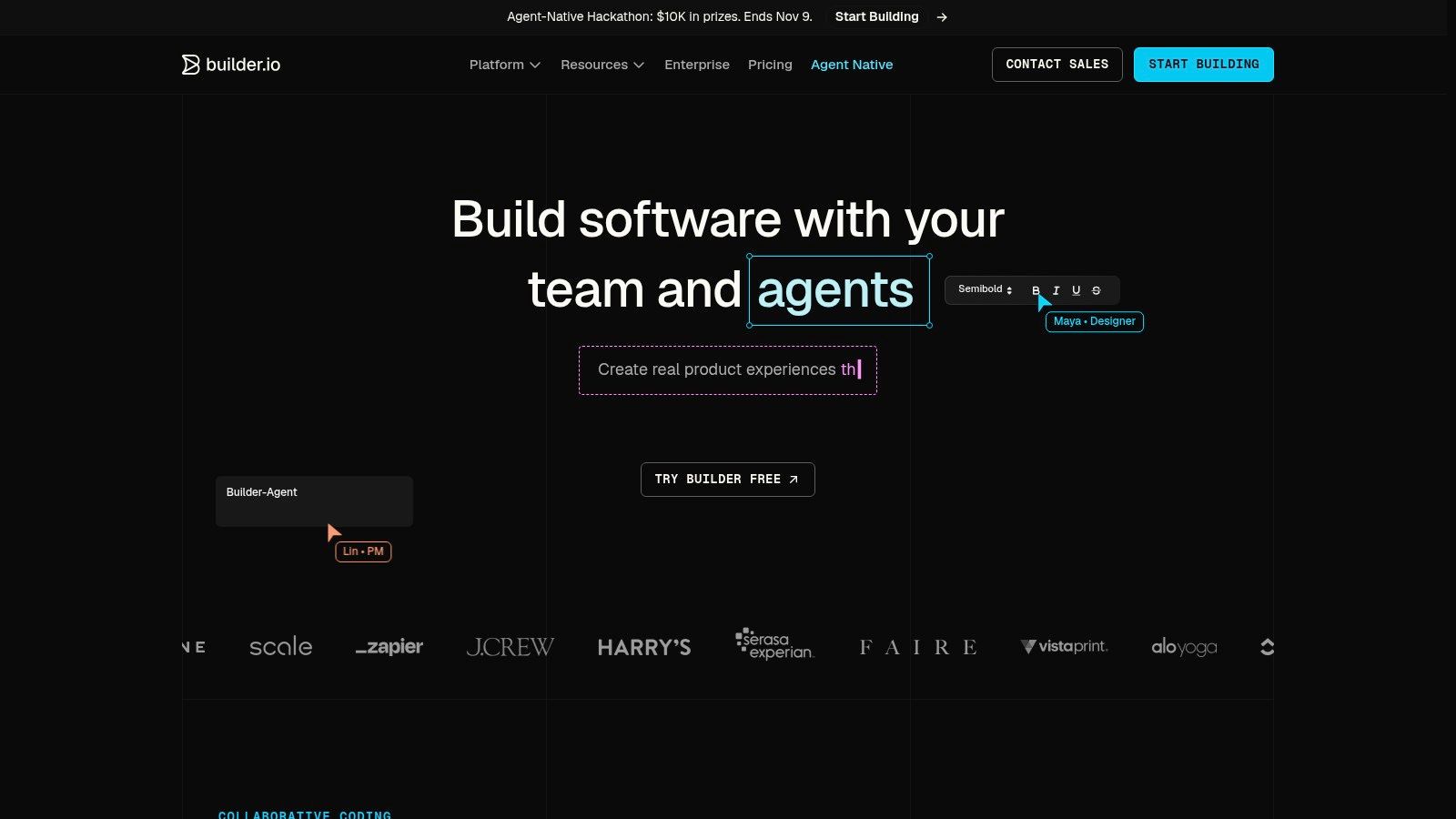
Builder.io Code targets that problem. It generates responsive UI from Figma and lets teams map design tokens and existing code components. It supports multiple frameworks and styling approaches, with Git-provider connections, a VS Code extension, and MCP servers on paid tiers.
Best With a Maintained Design System
Component mapping is the main reason to evaluate it. Say your product already has an approved form field with validation behavior. Reusing that field is more useful than generating a similar-looking replacement.
A within-subject study of frontend developers found that structured design context improved implementation accuracy and efficiency, but reliability declined when design and code components diverged.
- Good fit: Product teams extending an established frontend.
- Trade-off: Mappings need setup and maintenance as libraries change.
- Cost consideration: A free plan supports evaluation, while AI credits affect ongoing capacity.
Builder connects generation to development tools. Your team still owns behavioral testing, code review, and merge approval.
3. Locofy
Locofy is a direct design-to-frontend option for teams that want exported code and a developer handoff. It supports React, Next.js, Vue, Angular, React Native, and Flutter, giving it a broader target range than React-focused generators.
That flexibility is useful when web and mobile teams share design assets. It doesn't mean a single generated layout will behave correctly across every target. Developers still need to check navigation, platform conventions, and component boundaries.
- Strength: Code export gives developers an artifact they can inspect and adapt.
- Integration: MCP connectivity supports AI-assisted coding, while the Pro plan offers self-hosted or on-premise options.
- Constraint: LDM token usage affects capacity, and the Hobby plan limits projects to 10 frames.
Review the Export, Not Just the Preview
Source design quality matters. Clear layout rules, consistent components, and explicit states give the generator less room to guess. A visually correct preview can still hide duplicated components or brittle sizing.
Use a code review checklist before accepting the export. Check responsive behavior, accessibility, component reuse, and dependency choices. Locofy fits design-to-code handoff, but it doesn't replace your pull-request review process.
4. Anima
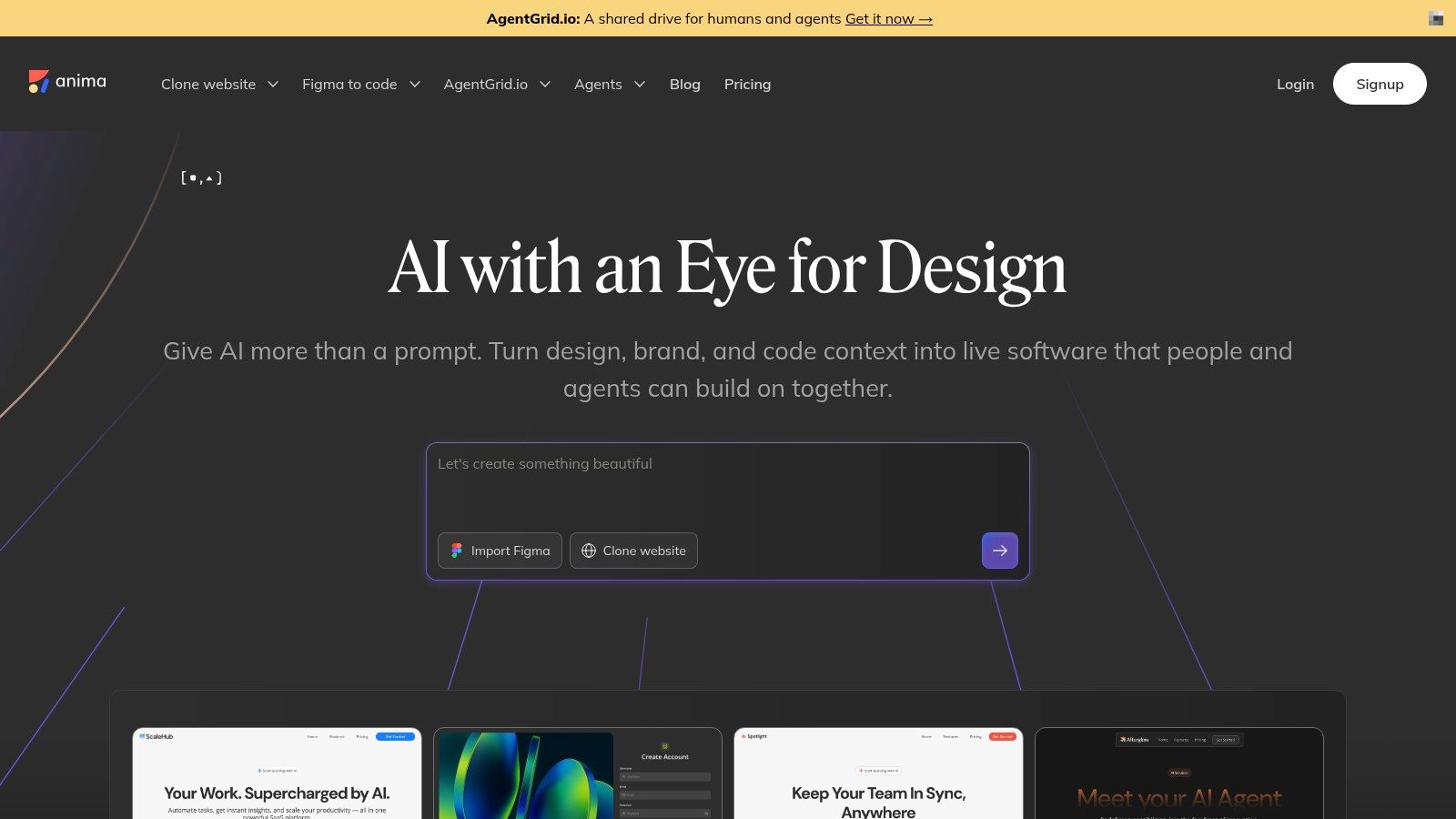
For a landing page or a self-contained interface, Anima offers a straightforward route from Figma to code. Its plugin converts selected frames, components, and flows into React, Vue, or HTML, with selectable styling options.
The browser-based Anima Playground adds previews and prompt-based iteration. That makes it useful when a designer and developer want to refine an output together before moving it into the application.
Practical rule: Choose the output format your repository already uses. Don't introduce a new framework just because an export looks cleaner.
Anima also offers MCP, API, and SDK options. Those matter if you're embedding design-to-code capabilities into an internal workflow rather than using a plugin by itself.
Where It Stops
This is primarily frontend generation and handoff, not lifecycle or pull-request orchestration. You still need to connect generated screens to application data, permissions, analytics, and tests.
Free usage makes a small evaluation possible, but export and usage limits depend on the plan. Test a representative screen with awkward content and responsive states, not only a simple hero section. That exposes integration work before your team commits to a larger export.
5. Figma Make
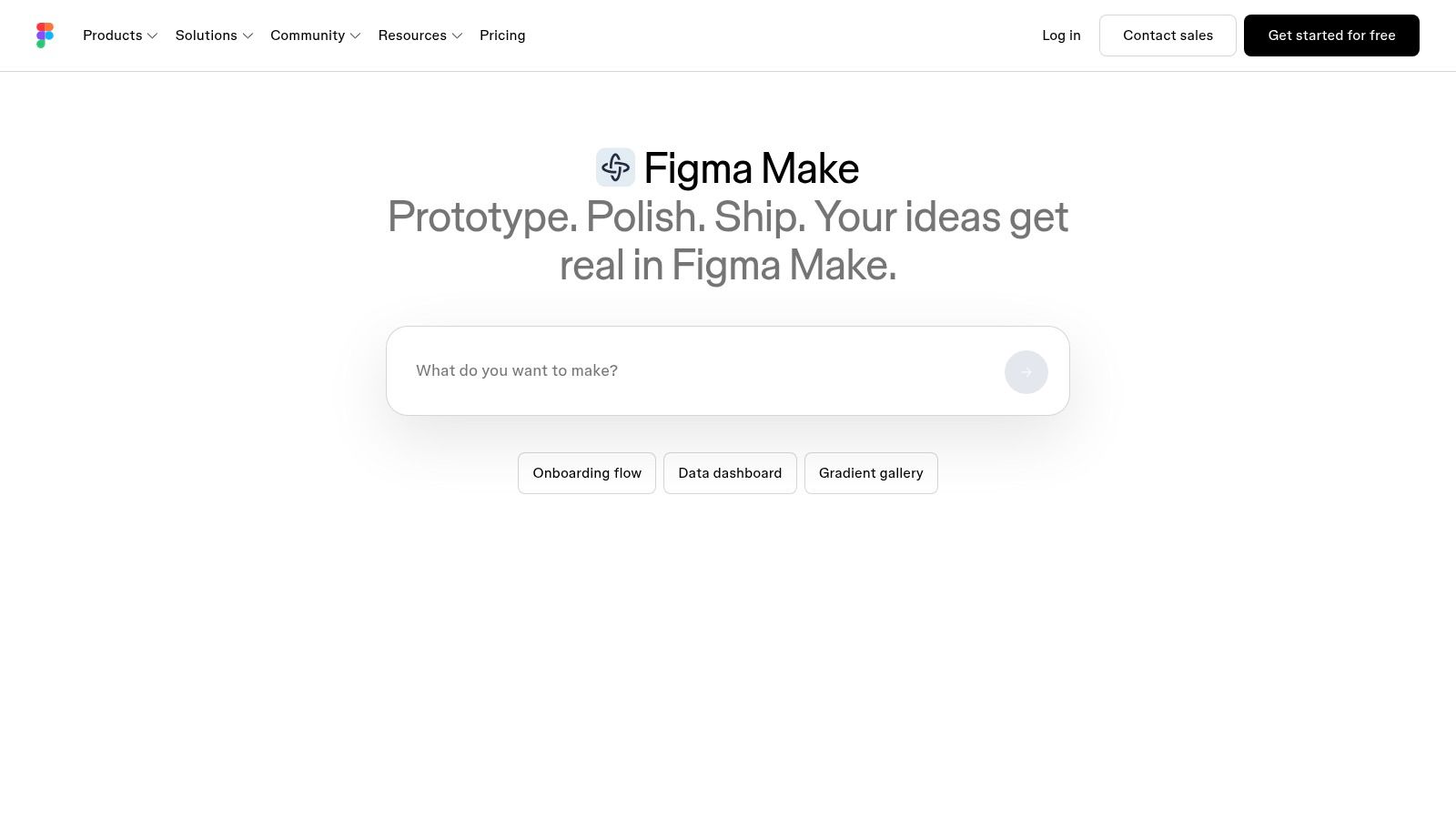
Figma Make fits teams that need to test an interaction before committing to implementation. It creates functional prototypes and web apps from prompts, using existing Figma designs, components, and library styling as context.
Figma Make keeps that exploration close to the design work. Teams can publish a prototype or app to a web URL, and its plan comparison includes Supabase backend support and connectors for external context.
- Useful for: Testing flows that static screens don't explain well, such as onboarding or a multistep form.
- Main advantage: Existing design assets can inform the generated interface without a separate handoff.
- Plan limit: Free Figma access includes limited AI credits. Feature access and capacity vary by seat and plan.
Don't Confuse a Working Demo With Integration
A prototype can demonstrate the intended experience without meeting your repository's requirements. Check whether its state handling, components, and backend assumptions match the actual product.
Use it to answer product questions first. Can users understand the next action? Does the flow need another state? Once those decisions are clear, decide how the implementation will enter normal engineering review.
6. UXPin Merge
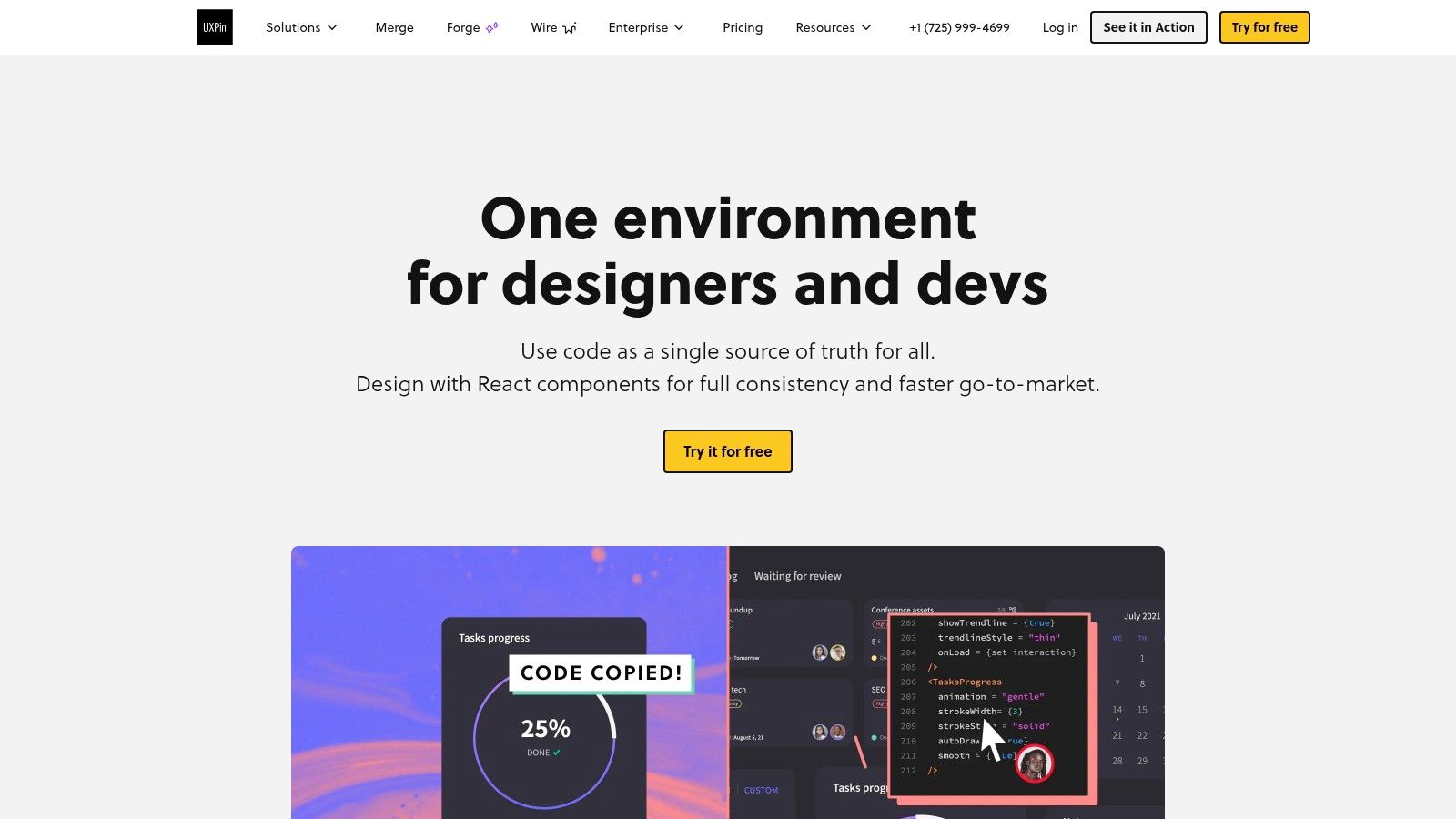
UXPin Merge reverses the usual direction. Instead of turning a visual approximation into code, it brings real React components from a Git repository into the design editor.
Designers can prototype with the same properties, variants, and behavior engineering maintains. It can connect to design systems including Material UI, Shopify Polaris, and Atlassian Atlaskit.
Best When Code Components Are the Reference
Say a designer needs a disabled dropdown with a validation message. Using the production component makes its supported behavior visible during design, rather than leaving a developer to reconcile a custom drawing later.
- Strength: Real components can reduce visual and behavioral mismatch.
- Requirement: Your team needs a React component library and time to configure it.
- Limits: Vue and Angular components aren't currently supported. Access and pricing may require contacting UXPin.
This is design-system alignment, not autonomous delivery. It won't implement application behavior, open the full review loop, or merge changes for you.
I'd shortlist it when repeated design drift comes from designers and developers using different versions of the same component. It's less compelling when your team hasn't established reusable production components yet.
7. v0 by Vercel
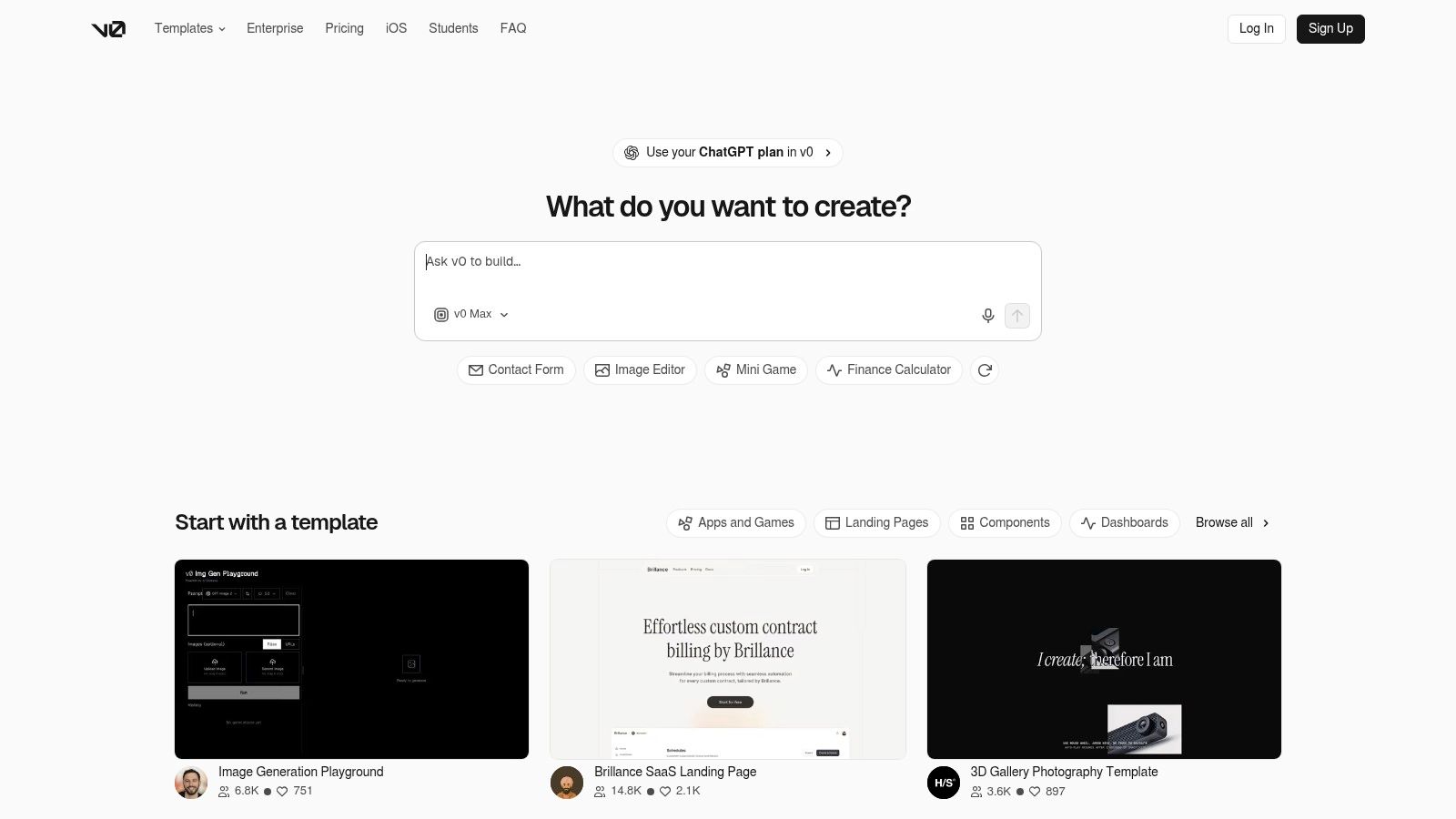
Need a React interface you can start editing quickly? v0 generates web UI from prompts, images, and supported design inputs, including Figma files. Its output aligns with React, Next.js, and shadcn/ui patterns.
GitHub synchronization, visual editing, and Vercel deployment connect generation to a development workflow. That's useful for moving beyond a screenshot, although repository sync isn't the same as reviewed, merge-ready code.
A deployable interface proves that it runs. It doesn't prove that it follows your product's rules.
Strong Stack Fit, With Review Required
v0 fits React and Next.js teams that want to explore components or extend an existing project. It's less attractive when your application uses a different frontend stack and you'd need to translate the output.
- Advantages: Fast interface iteration, GitHub connectivity, collaboration, and an accessible free tier.
- Constraints: It needs an internet connection, and credits or plan limits can restrict heavy iteration.
- Review work: Check dependencies, accessibility, component reuse, and server-side behavior.
When comparing AI code generation tools, separate generation quality from integration effort. A polished dashboard is only useful if developers can maintain it inside the actual application.
8. Bolt
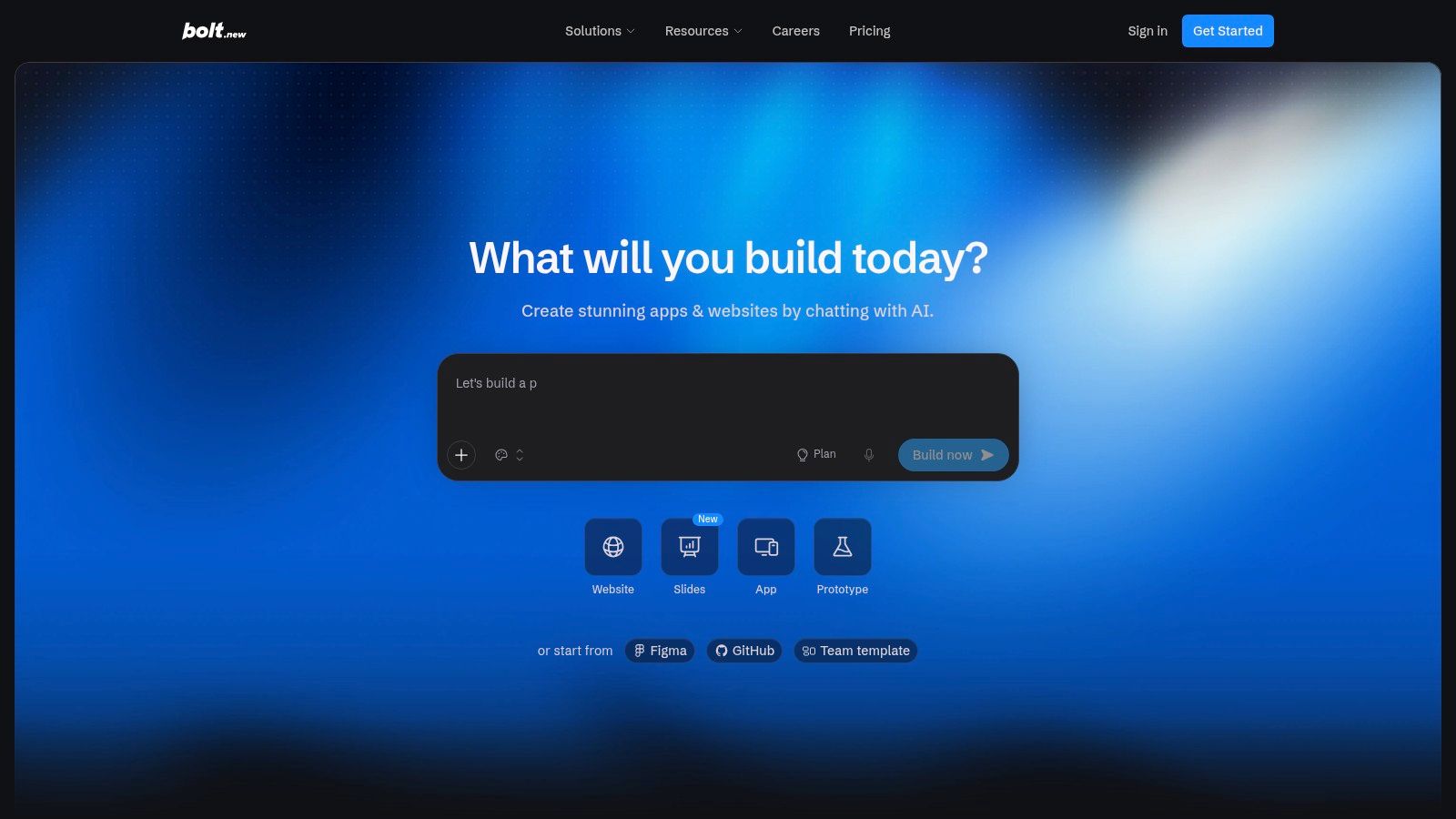
Bolt removes the local setup step. You can generate, edit, preview, and deploy a web app in the browser, with Figma and GitHub import among its listed capabilities.
That makes it useful for testing a visual concept as a runnable application. Hosting and database options help connect screens to working behavior rather than leaving them as isolated mockups.
Better for App Building Than Strict Handoff
Bolt is a general-purpose development environment, not primarily a tool for preserving a mature design system. If exact component reuse is your main requirement, test that explicitly rather than assuming import will handle it.
- Good fit: Small web apps, experiments, and teams that want to start without local development setup.
- Capacity: A free plan supports experimentation. Paid plans add token capacity, custom domains, and team administration.
- Trade-off: Token consumption can grow with project size and repeated AI edits.
Before production use, inspect authentication, data access, secrets, error handling, and dependencies. Keep changes small enough that a developer can understand the diff. Browser-based convenience helps you start, but it doesn't remove the need for technical ownership or a controlled merge process.
9. Lovable
A product manager may have a clear flow but no finished design file. Lovable suits that starting point. It turns natural-language ideas into web applications, with visual editing and optional managed cloud capabilities.
It's better understood as idea-to-app development than a direct exporter for completed Figma screens. You can adjust interface elements visually, then use GitHub synchronization to bring the work into a development workflow.
- Collaboration: Workspace plans support unlimited collaborators.
- Control: Its pricing information describes project code ownership.
- Paid features: GitHub synchronization and design-system features are available on paid plans.
- Limits: Credit consumption varies by task, and the generated applications are web apps, not native iOS or Android apps.
Keep Architecture in the Review
A working flow can make hidden assumptions about permissions, data structure, and deployment. Developers should inspect those decisions before expanding the app.
Use Lovable when getting a testable product in front of users is the immediate goal. For an established application, evaluate whether its generated structure fits your existing architecture. GitHub access gives you a route to review, but your team still decides what's safe and maintainable enough to merge.
10. Figma Dev Mode and MCP
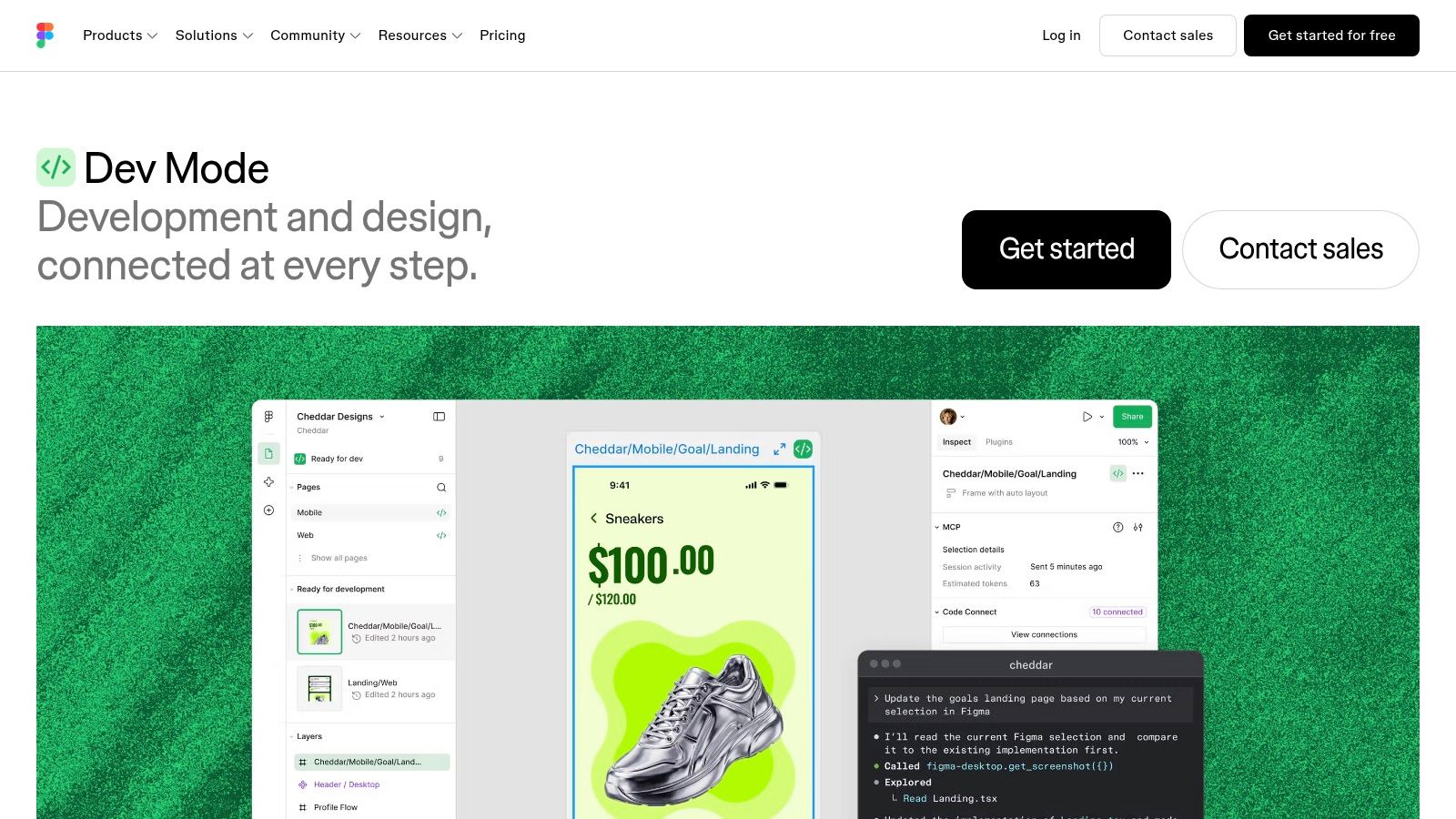
Sometimes the right answer isn't another generator. Figma Dev Mode gives developers dimensions, variables, assets, and component properties while keeping the design file as the reference.
Code Connect adds design-system component context. Figma MCP exposes design context to compatible coding agents, allowing developers to work in their existing coding environment and repository.
A Context Layer, Not a Delivery Pipeline
This fits teams that want agents to understand designs without handing implementation to a design tool. Developers can combine design details with repository conventions, tests, and application logic.
- Strength: Design context stays accessible alongside existing engineering tools.
- Flexibility: Plugins can customize handoff and code-generation workflows.
- Limits: MCP usage varies by plan. Output quality still depends on the coding agent, repository context, and developer review.
A clear product design review process remains important. Approve behavior and edge cases before asking an agent to implement them.
Dev Mode helps explain what to build. It doesn't automatically define product behavior, validate every state, or carry a change through approval and merge. Choose it when handoff context is the missing piece, not when you need a workflow coordinator.
How the design to code tools compare at a glance
Scan the Main output column first. It shows where each tool stops: most end at code or a prototype, and only one carries work through review to a merged pull request.
| Item | Best for | Free option | Main output |
|---|---|---|---|
| Loupe | Managing software work from idea to pull request | Free self-hosting with Docker Compose | Reviewed changes and GitHub pull requests |
| Builder.io Code | Generating UI from Figma within an existing frontend | Free plan for evaluation | Frontend code mapped to existing components |
| Locofy | Converting designs into code across web and mobile frameworks | Free trial | Exportable, developer-ready code |
| Anima | Generating and iterating on responsive frontend code from Figma | Free usage for testing | React, Vue, or HTML code |
| Figma Make | Prototyping ideas within a Figma workflow | Limited AI credits with free Figma access | Functional prototypes and web apps |
| UXPin Merge | Prototyping with a team's production React components | Contact vendor for access and pricing | Prototypes using real React components |
| v0 by Vercel | Rapid React and Next.js interface creation | Free tier | Web interface code |
| Bolt | Building and deploying web apps in a browser | Free plan for experimentation | Runnable web apps |
| Lovable | Turning product ideas into testable web apps | Free plan for trying a first app | Generated web applications |
| Figma Dev Mode and MCP | Sharing design context with developers and coding agents | Dev Mode requires a paid Figma seat; MCP usage depends on the plan | Design handoff details and agent context |
Weight the column that matches your bottleneck. An output that stops at a prototype still leaves review, integration, and merge work with your team.
Pick the Tool That Fits Your Review Process
Start with the work your team keeps repeating. If developers rebuild components that already exist, evaluate Builder.io Code or UXPin Merge. If designers need a direct export, try Locofy or Anima. If the product direction is still uncertain, Figma Make, v0, Bolt, or Lovable may be a better starting point.
Separate code generation, repository integration, and merge readiness. They're different outcomes. A tool can produce attractive code without providing traceable feedback, approval checkpoints, or a useful review process.
Test a Real Feature
Choose a small feature with representative complexity. Include an existing component, a responsive layout, and an error or empty state. Give the tool the same requirements a developer would receive.
- Before generation: Record the approved behavior, component choices, and acceptance conditions.
- During implementation: Track manual edits, unsupported states, and time spent explaining repository conventions.
- During review: Count fix rounds, inspect visual differences, and record time to merge.
- After acceptance: Compare total effort and cost, not just time to the first preview.
Review deserves attention because it's substantial work. A study across multiple development projects found that developers spent 5.2 to 10 hours per week on code review. Moving predictable design checks earlier is worth testing, but don't assume another automated reviewer will automatically reduce that effort.
Keep Approval Explicit
Adoption isn't proof of trustworthiness. In Stack Overflow's 2025 survey, 46% of respondents actively distrusted AI output, compared with 33% who trusted it. Keep human checkpoints where mistakes would be expensive, especially around permissions, data handling, and product behavior.
For teams whose main problem is fragmented handoffs, Loupe covers the broader path from approved designs through implementation and review. For teams with a healthy workflow and a narrow generation problem, a focused exporter may be enough.
Pick the smallest tool that addresses the actual bottleneck. Keep it only if the completed feature needs less rework and reaches merge with clear ownership.
Loupe connects approved product and technical designs to agent implementation, design-conformance review, and live preview feedback. Visit Loupe to explore the workflow and evaluate self-hosting for a real feature in your repository.