Workflow Automation Tools: 10 Options Compared for 2026
Compare 10 workflow automation tools, from no-code apps to self-hosted and agent-enabled platforms. Find the best fit and know each tool's limits.
In this article
- 1. Loupe
- Why the checkpoints matter
- 2. Zapier
- 3. Make
- 4. n8n
- 5. Microsoft Power Automate
- Where the licensing bites
- 6. Activepieces
- 7. Workato
- 8. Retool Workflows
- 9. AWS Step Functions
- 10. Temporal
- How the 10 workflow automation tools compare on hosting, pricing, and best use
- Pick the Tool That Fits Your Team
Your team has a request sitting in a form, a spreadsheet missing a row, a design waiting on two approvals, and a pull request nobody has reviewed. Someone chases every step by hand. Someone else asks where things stand, and the answer takes ten minutes of digging through Slack.
Most companies sit at exactly this point. Nearly 60% of companies had implemented technology to automate tasks during the preceding year, yet only about 4% had achieved fully automated, hands-free operations, according to Quixy's workflow automation statistics. Every step still waits on a person, and every person waits on a different system.
The ten tools below don't solve the same problem. Some connect SaaS apps. Some run engineering workflows. A few coordinate AI coding agents through design, code, and review. Compare them feature by feature and you'll waste a week. Group them by the job they do and the shortlist gets obvious. Each entry says what the tool does well, where it breaks down, and who should buy it.
1. Loupe
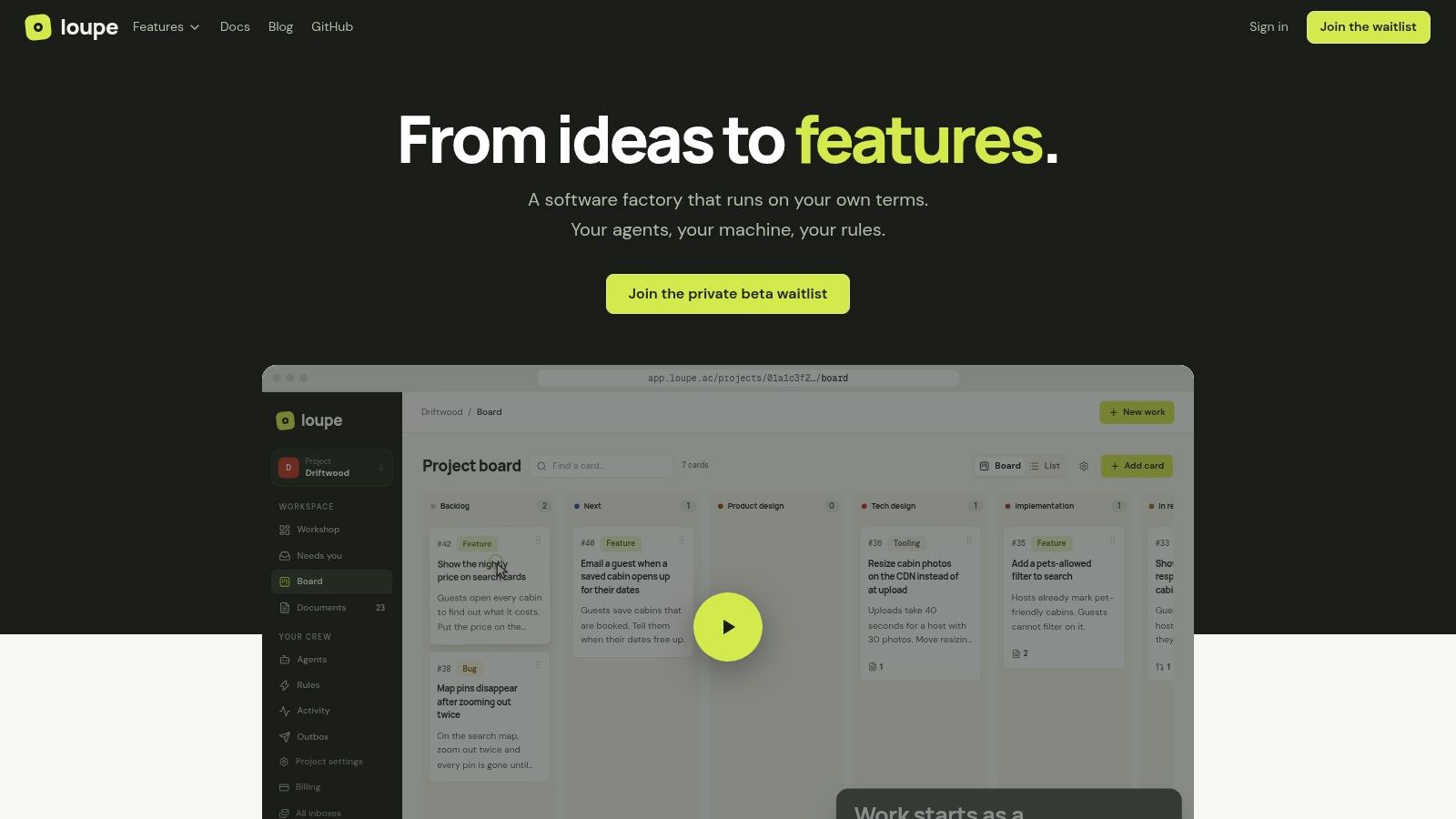
Loupe is the entry on this list built for coordinating AI coding agents, not connecting SaaS apps. It describes itself as a software factory: a card moves through six stages (product design, tech design, implementation, agent review, live review, done), and workflow rules decide when the card advances, which work it needs, and where it waits for a person.
The handoff is the product. Design documents render in place, so you comment on a line and the agent revises from it. A worker builds from the approved design and opens a pull request, then a second agent checks the code against the design before you look at it. On preview deployments you annotate the interface directly and notes save back to the card. One inbox collects agent questions, reviews, and cards waiting on you.
Why the checkpoints matter
Stack Overflow's 2025 Developer Survey found 84% of developers use or plan to use AI tools, while 46% distrust the accuracy of the output and only 3% highly trust it.
- Model choice stays yours: works with Claude Code, Codex, OpenRouter, GitHub, and MCP clients, with workers on your machine using your own keys.
- Measured in outcomes: analytics track cost per finished card, merge rate, fix rounds, and hours to merge, plus model comparisons.
- Free to self-host: AGPL-3.0 under Docker Compose, running web, worker, and Postgres services.
- Honest limits: the hosted service is in private beta with no published price, so budget for self-hosting or expect to wait. Self-hosting means operating those three services yourself. Workers see only what you push, so
loupe project linkwrites a lifecycle file into your repo that you read, correct, and commit before the first run.
Best for engineering teams that want agents executing and humans deciding. The project lives at loupe.ac.
2. Zapier
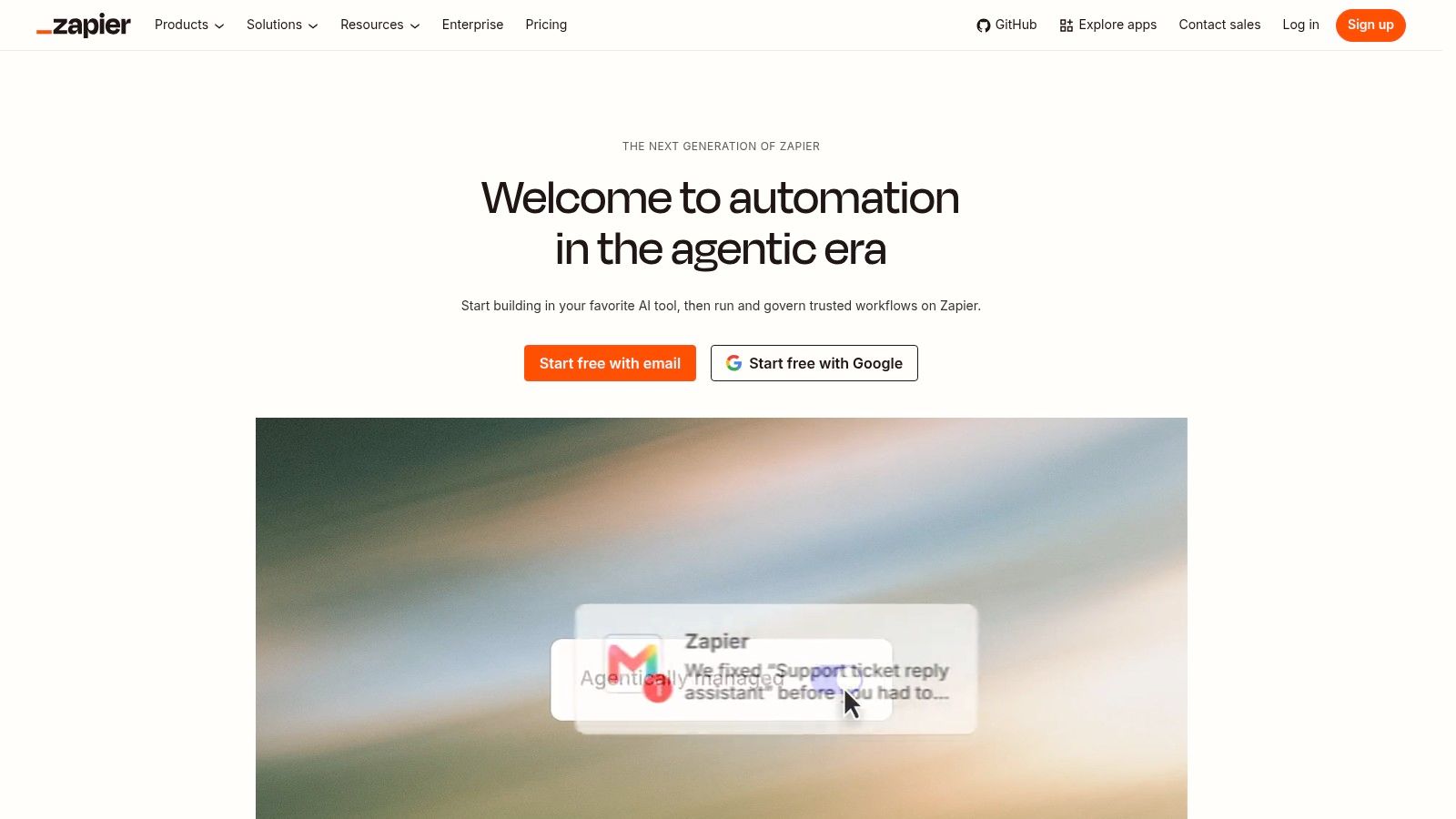
Zapier is the default answer when two apps need to talk and nobody wants to write code. A trigger fires, actions run, done. It covers more than 9,000 apps, and that catalog is the whole argument: whatever niche tool your ops team bought, there's probably a connector.
The category around it keeps expanding. One industry estimate puts worldwide workflow automation at about $26.5 billion in 2024, projected to pass $78 billion by 2030, roughly 19.5% growth a year (ElectroIQ workflow automation statistics). Growth like that is why breadth of connectors beats any single clever feature.
- Fastest start: a non-specialist ships a working multi-step workflow in an afternoon.
- Conditional paths and filters: enough logic for routing, not enough for real orchestration.
- Cost surprise: pricing counts tasks, so a loop over 5,000 rows is a bill, not a workflow.
Where it stops: complex software orchestration, and anything that must run on your own infrastructure. There's no self-hosted option. For the patterns that pair well with connector tools, see these examples of AI agents at work.
Best for ops, marketing, and finance teams automating cross-app chores. Start at zapier.com.
3. Make
Make shows the data. Where Zapier hides the plumbing, Make puts branches, routers, filters, and transformations on a canvas you can read at a glance. That visibility is why operations teams pick it for processes with several possible paths.
The catch is organizational, not technical. Central IT governs 70% of automations, while 65% of organizations have a complete or near-complete strategy for letting nontechnical users build their own, according to Microsoft's 2025 connectivity benchmark. Make sits right in that tension: business teams build, platform teams need guardrails.
- Good at data movement: custom JavaScript or Python in Make Code when a built-in module isn't enough.
- Bad at predictability: credits are consumed per action, so a runaway scenario drains an allowance fast.
- Learning curve is real: a three-branch scenario with error handlers takes a full day to get right.
Practical rule: build the error path before the happy path. A scenario that fails silently at 2am costs more than the one you never shipped.
Workflows pause when credits run out, which is a bad way to find out you under-budgeted.
Best for teams with one person who enjoys building automations. Start at make.com.
4. n8n
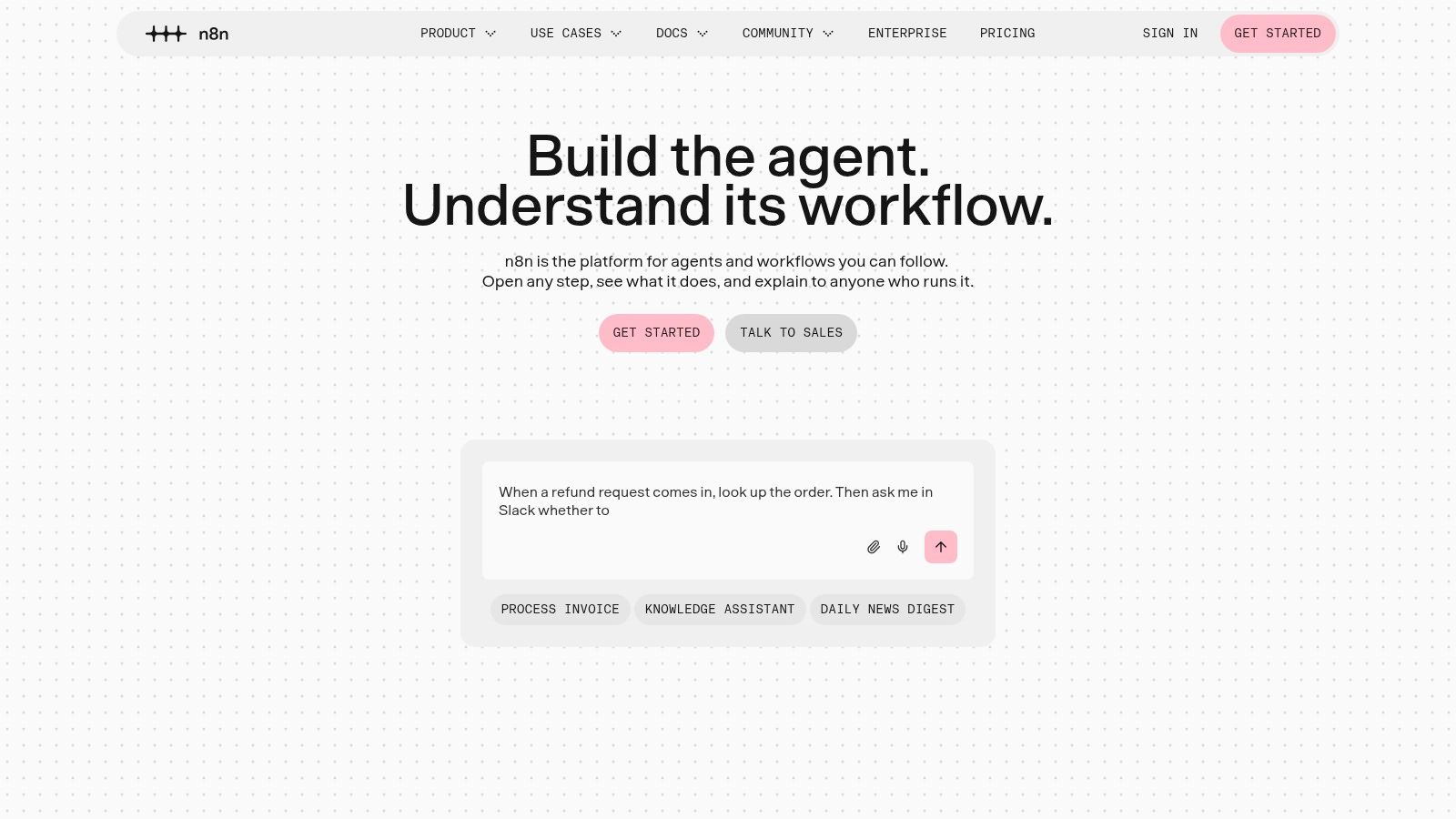
n8n is what technical teams reach for when a visual tool hits its ceiling. Nodes on a canvas, JavaScript or Python where you need it, webhook and queue triggers, and the option to run the whole thing yourself.
Self-hosting is the key differentiator and the main cost. You get deployment control, data residency, and no per-step billing surprise. You also own upgrades, backups, secrets, and the 3am page when a queue backs up. Budget a few days a month for maintenance, or don't choose it.
- Pricing shape: cloud plans count full workflow runs rather than individual steps, which suits long workflows with many nodes.
- AI work included: an AI Agent node, AI steps, and MCP support.
- Licence check: the self-hosted Community Edition runs under n8n's Sustainable Use License, so read it before building a commercial product on top.
The trade-off is familiar. Flexibility you have to operate. Teams with a platform engineer get a lot from it; teams without one usually drift back to a hosted tool. This list of developer productivity tools covers what sits next to it.
Best for teams with infrastructure skills and data-control requirements. Start at n8n.io.
5. Microsoft Power Automate
Power Automate is the only tool here that can drive a legacy desktop application. Cloud flows handle Microsoft 365, Dynamics, Azure, and hundreds of connectors. Desktop flows click through old Windows software with no API, which is often the last mile nobody automates.
Where the licensing bites
Process automation stopped being a side project. The share of organizations rating it "extremely important" rose from 40% in 2023 to 54% in 2024, according to SAPinsider's process automation research. Strategic budget attracts strategic pricing.
- Three tiers of connectors: standard, premium, custom. The connector you need is usually premium.
- Attended versus unattended RPA: unattended runs cost more and need dedicated machine setup.
- Fragile by nature: UI automation breaks the day a vendor moves a button.
Licensing reality: map every flow to the connector tier it uses before you sign. One premium connector turns a cheap plan into an expensive one.
If your company already runs Microsoft 365 and Azure, the integration effort is close to zero. If it doesn't, it isn't worth the effort.
Best for Microsoft-heavy organizations with legacy desktop processes. Start at powerautomate.microsoft.com.
6. Activepieces
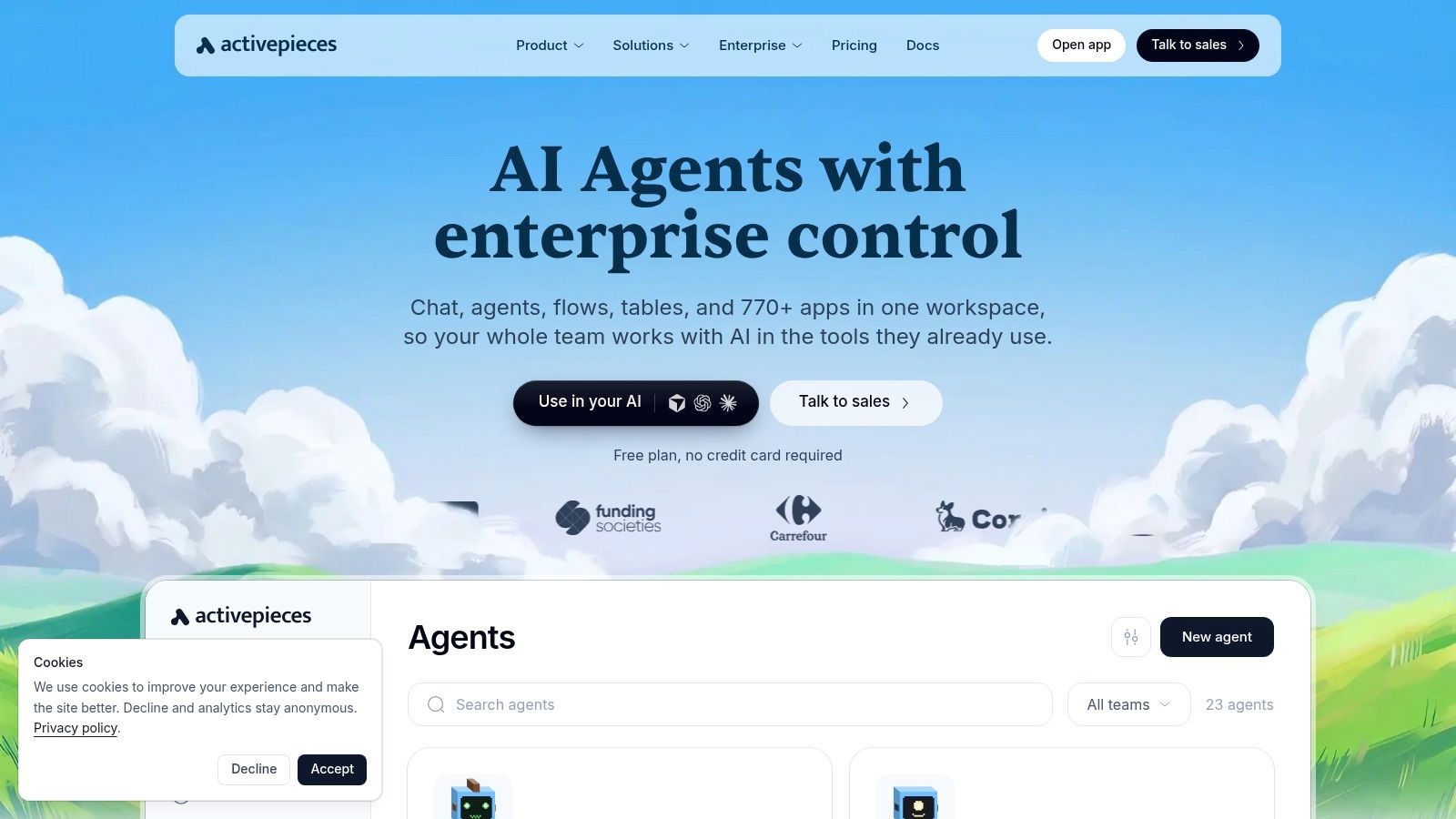
Activepieces is the pragmatic middle ground. Visual flows, integrations it calls pieces, tables, and AI agent or chat features, available hosted or on your own server. It's open-source-core, so you can read the code before you trust it with production data.
The billing model is the interesting part. An ordinary flow run generally costs one credit regardless of how many steps it contains, which makes long simple flows cheap. AI steps and agent actions consume more, so a chain of model calls changes the arithmetic.
- Free to try: a free plan that doesn't ask for a card.
- Extensible: custom pieces in TypeScript, plus APIs and webhooks.
- Governance gaps: SSO and audit logs aren't on every tier, so check before a security review.
- Self-hosting is on you: patching, backups, and upgrades land on your team.
The honest limit is maturity. Fewer integrations than Zapier, fewer operational war stories than n8n, and an enterprise feature set still filling in. For a small team automating internal processes, none of that matters much yet.
Best for teams that want a hosted start and a self-hosted exit. Start at activepieces.com.
7. Workato
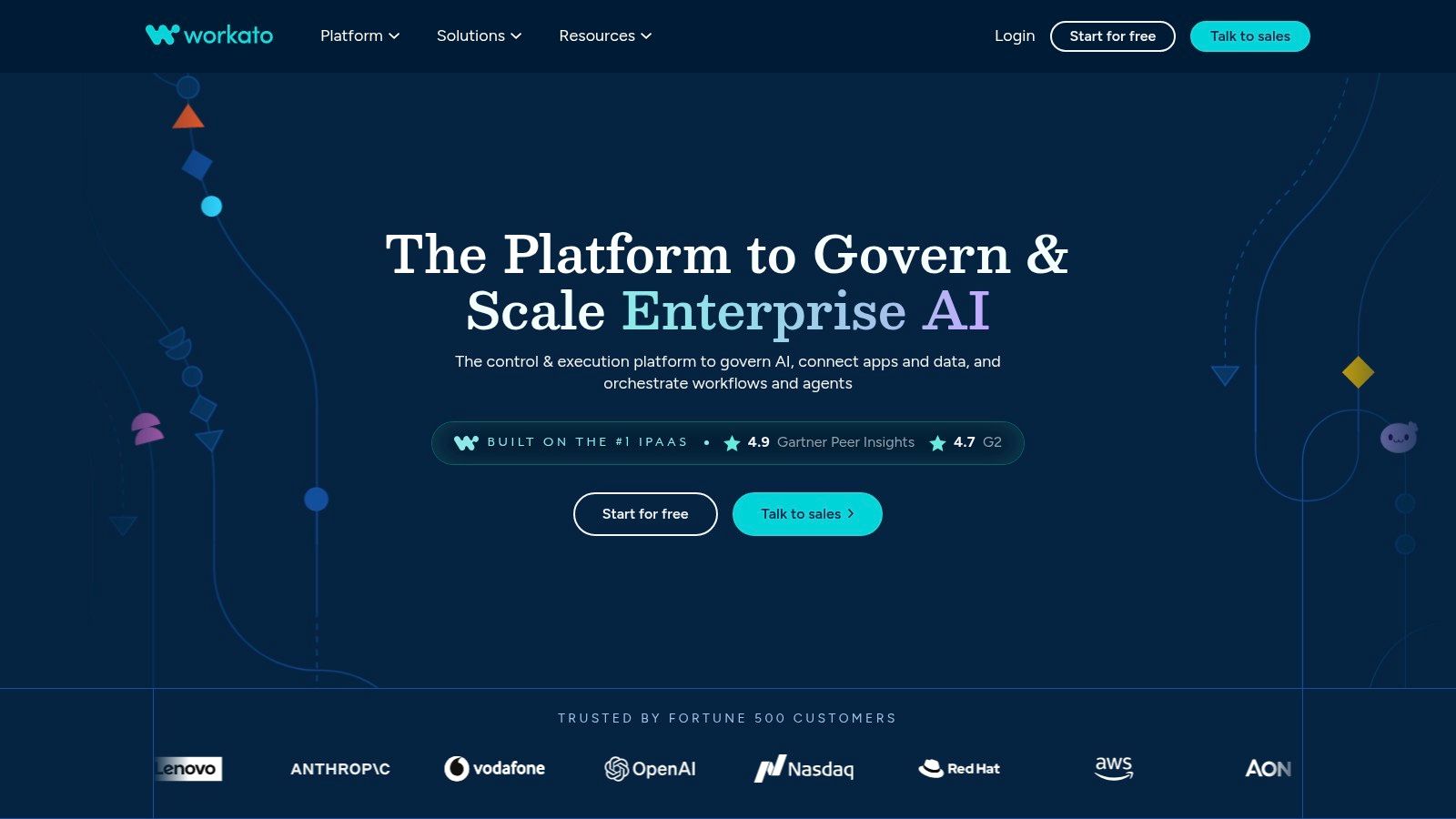
Workato is enterprise integration with a workflow layer on top. Recipes connect systems, orchestration and agentic capabilities handle the judgement calls, and governance features assume a compliance team is watching.
The scale argument is real. Workato's own 2024 Work Automation Index, covering 1,055 companies and 82,000 automated processes, recorded 400% growth in generative-AI-enabled processes and 500% growth in generative-AI endpoints from 2021 through 2023 (Workato Work Automation Index). Business teams are automating more than they used to.
- Credit model: usage is measured in credits, and unused monthly credits don't roll over.
- Self-service exists: Free and Pro plans expose the same platform with different credit allowances.
- Enterprise is a conversation: pricing and advanced capabilities require a sales call, which slows evaluation.
Pro pricing climbs as credit needs grow. Model your heaviest month, not your average one.
The drawback is weight. Workato rewards teams with integration specialists and frustrates teams hoping a product manager can maintain recipes alone.
Best for larger organizations coordinating processes across many business systems. Start at workato.com.
8. Retool Workflows
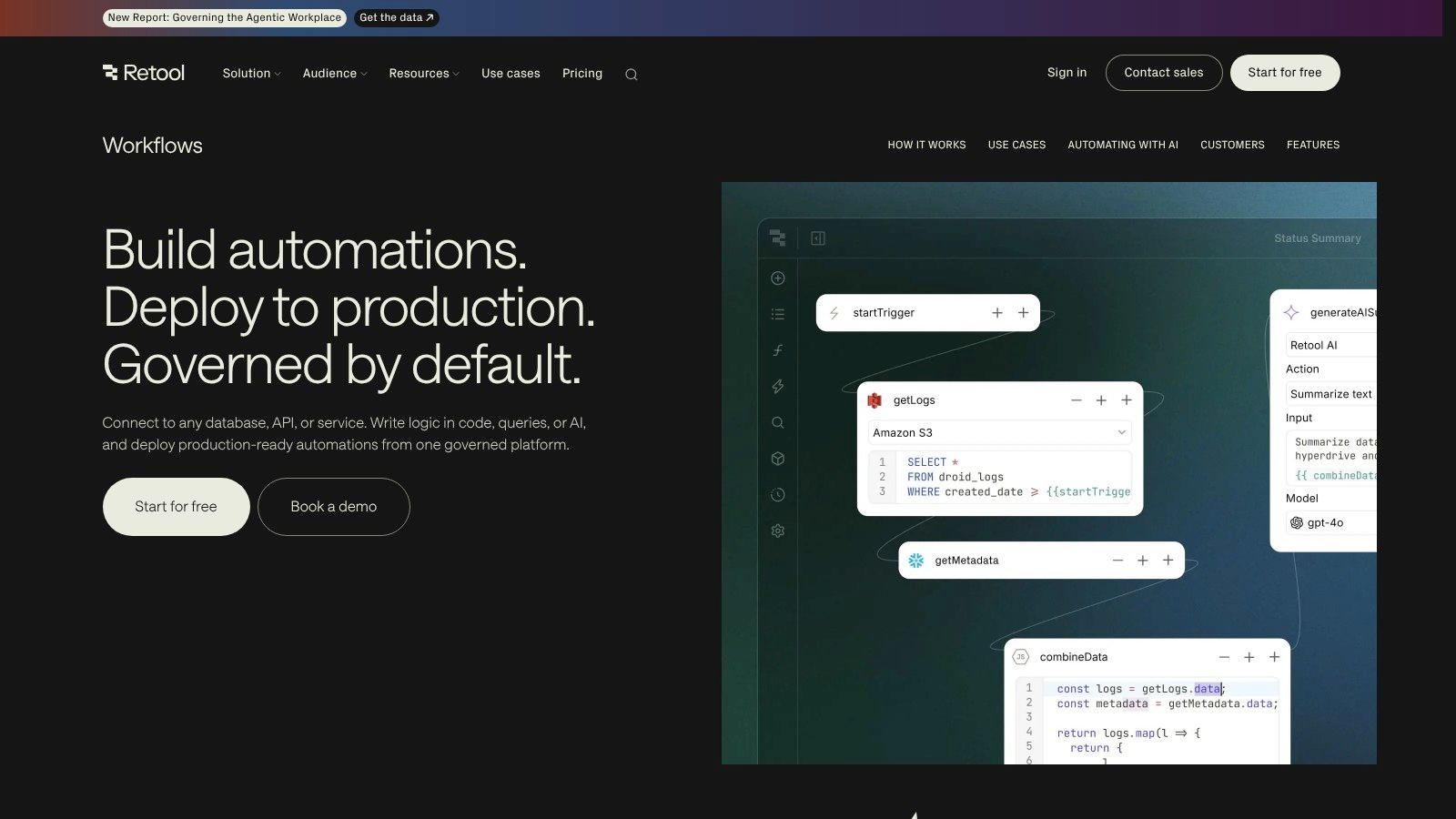
Retool Workflows turns scripts and queries into scheduled, monitored production jobs. If your team already builds internal tools in Retool, this is the shortest path from a one-off Python script to something with logs, retries, and an owner.
It's a developer tool with a workflow skin. You write JavaScript, Python, or SQL, wire it to Postgres, a REST endpoint, GraphQL, or gRPC, and schedule it. The visual builder helps you see the shape of the job. It doesn't replace the code.
- Strong for internal plumbing: alerts, ETL, backfills, and reusable API workflows.
- Version control and execution logs: you can see what ran and what it returned.
- Platform lock-in: workflows live inside Retool's pricing and permission model, not yours.
- Not for business users: nobody in finance is editing these.
The cost question is the awkward one. Workflow usage sits inside a broader Retool plan, so the marginal price of one more job stays invisible until renewal.
Best for engineering teams already standardized on Retool. Start at retool.com.
9. AWS Step Functions
Step Functions coordinates AWS services as a state machine. You define the states, transitions, retries, and error branches, and AWS runs it. Standard workflows handle durable, long-running processes. Express workflows handle high-volume, short-lived work.
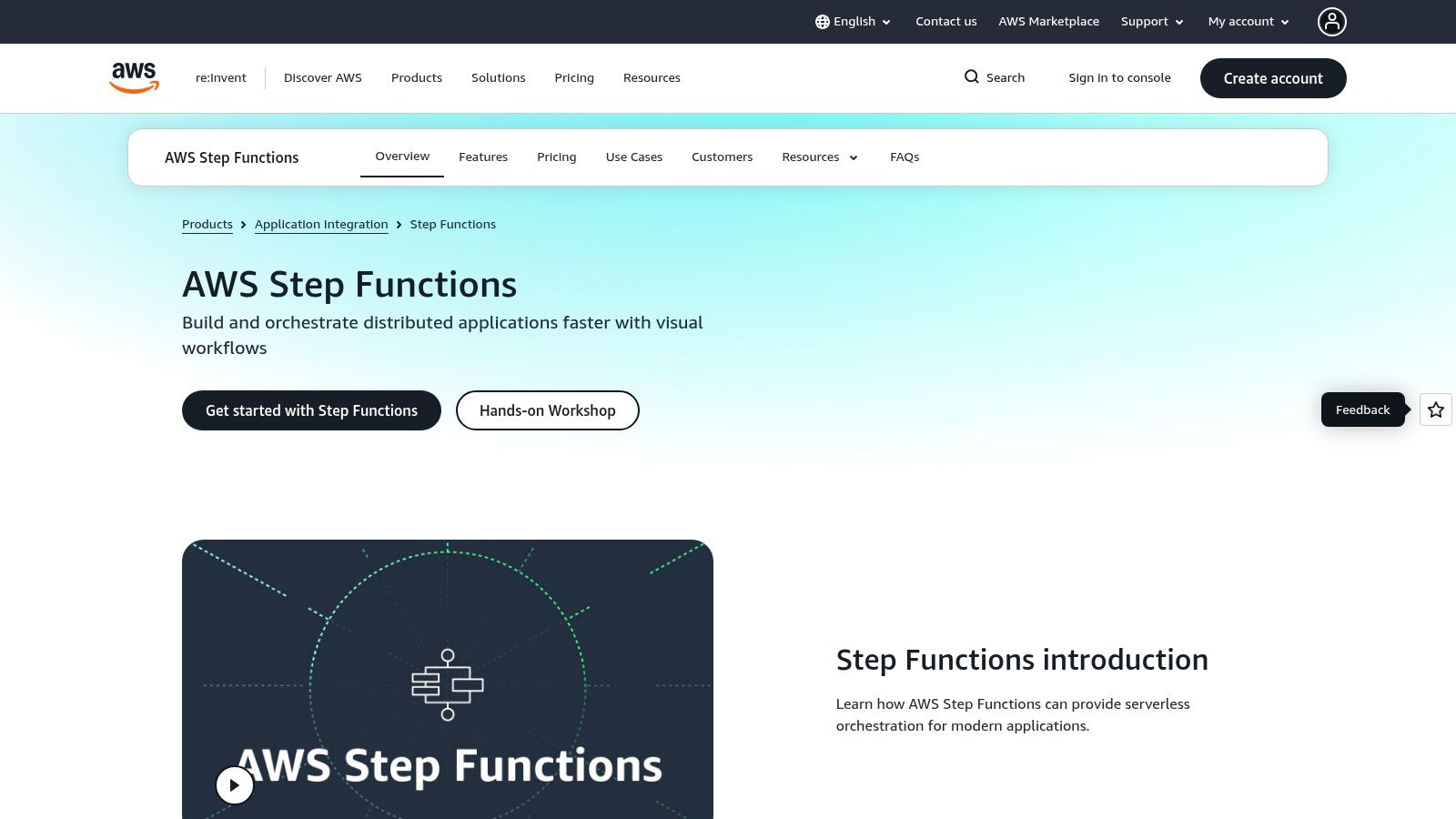
If your system already runs on AWS, this is often the least surprising choice. Lambda, SQS, DynamoDB, and ECS all plug in, IAM controls who can start what, and every execution history is recorded.
- Operational visibility: each run shows which state it reached and why it failed.
- Retries built in: backoff and catch blocks beat a cron job with a try/except.
- Costs beyond the service: you pay for Step Functions and for every service the workflow invokes.
- AWS-shaped thinking: state machine design and IAM policies are prerequisites, not details.
The mismatch is who uses it. This isn't a tool a marketing team adopts for lead routing. It's for engineers who think in services.
If you're coordinating one business process across five SaaS vendors, look elsewhere. If you're coordinating twelve AWS resources, start here.
Best for engineering teams building event-driven or serverless systems. Start at aws.amazon.com/step-functions.
10. Temporal
Temporal keeps a workflow alive. State persists through process crashes, deployments, and week-long waits, so a long-running process resumes where it stopped instead of restarting. You write workflows in Go, Java, Python, TypeScript, .NET, PHP, Ruby, or Rust using Temporal's SDKs.
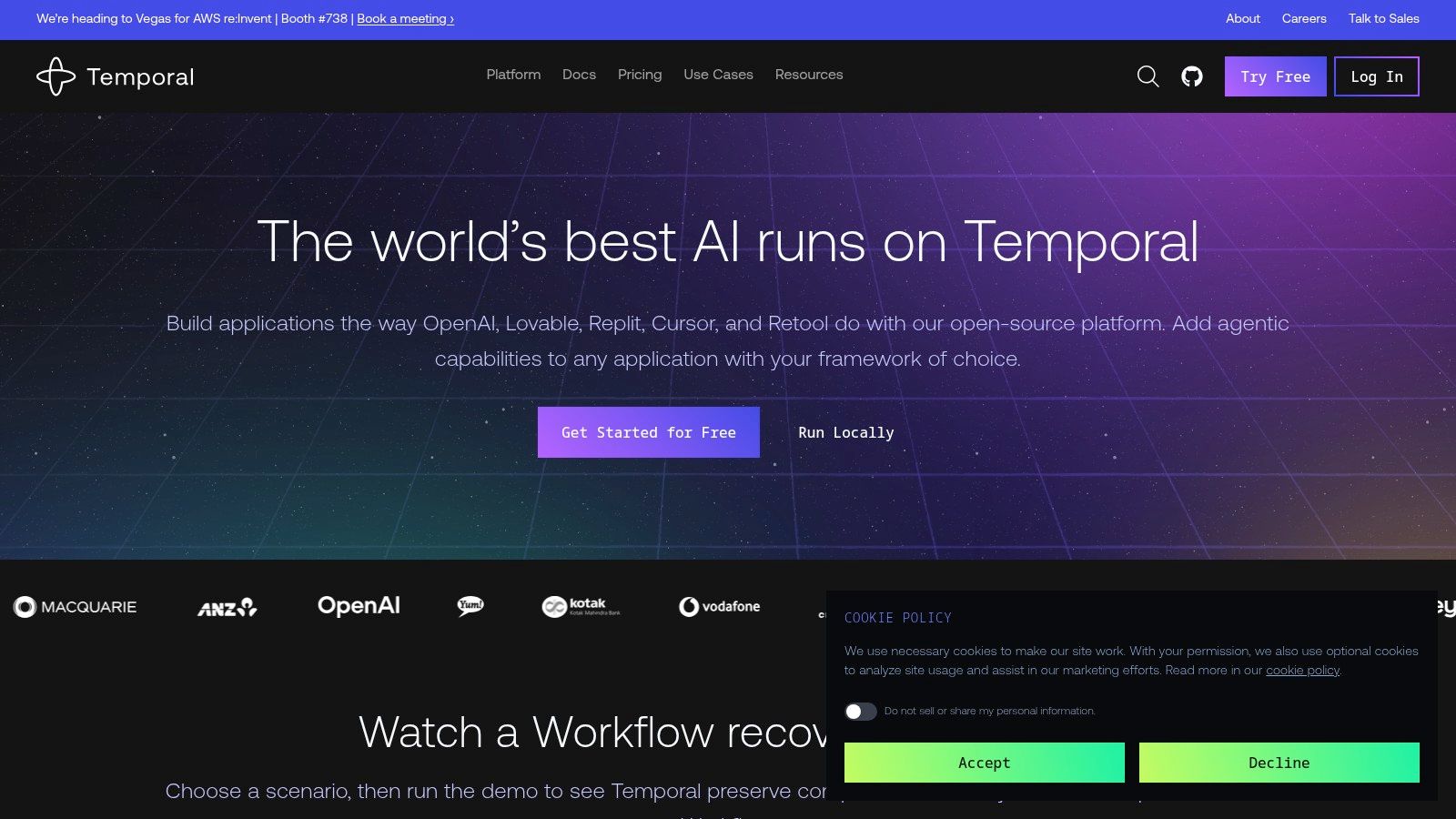
That makes it the strongest option here for durable AI agent execution, where a model call might hang, retry, or need a human answer three days later. It's also the least accessible to non-developers.
- Recovery primitives: retries, timers, signals, and workflow updates are built in.
- Code ownership: application logic stays in your repository, under your review.
- Cloud or self-managed: Temporal Cloud removes the infrastructure work, at a cost tied to actions and storage.
- Model to learn: you adopt Temporal's workflow model, not just its API.
The governance question arrives quickly. Gartner's survey of IT application leaders found 75% were piloting, deploying, or had deployed some form of AI agent, but only 15% were considering, piloting, or deploying fully autonomous agents. Durable execution makes autonomy possible. It doesn't make it wise.
Best for backend teams with long-running processes. For the wider architecture, read this guide to AI agent orchestration frameworks. Start at temporal.io.
How the 10 workflow automation tools compare on hosting, pricing, and best use
| Item | Self-hosting | Pricing model | Best for |
|---|---|---|---|
| Loupe (recommended) | Free, AGPL-3.0; Docker Compose | Self-hosted free; hosted pricing unlisted | Coordinating coding agents across the development lifecycle |
| Zapier | No; cloud-only | Usage-based task limits | Quick cross-app automation for non-specialists |
| Make | Self-hosting not listed | Credit-based usage | Visual, multi-step operational workflows |
| n8n | Yes; Community Edition, or hosted | Hosted plans; self-hosted edition available | Technical teams needing visual workflows, code, and deployment control |
| Microsoft Power Automate | Self-hosting not listed | License-based; varies by connectors and RPA mode | Microsoft-heavy organizations automating cloud and desktop processes |
| Activepieces | Yes; also available as a cloud service | Free plan and credit-based tiers | Teams seeking open-source-core automation with cloud or self-hosted deployment |
| Workato | Self-hosting not listed | Free and Pro plans with credit allowances; enterprise pricing by quote | Enterprises coordinating processes across business systems |
| Retool Workflows | Self-hosting not listed | Depends on plan and usage | Developer teams building internal tools and backend workflows |
| AWS Step Functions | No; managed AWS service | Usage-based; invoked services may add costs | AWS teams orchestrating event-driven or serverless systems |
| Temporal | Yes; self-managed or managed cloud | Cloud costs depend on actions and storage | Developers building durable, long-running application workflows |
Pick the Tool That Fits Your Team
Start with the job, not the brand.
Connecting SaaS apps. Zapier and Make earn their keep here, and a hosted tool usually beats self-hosting for a five-step automation between a CRM and a spreadsheet. If data has to stay on your infrastructure, test n8n or Activepieces. Both work. Both cost you maintenance time.
Running engineering workflows. Retool, Step Functions, and Temporal all assume a developer writes the logic. Pick by where the work already lives. Internal tools and data jobs belong in Retool, AWS services belong in Step Functions, and long-running, failure-prone processes belong in Temporal.
Coordinating AI coding agents. This is the newest category and the one with the least settled practice. If you want one board carrying a card from product design through a merged pull request, with agents doing the work and people approving at named checkpoints, compare Loupe against your current process. Ask the same question of any tool in this group: can you see why a change was approved, and by whom?
Pilot rule: one workflow, four weeks, matched work items. Track cost per finished item, minutes of human intervention, rework rounds, and recovery time after a failed run.
Measurement is where most evaluations fall apart. Unknown ROI is a barrier for 41% of respondents in an HFMA survey of healthcare finance leaders, behind cost at 57% and limited IT resources at 55%. You avoid that by defining the number before the pilot starts.
Borrow definitions that already have benchmarks. DORA's delivery metrics include change failure rate, calculated as failed deployments divided by total deployments, multiplied by 100. Elite teams land between 0 and 15% and deploy multiple times a day. Low performers sit at 46 to 60% and deploy monthly to twice a year.
One more thing I'd insist on. A tool that automates the easy 80% and dumps messy exceptions back on your team hasn't saved anything. Count the intervention minutes before you count the tasks.
Run a small pilot, track cost and rework, and then choose.
Loupe orchestrates coding agents across product design, technical design, implementation, and review, with a single board showing where every card sits and explicit checkpoints where a person decides. If you want agents doing more of the work without losing sight of cost per finished card, merge rate, or who approved what, that's the job it was built for. See how it works and join the hosted private beta waitlist at Loupe.