AI Pair Programming: How It Works and Best Practices
Learn what AI pair programming is, how to run a session step by step, its real benefits and limits, and the checks that keep AI-written code safe.
In this article
- What AI Pair Programming Means
- Three Ways to Pair With an AI Assistant
- Choosing a Mode
- How to Run an AI Pairing Session Step by Step
- The Slip That Causes the Most Rework
- What Studies Show About Speed and Quality
- What the Numbers Don't Cover
- Where AI Pair Programming Falls Short
- Which AI Code Changes Need Which Checks
- Tests the Same Assistant Wrote
- Start Your First Supervised Pairing Session
You've typed the function name, and the editor fills in the body before you finish the thought. It looks right. The tests pass. You commit.
Two days later someone asks why the export breaks on files over 50 MB, and you realize you read the first line and skimmed the rest.
That gap, between fast code and code you can stand behind, is the whole job of AI pair programming. Done well, it's a partner that drafts while you decide. Done badly, it's a confident stranger committing to your repository.
What AI Pair Programming Means
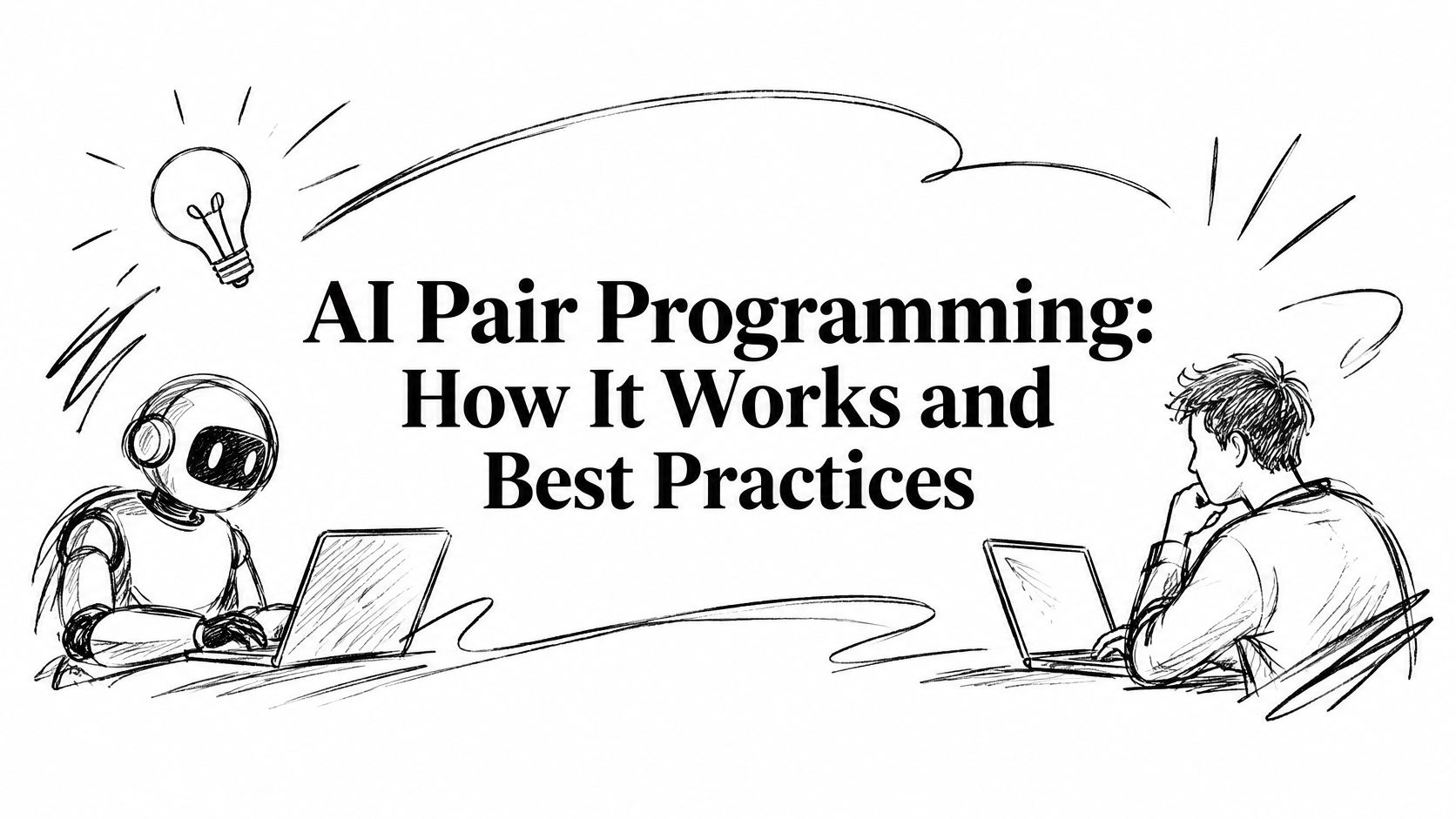
AI pair programming means working with an AI coding assistant the way you'd work with a human partner. You set the goal. The assistant proposes code. You decide what stays.
The old pairing setup had names for the two seats. The driver types. The navigator watches, catches mistakes and suggests direction. With an AI assistant, you usually drive and it suggests. In newer setups it flips: the assistant writes code across several files while you review, reading and checking.
Say you're building a shipping calculator. You type the function name, calculateShipping, and the editor writes most of the body. The signature is wrong, so you fix it. Then you ask, in plain words, "what does this regex match?", and you get an answer you can check against a few inputs.
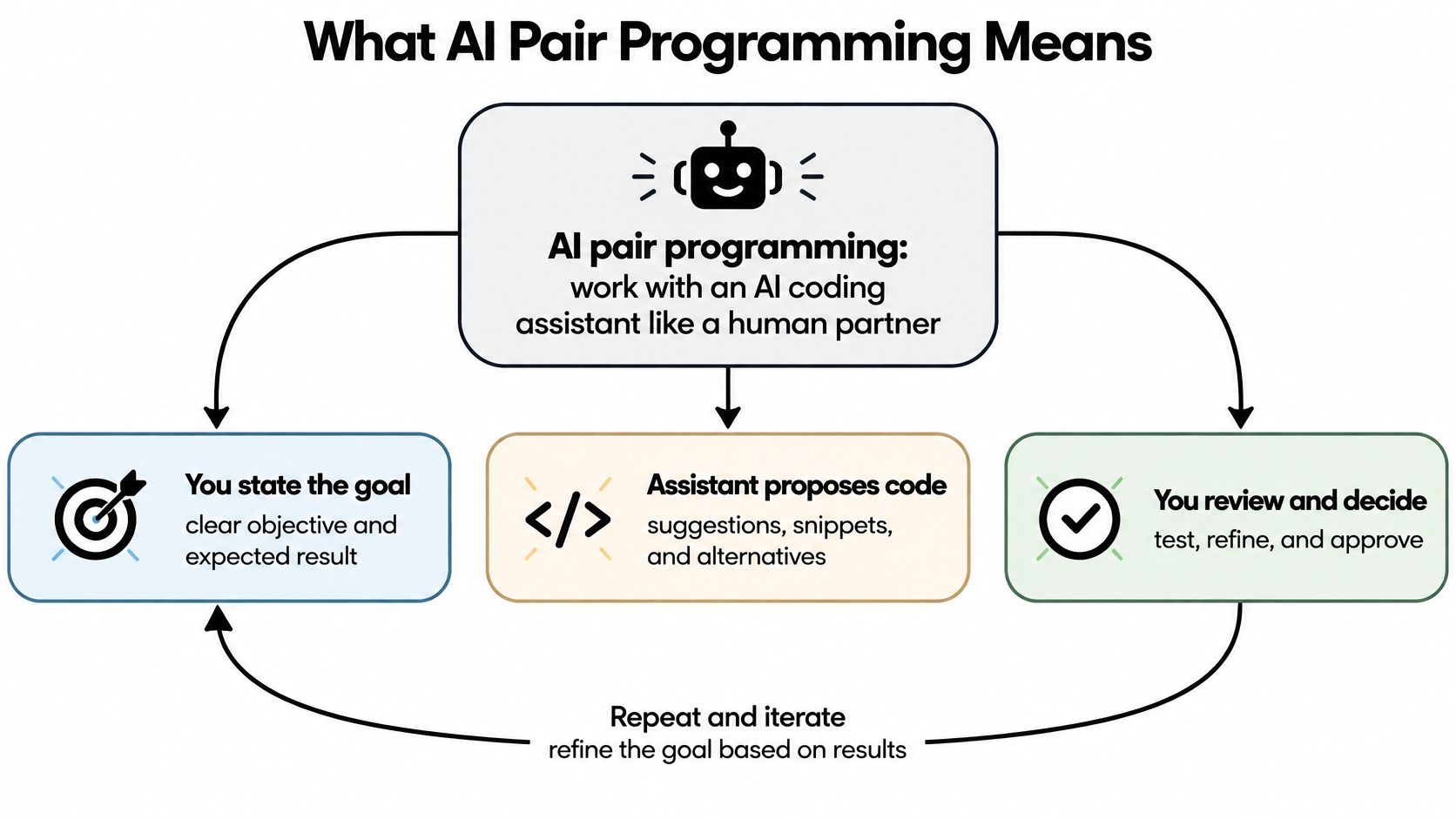
Three everyday uses:
- Finishing a repetitive test. You write the first case by hand, and the assistant writes the next four in the same style.
- Explaining old code. You paste a function nobody wants to touch and ask for a plain summary before you change anything.
- Drafting a small feature. You describe one endpoint, and the assistant produces a first version you edit into shape.
The tool is fast. It isn't always right. In a survey of software professionals, 84.2% said they occasionally or regularly used an AI coding assistant, but just 23% agreed that the code it produced was secure (survey of software professionals on AI coding assistants).
The one rule to keep: the AI proposes, and the human approves. Everything else in this practice is a detail of how you approve.
Three Ways to Pair With an AI Assistant
Teams don't pick just one mode. They use all three, depending on the size of the task.
| Mode | How it works | Your role | Best for |
|---|---|---|---|
| Inline autocomplete | Suggests the next line or block as you type | Press Tab to accept or Esc to reject | Boilerplate, repetitive code and simple tests |
| Chat assistant | You describe a task in a side panel and get code back | You copy, edit and run the code | Explaining code, small functions and debugging |
| Agentic coding | The agent reads the repository, edits several files and runs commands | You review the diff or pull request | Multi-file features, refactors and clear bug fixes |
Inline autocomplete is the smallest unit of help, and the safest. Each suggestion is a line or a block, so you can read the whole thing before you take it. Write one test case yourself, then press Tab through the next three.
Chat assistants sit in a panel beside your code. A good use is pasting a regular expression you inherited and asking what it matches. Then check the answer against two or three inputs yourself, because the explanation can be as wrong as the original line.
Agentic tools do more, and need more watching. One agent reads the repository, changes two files, runs the test suite and opens a pull request. A 2025 Stack Overflow survey found that 69% of developers who used AI agents at work agreed the agents increased their productivity (Stack Overflow's 2025 survey on AI). That's a reported gain, not a promise. An agent that touches ten files can be wrong in ten places.
Choosing a Mode
Start with the smallest mode that solves the problem. Move up only when the task is clear and easy to check. If you can't describe the finish line in one sentence, don't hand it to an agent.
If your team is standardising, it helps to see how AI code generation tools differ before you commit to one, because the modes above behave very differently under review.
How to Run an AI Pairing Session Step by Step
A session that goes well has a shape. It starts with a small, checkable task and ends with a commit you can explain.
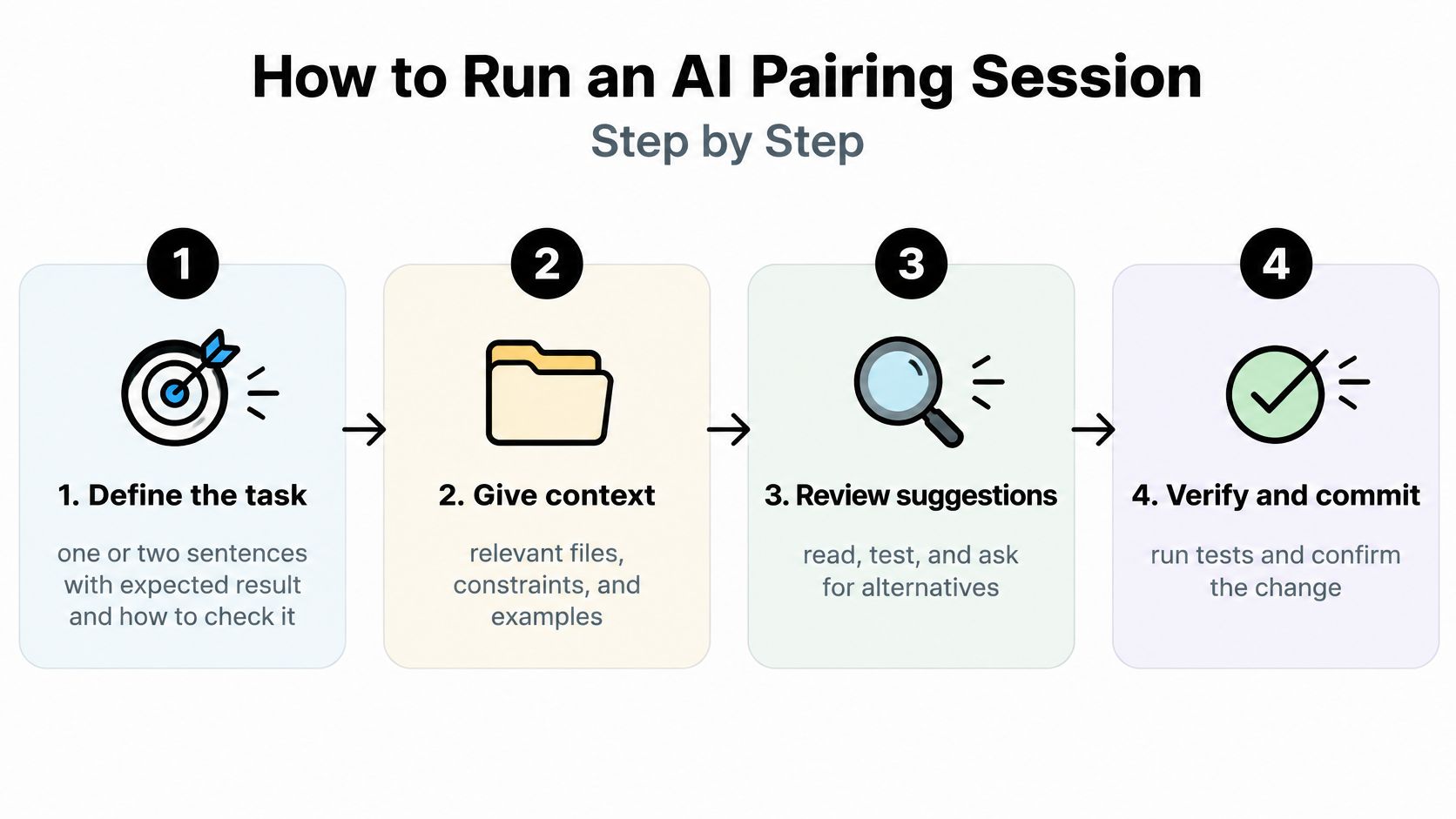
- Define the task in a sentence or two. Include the expected result and how you'll check it. A vague goal invites the assistant to invent the parts you left out.
- Hand over the context it needs. The relevant files, the coding style, the constraints. Most poor suggestions are missing-context mistakes, not model failures.
- Ask for one small piece first. One function or one test. Small pieces are cheap to read and cheap to throw away.
- Read each suggestion before accepting it. Check it against the task, line by line. This is the step people skip, and the one that catches wrong assumptions.
- Run the tests or the app. Watching the thing work beats believing it works.
- Send back the error message. When something fails, paste the failure and ask for a fix. This loop is where AI assistance earns its keep.
- Review the full diff yourself. Look for unused code, wrong assumptions and anything touching authentication, personal data or money.
- Commit only when the tests pass and you can explain every line. Otherwise you're storing up a surprise for the next person.
The Slip That Causes the Most Rework
Accepting a long suggestion without reading it. The longer the block, the more plausible it looks, and the more places a wrong assumption can hide. Keep suggestions small enough that reading them stays cheap.
Sign the session went well: the change is small, the tests pass, and you could explain it to a teammate in two sentences.
What Studies Show About Speed and Quality
Start with the number everyone quotes. In a randomized controlled experiment with 95 professional developers, GitHub Copilot users finished a JavaScript HTTP server task 55.8% faster than developers without the assistant, with a 95% confidence interval of 21% to 89% and statistical significance at p=.0017, according to GitHub's summary of the Copilot productivity experiment. Completion rose from 70% in the control group to 78% with Copilot.
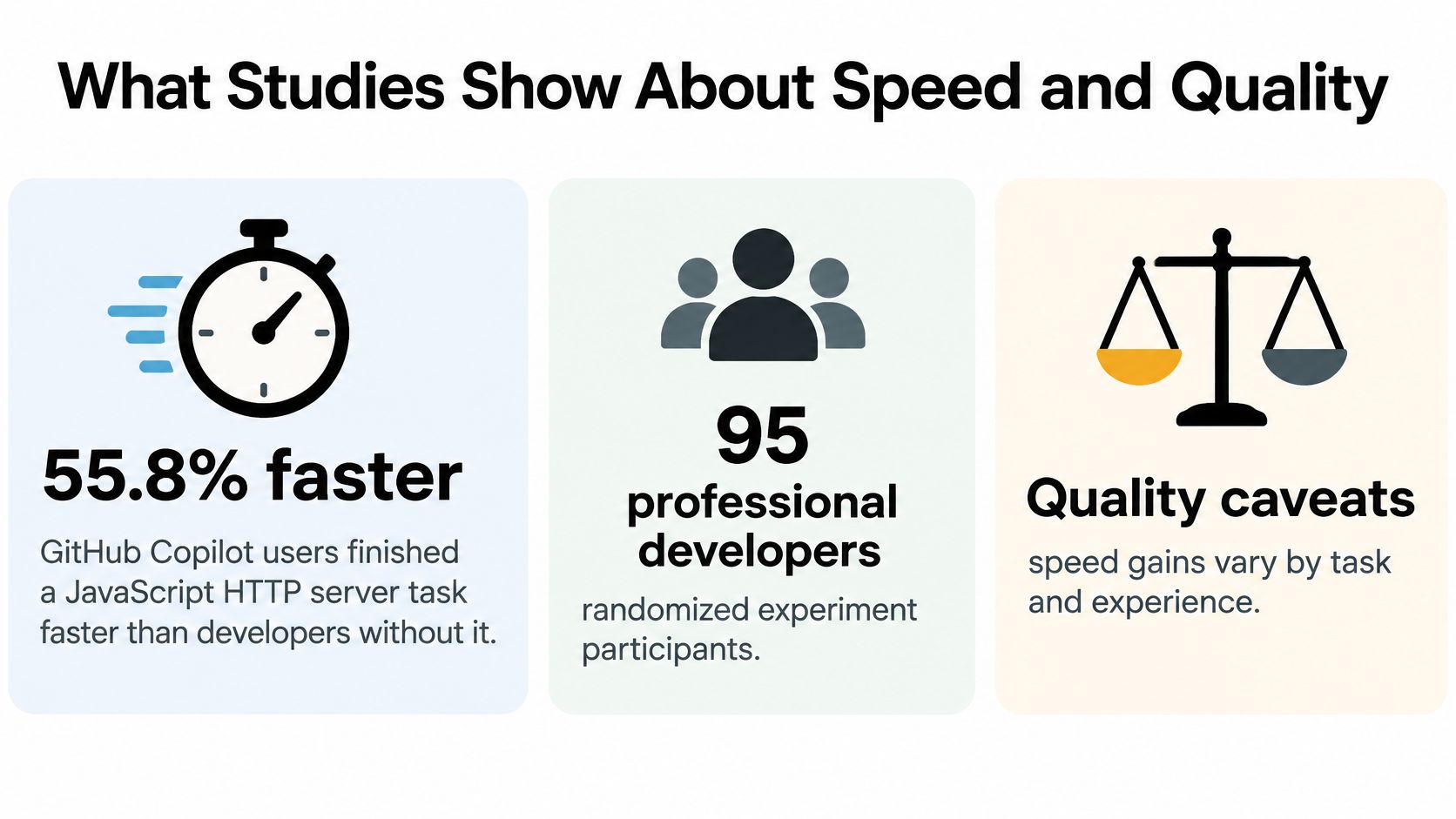
The wider evidence points the same way.
| Source | Scope | Result |
|---|---|---|
| Randomized experiment, 2022 | 95 professional developers, JavaScript HTTP server | 55.8% faster with Copilot, 71.17 vs 160.89 minutes |
| Same experiment, completion | 95 professional developers | 78% completed with Copilot vs 70% control |
| Field study at Microsoft and Accenture | Real workplace pull requests | 12.92% to 21.83% more PRs per week at Microsoft; 7.51% to 8.69% at Accenture |
| Usage telemetry and survey, 2022 | 2,047 matched responses | Acceptance rate predicted perceived productivity better than other usage measures |
What the Numbers Don't Cover
One task is not a project. The experiment measured time to finish a defined exercise, not the cost of living with the result for a year. The field study is stronger because it counted real pull requests, but more pull requests per week says nothing about how good they were.
Suggestion acceptance rate, the share of shown suggestions developers took, is one of the better usage signals we have. It still isn't a quality signal. A developer can accept a suggestion and merge a bug in the same minute.
Track four things alongside speed: completion rate, test pass rate, review rework and hours to merge. Speed gains are real on well-specified tasks. The team still has to check what came out the other end.
Where AI Pair Programming Falls Short
An assistant writes a clean pricing function. It handles discounts, currency and rounding. It ignores the tax rule on page two of the spec, because nobody pasted page two. The code looks better than what you'd have written at 5pm, which is exactly why it slips through.
The miss is a context problem. The assistant sees the prompt you gave it, the way a contractor sees the page you handed over and not the binder on your desk. Custom logic and rules only your codebase knows are where it goes quiet or fills the gap with something that looks finished. Sessions that feel productive still turn up omitted requirements and debugging that got harder, not easier.
A fast first draft does not lower the cost of the second year. A preregistered two-phase experiment with 151 participants, 95% of them professional developers, tested whether AI co-developed code is easier to evolve later (the arXiv paper on maintaining AI-assisted code). It wasn't. Any speed advantage was small and statistically unreliable, and traditional analyses found no significant code-quality difference.
Commit checks tell a related story. In a large study of AI-generated code, every assistant evaluated produced commits that introduced issues, and some assistants did so more often than others (study of issues in AI-generated commits). The diff can look tidy and still be wrong.
Then there is your own skill. If you stop reading the code, you slowly lose the ability to debug it. That's the skill you need most on the day the assistant is confidently wrong.
Rule of thumb: the assistant is strongest on common patterns and weakest on rules only your team knows. Review accordingly.
Which AI Code Changes Need Which Checks
Start with a trust rule. Trust output you can test. Verify output you can read line by line. Reject output you can't explain.
The caution is earned. 66% of developers say they're frustrated by AI solutions that are almost right, and 45% say debugging AI-generated code takes more time (Stack Overflow's 2025 Developer Survey). Almost right is the expensive failure, because it passes the eye test and fails in production.
Not every change carries the same risk, so the check should match the cost of a mistake.
| Change type | Required check before merge | Sign-off |
|---|---|---|
| Formatting, renames and boilerplate | Linter and existing tests pass | Author |
| Tested logic and bug fixes | New or updated tests pass and the diff is read line by line | Author and one reviewer |
| Authentication, payments or personal data | Security review and a threat check | Senior engineer or security owner |
| Architecture or data model changes | Design conformance review against the approved design | Tech lead |
| Product behavior changes | Acceptance criteria checked in a preview build | Product owner |
To apply it, label each pull request with its group, run the automated checks first, and send the top three groups to a named person. A code review checklist helps the reviewer know what to look for rather than just ticking a box.
Tests the Same Assistant Wrote
Scrutinise AI-written tests more than AI-written code. If the same assistant wrote the function and its test, the test may only confirm the assistant's own assumptions. Check that the test would fail against a deliberately broken version of the function. If it passes both, it's decoration.
Then track fix rounds and time to merge per group. Two weeks of numbers will tell you more about a tool than any benchmark.
Start Your First Supervised Pairing Session
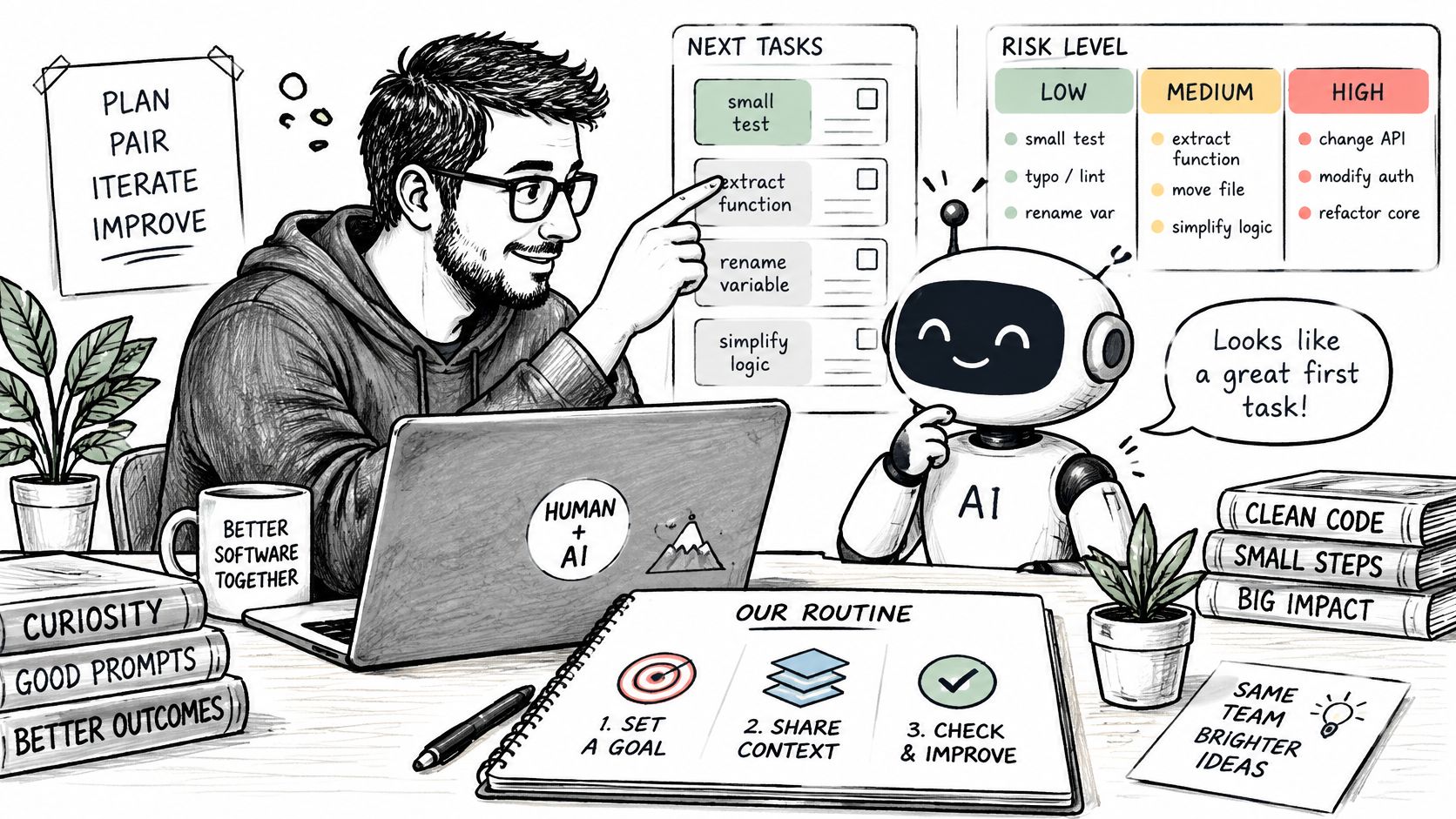
Pick one small, low-risk task this week: a missing test, or a tidy-up in a repository you know well. Run it as a supervised session. Define the task, hand over the context, read every suggestion, run the tests, review the diff.
Then write down what happened. Count the fix rounds and the review findings across two weeks. That's enough time to see whether the assistant saves you work or just trades typing for reviewing.
Loupe is one option for teams that want this review discipline built in rather than bolted on. It's a platform that connects a coding agent on your machine to a review system, where agents send plans and you review them in the browser before code gets written. Other tools work too, and the human in the loop habits matter more than any single product.
Your next three actions:
- Pick the task. One test, one small refactor, one repo you understand.
- Run one supervised session. Follow the eight steps and stop when the tests pass.
- Record fix rounds for two weeks. Then decide whether to widen the work.
Loupe runs coding agents through product design, technical design, implementation and review on a single board, pausing at named checkpoints where you approve the plan before any code exists. If you want those checkpoints in the flow rather than added afterwards, you can read more and get started at Loupe.