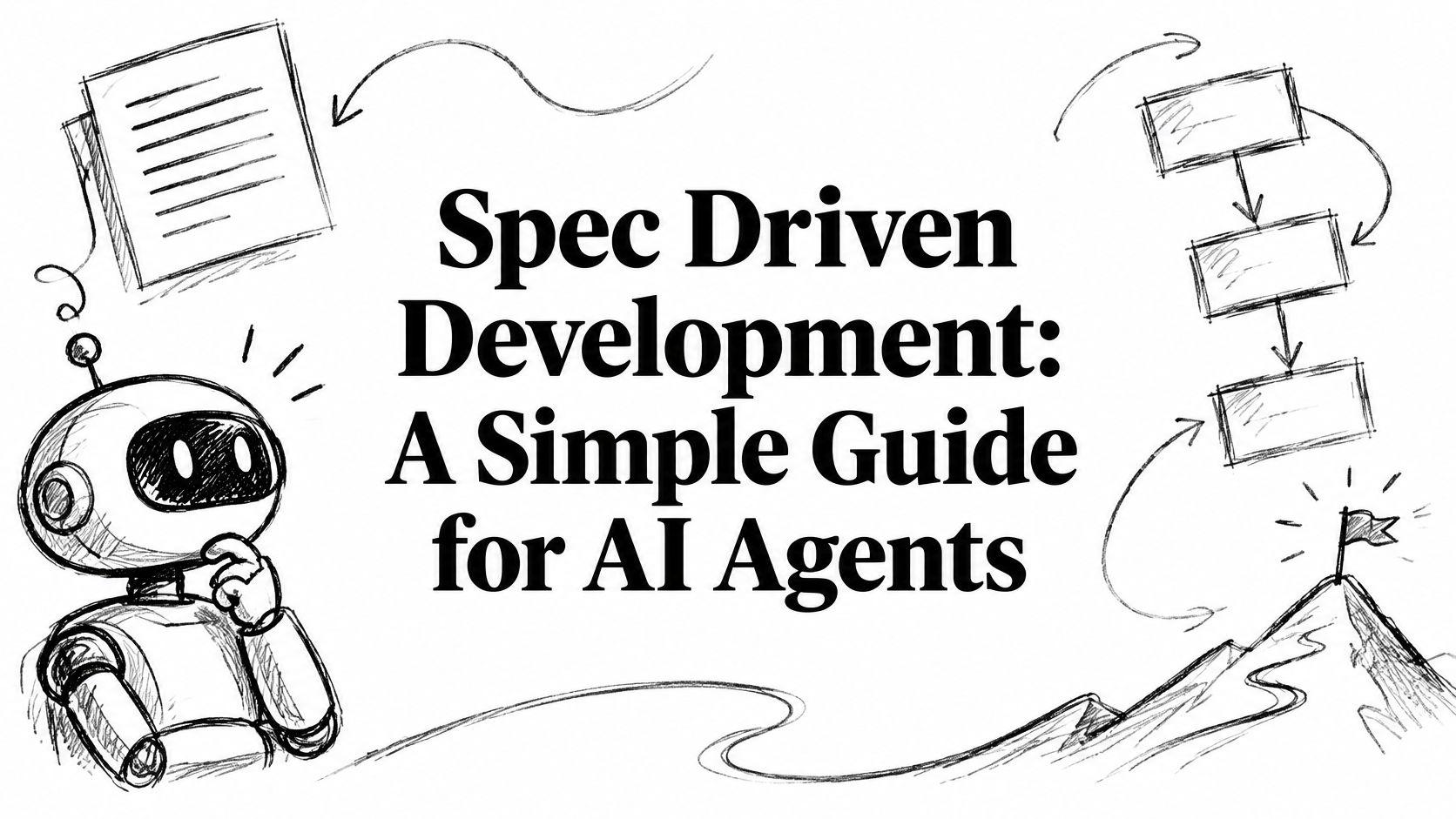
Spec Driven Development: A Simple Guide for AI Agents
Learn what spec driven development is, how its lifecycle works, and how approved designs guide AI coding agents from build to review.
In this article
- What Spec Driven Development Means
- How It Differs From Prompting and TDD
- When a Spec Pays Off
- Three Rules That Make a Spec Useful
- A Quick Spec Checklist
- The Five Stages of the Spec Driven Lifecycle
- Walking Through Each Stage
- Agents, Humans and One Feature
- Designing and Approving the Password Reset
- Building, Verifying and Updating the Feature
- Limits, Costs and Common Myths
- Three Myths Worth Dropping
- Real Costs and Signs of Progress
- Start Your First Spec Driven Feature
- Putting the Approval Trail on a Board
You ask an AI coding agent to add a new feature. Five minutes later, it hands you six changed files and a clean pull request. Then you open the app and realize it guessed wrong on two business rules, skipped an edge case, and wired up the wrong database field.
That gap isn't unusual anymore. In GitHub's 2024 developer survey of 2,000 developers at companies with at least 1,000 employees, more than 97% had used AI coding tools at work across the United States, India, Brazil, and Germany, while 59% to 67% said security teams still manually review codebase changes. Agents can write code fast, yet reviewers still carry the cost when instructions are vague.
Spec driven development fixes that handoff by changing what a specification is for. Instead of writing a document once and forgetting it in a folder, your team treats the approved spec as an active checkpoint that agents must follow and reviewers can verify.
What Spec Driven Development Means
Spec driven development means your team writes down what the software must do, and gets that plan approved, before anyone writes code. Once the plan is signed off, engineers or coding agents build the feature and check the finished code directly against it.
Think of building a house from blueprints. You don't let a crew put up walls while you're still deciding where the kitchen goes. Everyone reviews the blueprint, agrees on the layout, and approves it first so builders and inspectors share the exact same standard.
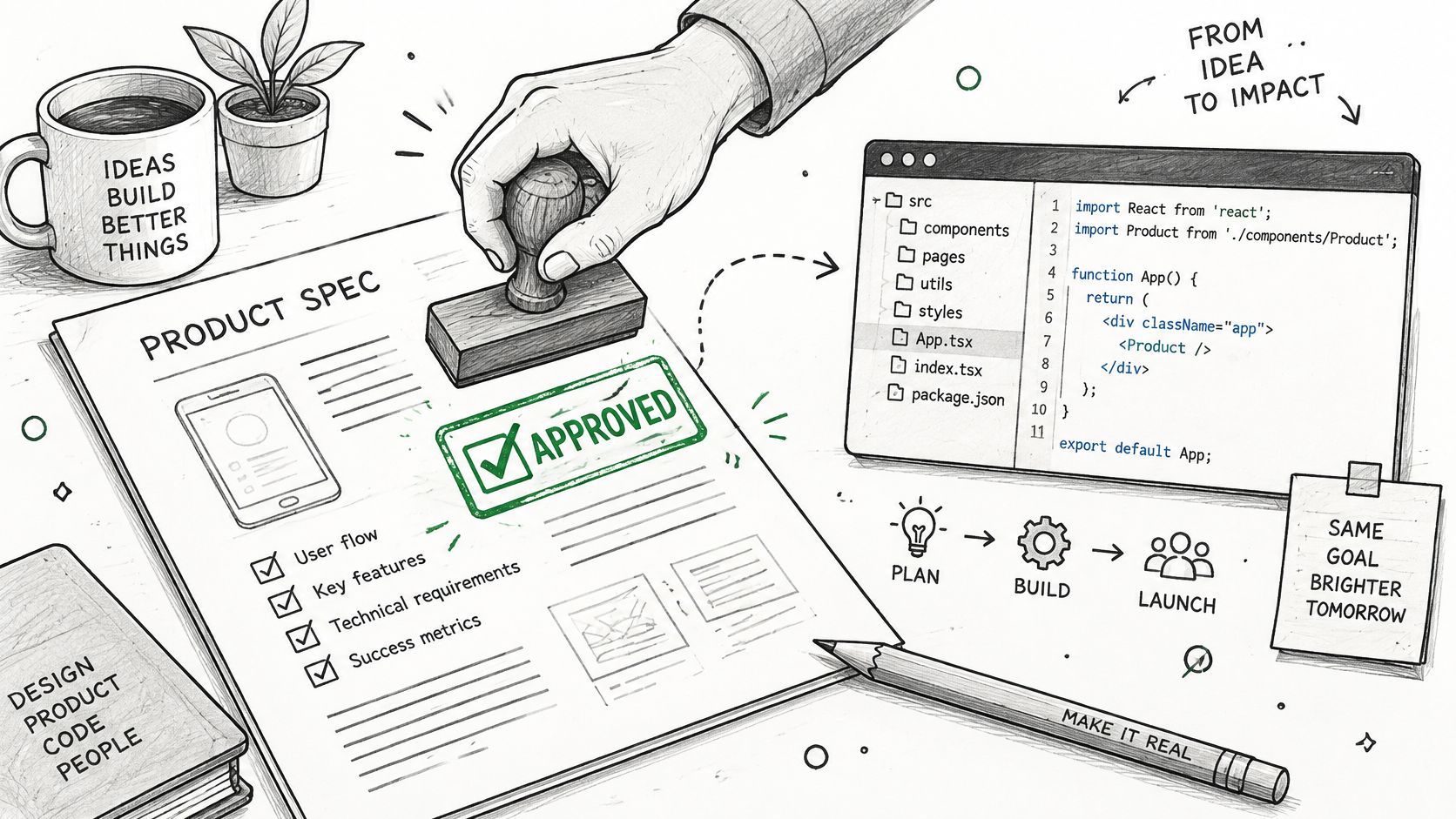
A spec isn't always a long Word file. Depending on the job, it can be a short product design, a technical design, acceptance criteria, concrete examples, or automated tests. Here's a plain definition you can share with your team:
A spec is the agreed answer to what and why, while the code is the answer to how.
Say a team asks a coding agent to add a "cancel subscription" button. Without a written spec, the agent wires up an immediate cancellation that deletes access right away, even though the product team wanted access to continue until the billing cycle ends. The code runs fine, yet the feature is wrong because the agent had to fill in the blanks.
Missing clarity has caused trouble long before AI tools arrived. A 2024 G2 compilation reported that 22% of software projects fail because of poorly defined requirements.
The practice itself isn't a brand-new trend either. As documented on the SpecDriven timeline, researchers at XP 2004 described specification-driven development as combining high-level contracts and automated tests to define software behavior at different levels of detail. That older engineering habit fits AI agents naturally today, because agents produce far better work when their instructions leave no room to guess.
How It Differs From Prompting and TDD
Teams often mix up spec driven development with habits they already use: prompt-only agent coding and test-driven development (TDD). All three guide code, but they work at different levels. A prompt steers one exchange. A test checks one behavior. An approved spec acts like a checkpoint on the wall, so agents and reviewers can compare the finished work against what was agreed.
Prompt-only coding starts in a chat window. You type a quick request into Cursor, Claude Code, or Copilot, then adjust the output until it looks right. That can work for a small edit. The weak point is memory. Chat history is thin and scattered, so the next reviewer may not know which rule mattered. The code may look clean while the intent stays hidden.
TDD takes a stricter route by writing automated tests before code. It works well for functions and components, where the expected result can be expressed clearly. It is less useful for product choices that sit outside one function, such as screen flows, permissions, or cross-service trade-offs. Spec driven development widens the frame with approved product and technical designs, stable requirement IDs, and links from each rule to its code and tests.
| Approach | Starting Point | What It Covers | How Reviewers Check It |
|---|---|---|---|
| Prompt-only coding | Chat request | Single task or snippet | Reading code diffs and guessing intent |
| Test-driven development | Failing unit test | Component or function behavior | Running automated test suites |
| Spec driven development | Approved product and tech spec | User flow, architecture, rules, and tests | Checking code and tests against requirement IDs |
The difference is easiest to see with a feature such as "cancel subscription." A prompt may tell the agent to add the button. A test may confirm that the button calls the right endpoint. The approved spec says access continues until the billing cycle ends, and that rule gives reviewers something solid to check.
When a Spec Pays Off
Writing expectations down early can pay off, though results depend on the work and the team. A 2008 study of four industrial teams at Microsoft and IBM found 40% to 90% lower pre-release defect density in test-first projects compared with similar teams.
Written specifications show a more mixed picture. An empirical study of 88,052 pull requests across 119 open-source repositories found no statistically significant defect advantage for spec-linked pull requests (-0.6 percentage points, p = 0.133) once task difficulty was matched.
That leads to a simple rule of thumb. Write an approved spec when multiple people or agents will touch the same feature, or when a mistake would hurt users. For a small, local tweak like renaming a label or fixing a CSS margin, a quick prompt is usually enough.
Three Rules That Make a Spec Useful
A messy document won't help an engineer or an AI agent. For a spec to act as a real checkpoint, it needs to follow three straightforward rules.
First, specs come before code. Your team agrees on how the feature should behave before anyone opens an editor or starts a worker agent. Catching a disagreement over a refund rule or permission check in a two-page AI product requirements document takes five minutes to fix, whereas untangling it after three pull requests takes days.
Second, every requirement gets a stable ID and a clear test. Vague lines like "login should be secure" force agents to invent their own rules. Instead, write concrete items with IDs that never change:
- Requirement
Login-01: When a user enters an incorrect password, the app displays one generic error message and doesn't lock the account until five failed attempts occur. - Verification test: Submit four bad passwords and confirm the fifth attempt is still allowed; submit a fifth bad password and confirm the account locks and shows the expected error.
Third, every requirement traces directly to the work. Each ID should point to the technical design section that explains how to build it, the pull request that implements it, and the test that proves it works.
A spec is only useful when you can point to the exact code and test that match it.
That link isn't just tidy bookkeeping. An IEEE requirements-traceability study using multilevel Poisson regression found that higher traceability completeness across development activities significantly lowered the expected software defect rate. The researchers also noted that link quality matters: pointing Login-01 to a generic smoke test gives weak proof compared with an assertion that explicitly checks the five-attempt lockout rule.
A Quick Spec Checklist
Before you approve any spec and hand it to a coding agent, run through three fast questions:
- Is every item testable? If you can't describe how to prove a rule passes or fails, rewrite it until you can.
- Can you trace it to code? Make sure each ID has a clear path from the product rule to the planned component and test file.
- Who approved it? A spec without a named human owner turns into an unverified draft rather than a checkpoint.
The Five Stages of the Spec Driven Lifecycle
Spec driven development works best as a repeating checkpoint loop rather than a straight line. Each stage produces one concrete artifact, gets checked, and waits for a named human approver before the work moves ahead. Agent reviews may run before that approval, but they do not replace it.
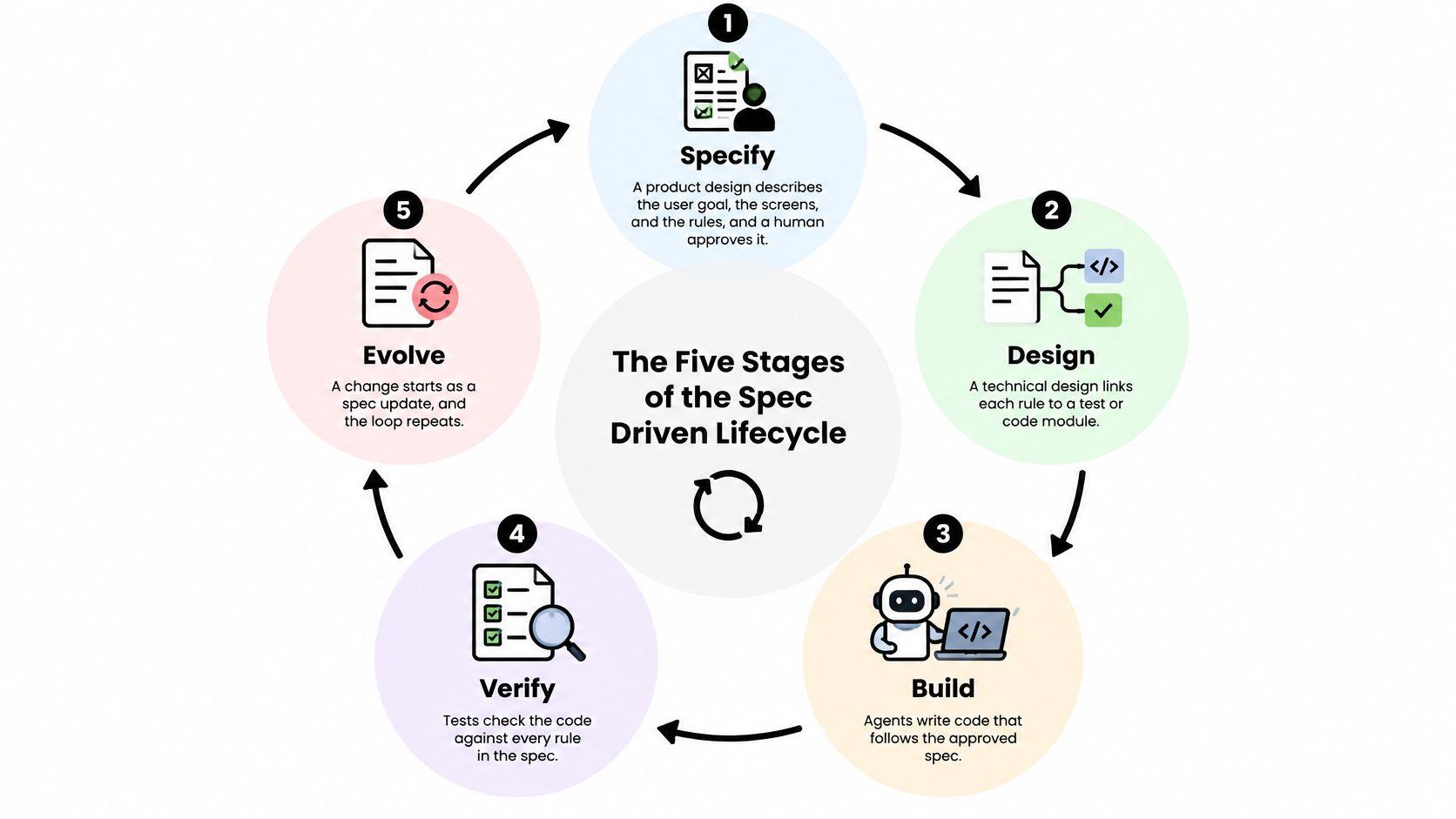
The table below maps out all five stages, what gets created at each step, who checks it, and what opens up the next stage.
| Stage | What Gets Written | Who Checks It | Output |
|---|---|---|---|
| 1. Specify | Product design with user goals and rules | Second agent review, then product owner | Approved product design |
| 2. Plan | Technical design with components and interfaces | Second agent review, then technical lead | Approved technical design |
| 3. Build | Code built from the approved design | Second agent review against the approved design | Pull request |
| 4. Verify | Tests and live behavior review | Tests, second agent review, then human reviewer | Merged change |
| 5. Maintain | Updated specs after changes | Feature owner | Current, trusted specs |
Walking Through Each Stage
1. Specify starts with the user's goal. In Loupe, an agent drafts the product document and a clickable prototype, then a second agent reviews the draft first. You review it before any code is written. The design work starts from the Design System artifact and its shell components, so the prototype is built on a shared design canvas rather than a stand-alone design project.
That matters because a product spec is more useful when it can be inspected, questioned, and approved in one place. A clickable prototype works like a shop window. It lets the reviewer see what the user is expected to do before the team starts fitting the machinery behind it.
2. Plan turns the approved product rules into an engineering blueprint. In Loupe, an agent writes the technical design from the approved product, a second agent reviews it first, and you comment and approve. The technical design names the modules, interfaces, and checks that make each product rule buildable.
The approved design then becomes the reference point for later work. It works like a cut list in a workshop. The builder still has work to do, but the dimensions are no longer up for guesswork.
3. Build hands the approved design to a worker agent. The worker builds the approved design and opens a pull request on GitHub. A second agent reviews the change against the approved design, and fix rounds run until it passes. Loupe sends the work back for fixes before you see it.
This is the checkpoint idea in practice. The spec is not a document that gets admired in a folder. It is the standard the pull request must match.
4. Verify checks whether the code keeps its promises. Loupe recommends preview deployments, a URL for each pull request, so you can review the change with the live review widget. If the repository profile includes a Preview section, stage skills prove each preview link before pushing and fail a review for a page change with no proven link.
Human review stays at the end of this chain. Tests can show that a rule passes, and an agent can compare the change with the approved design. The human reviewer decides whether the live behavior is acceptable before merging.
5. Maintain closes the loop after launch. Whenever a product rule or code path changes later, the feature owner updates the spec first so the next round starts from an accurate checkpoint. In Loupe, the workflow has six stages: product design, tech design, implementation, agent review, live review, and done. The five-stage model above groups those stages by the kind of thinking involved: specify the product, plan the build, build the change, verify the behavior, and maintain the reference.
Each handoff needs a named human approver because quiet handoffs are where specs lose force. The NIST AI Risk Management Framework highlights this governance principle, advising teams to define clear human oversight roles, identify which features require human sign-off, and test oversight steps under realistic conditions. Before you try this on a real ticket, grab a whiteboard or a blank page and sketch your own version of these five stages with the exact names of who approves each handoff.
Agents, Humans and One Feature
To see how the loop feels in daily work, follow one common feature from start to finish: a password reset link for a web application.
Designing and Approving the Password Reset
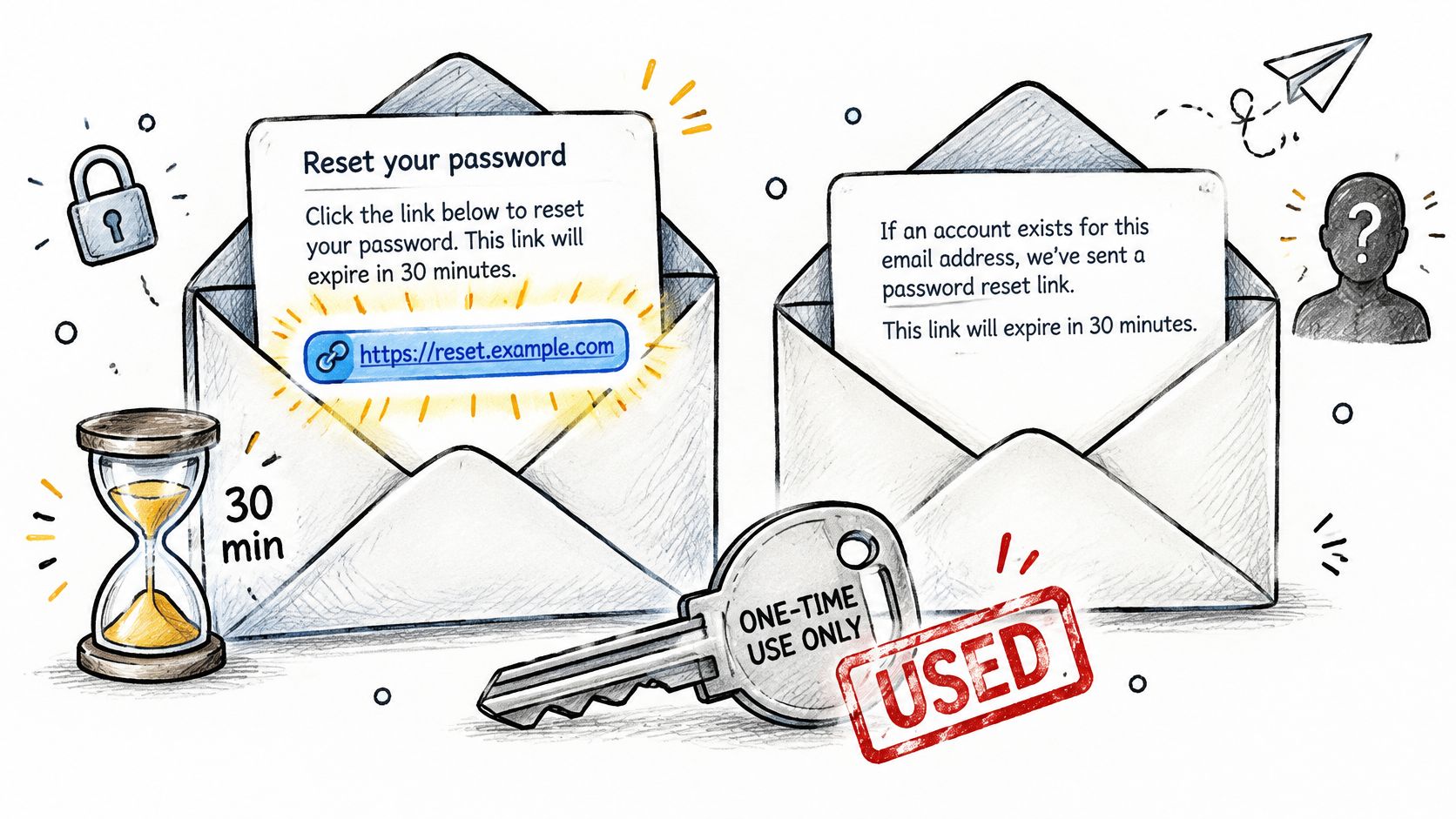
In Stage 1 (Specify), a drafting agent writes a short product spec with three clear rules: the reset link expires after 30 minutes, each link works only once, and the form shows the exact same confirmation message for unknown emails so attackers can't probe for valid accounts. A second reviewer agent checks the draft for missing edge cases, such as what happens if a user requests two links in a row. Then the product owner reads the revised spec and approves it.
In Stage 2 (Plan), an engineering agent turns that approved product spec into a technical design. It specifies that the reset token will be stored in the database as a one-way hash, the reset endpoint will enforce a rate limit, and the existing email service will deliver the message. Again, a reviewer agent checks the plan against the product rules, and the tech lead approves the final blueprint.
Building, Verifying and Updating the Feature
In Stage 3 (Build), a worker agent reads only the approved product and technical designs, writes the backend logic, UI form, and automated tests, and opens a pull request. If you orchestrate AI coding agents on your repo, one detail matters a lot here: a worker sees only what you push, so you must read the lifecycle file, correct the guesses, and commit it before kicking off the run.
In Stage 4 (Verify), the test suite runs and catches a bug right away. The 30-minute expiry test fails because the token check used greater-than instead of greater-than-or-equal on the timestamp. The worker agent fixes the logic in one fix round, the test suite turns green, and a second agent verifies the code against every rule in the technical design. Finally, a human reviewer opens the preview deployment in a browser, submits a fake email address, and confirms the privacy-preserving message looks right before clicking merge.
In Stage 5 (Maintain), two months later, customer support asks to extend the expiry window from 30 minutes to 60 minutes. Instead of editing one constant in the code and leaving an outdated spec behind, the feature owner updates the product and technical specs to 60 minutes first, gets sign-off, and then lets the agent update the code and expiry test.
This balance mirrors the way engineers currently work with AI. In an arXiv survey of 99 practitioners, 50 reported driving architectural requirements and design, and participants modified agent-generated code roughly half the time on average. Similarly, NIST software security guidance recommends automating repeatable checks across the lifecycle while requiring human-in-the-loop approval whenever risk crosses set thresholds.
Core rule: Agents move fast, but people decide what counts as approved.
Limits, Costs and Common Myths
Spec driven development brings order to AI-assisted coding, yet it isn't magic. Teams run into trouble fastest when they buy into three common myths.
Three Myths Worth Dropping
Myth 1: Once a spec is approved, it stays true forever. Code changes, third-party libraries shift, and business rules evolve every sprint. An arXiv study examining 266 active repositories (drawn from 470,795 specification files across 73,030 GitHub repositories) found that teams usually checked whether specs matched code only when finishing a change, rather than continuously during maintenance. Without deliberate upkeep, approved specs gradually drift out of sync.
Myth 2: More detail in a spec always leads to better software. That same arXiv study revealed a sharp trade-off: packing extra implementation detail into a spec can help an agent generate code cleanly today, yet it makes the spec decay faster, increases maintenance work, and creates a false sense of certainty. Keep specs focused on behavior, constraints, and clear interfaces instead of rewriting code in English.
Myth 3: Writing a spec guarantees bug-free code. Attaching a document to a ticket doesn't automatically stop defects, especially because teams naturally write longer specs for their riskiest, most complex features. Quality only improves when tests and reviewers actively hold the code to the approved rules.
Real Costs and Signs of Progress
Adopting this habit adds real overhead up front, so weigh the trade-offs candidly:
- Writing time: Turning fuzzy ideas into clear, testable rules takes focused thinking before coding starts.
- Review time: Product owners and senior engineers spend more time reading designs instead of only reviewing pull requests.
- Ongoing upkeep: Every future product tweak requires updating the matching spec so it doesn't go stale.
To know whether those costs are paying off, track delivery outcomes rather than lines of code generated. DORA metrics guidance defines deployment rework rate as the share of unplanned deployments caused by production incidents, and highlights related signals like code-review duration and test quality. Look for three practical signs that your specs are working:
- Fewer fix rounds: Agents hit the mark on the first or second attempt instead of cycling through endless rewrites.
- Shorter time to merge: Reviewers spend less time debating what a feature was supposed to do and approve pull requests faster.
- Fewer post-release defects: Edge cases get caught in design review or automated tests rather than by customers in production.
Spec driven development is a practical tool for making clear decisions, not a promise of perfect code.
Start Your First Spec Driven Feature
You don't need to overhaul your entire engineering process to test this out. Pick one small, well-contained feature this week and walk it through three concrete steps.
- Write a short product spec in plain English with a clear user goal, numbered rules, and one named approval owner. Keep it under a page so people read it.
- Draft a technical design document that maps every rule to a specific code module and automated test, tagging each item with a stable ID like
Login-01orReset-02. - Put one human checkpoint across the five lifecycle stages (Specify, Plan, Build, Verify, and Maintain), and record who signed off before work advanced.
Any issue board, shared folder, or Markdown directory inside your Git repo can hold these files. The discipline of keeping a clear approval trail matters much more than the specific tool you choose.
Putting the Approval Trail on a Board
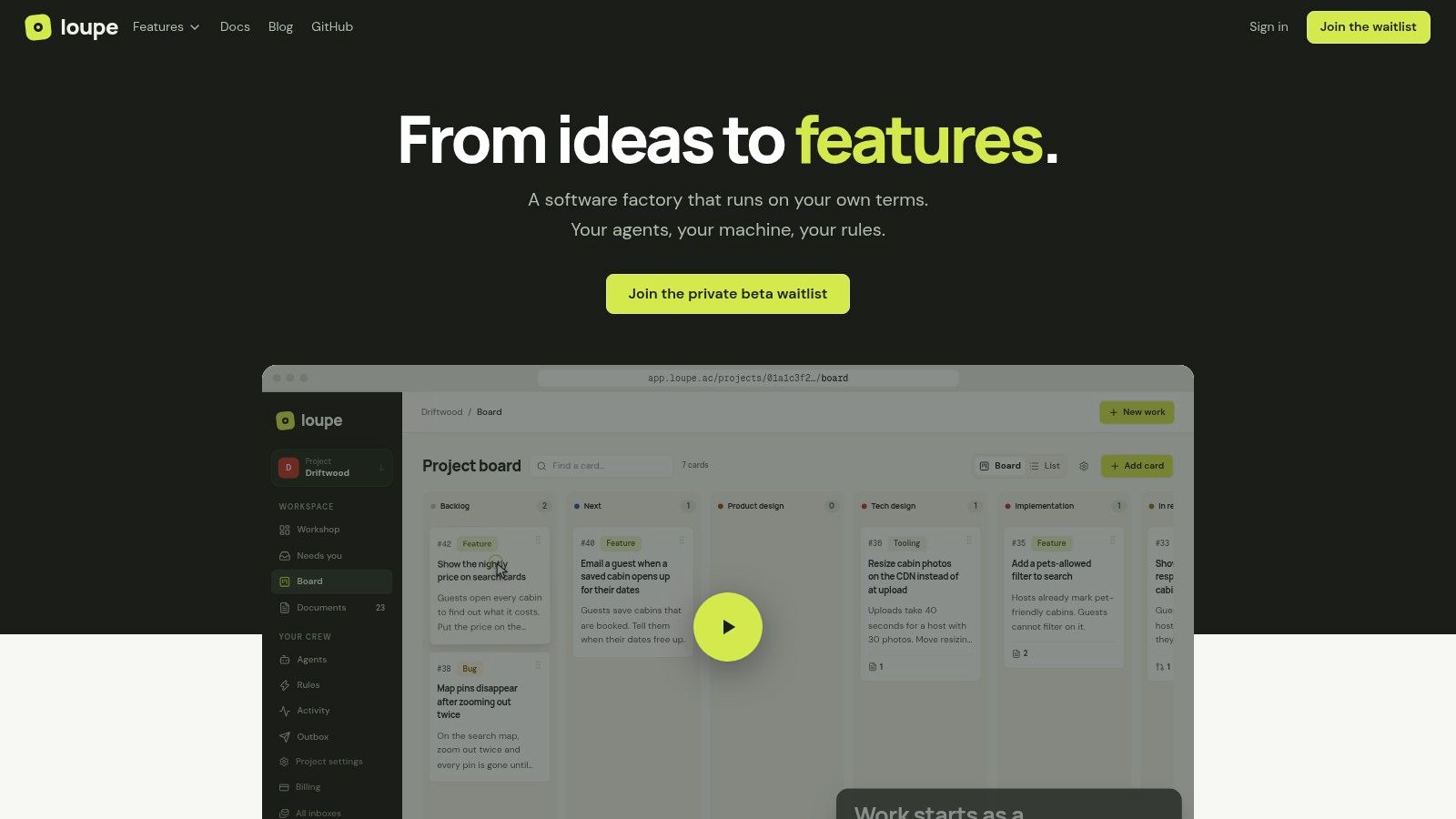
If you want a dedicated place to coordinate agents and human checkpoints, structured workflows can enforce these gates automatically. In Loupe, our workflow runs across six stages: product design, tech design, implementation, agent review, live review, and done. During product design, an agent drafts the product document and a clickable prototype, a second agent reviews that draft first, and you review it before any code is written. Later, Loupe's agent review checks every design and every pull request against the approved design, sending deviations back for fixes before you ever see them.
Try running just one small feature through Specify, Plan, Build, Verify, and Maintain this week. When it merges, compare its fix rounds and total time to merge against the last feature your team shipped from chat prompts alone.
If you want a ready-made board that enforces spec approvals, dual-agent design checks, and clear human checkpoints from product design to merged pull request, explore Loupe. It connects your coding agents to a structured workflow on your own machine and rules, so every feature stays anchored to what you approved.