10 GitHub Copilot Alternatives Worth Trying in 2026
Explore 10 practical GitHub Copilot alternatives, with honest pros, cons, pricing notes, and a clear matrix to pick the right AI coding tool.

In this article
- 1. Loupe
- How the workflow runs
- What it costs and where it stops
- 2. Cursor
- 3. Windsurf / Devin Desktop
- 4. Claude Code
- Where it wins and where it stops
- 5. OpenAI Codex
- 6. Amazon Q Developer
- 7. Kiro
- 8. Cline
- 9. OpenCode
- The part self-hosting doesn't fix
- 10. Zed
- GitHub Copilot alternatives at a glance
- How to Choose With a Quick Decision Matrix
Start with a question most comparison lists skip. What do you want from the tool that replaces GitHub Copilot? A cheaper seat, a model you choose, code that never leaves your network, or coverage of the whole workflow from ticket to merged pull request. No tool on this list wins on all four, and the ones that look strongest on features often lose on governance.
The market has moved past autocomplete. Stack Overflow's 2026 AI survey found that 65.9% of 11,509 respondents used AI coding assistants or coding agents, and among those who named tools, Claude Code was used by 66% and GitHub Copilot by 58.7%. Those are self-reported usage figures, not market share, and developers use more than one. But they tell you alternatives are mainstream, not experiments.
Here are ten tools, judged on cost, model flexibility, privacy and self-hosting, and governance. Each entry covers real strengths, honest limits, IDE and GitHub integration, and who it fits. Pick the shape that matches your constraint, then test it on work you've already shipped.
1. Loupe
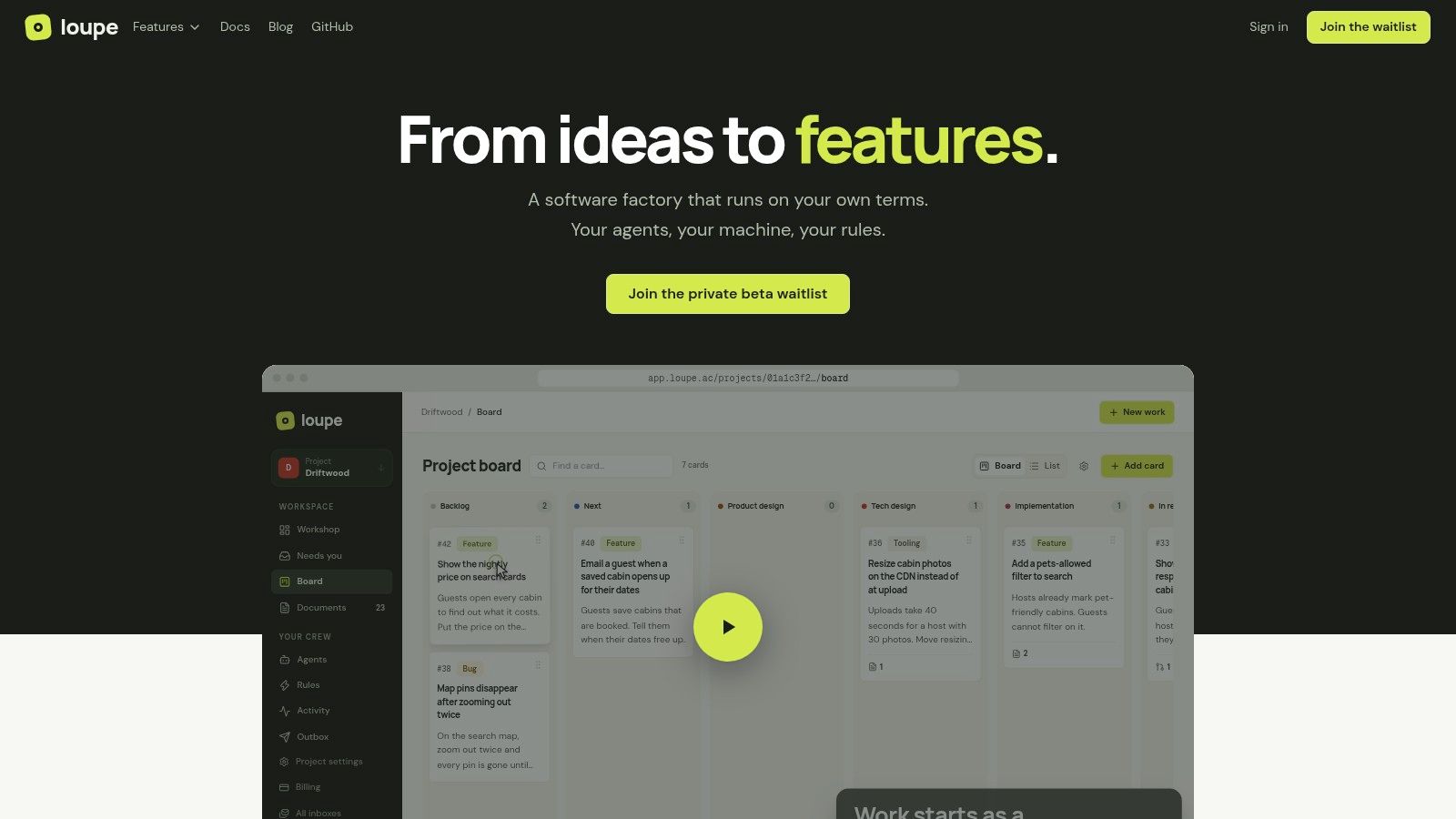
Loupe takes a different shape from everything else here. It's an open-source software factory that coordinates coding agents from product design through to a merged GitHub pull request. You aren't buying better autocomplete. You're buying the workflow around the agents you already pay for, and Loupe itself runs no AI models.
How the workflow runs
A shared board tracks every work item and shows whether it's working, waiting, stuck, or needs you. Rules move cards through product design, technical design, implementation and review, pausing at checkpoints labeled "You." A worker agent builds from the approved design and opens the pull request, then a second agent checks the change against that design before a person sees it. You can comment line-by-line on documents, take the wheel on any card in an interactive session, or annotate a live preview so feedback lands on the right card.
Two setup details matter. Loupe recommends a second GitHub account for your agents, so pull requests arrive from a separate identity you approve. It also guesses gate commands from your justfile, Makefile, package.json, composer.json or go.mod, marking each guess "detected, check it" so you confirm lint and test before they run.
What it costs and where it stops
Cost: free to self-host under AGPL-3.0 with Docker Compose. The hosted service is in private beta with no published hosted price, so budget for the self-hosted path first.
Model choice: workers run on your machine and your own subscriptions, with integrations for Claude Code, Codex, OpenRouter, GitHub and MCP.
Governance: approval checkpoints sit inside the lifecycle rather than bolted on, and analytics track cost per finished card, merge rate, fix rounds and hours to merge, with experiments to compare models on evidence.
The limits are real. You need a GitHub.com repository, and the worker bridge runs on your own machine using your own subscriptions. GitHub Enterprise and other forges aren't supported yet, and there's no public customer track record to check while the hosted version stays in beta.
2. Cursor
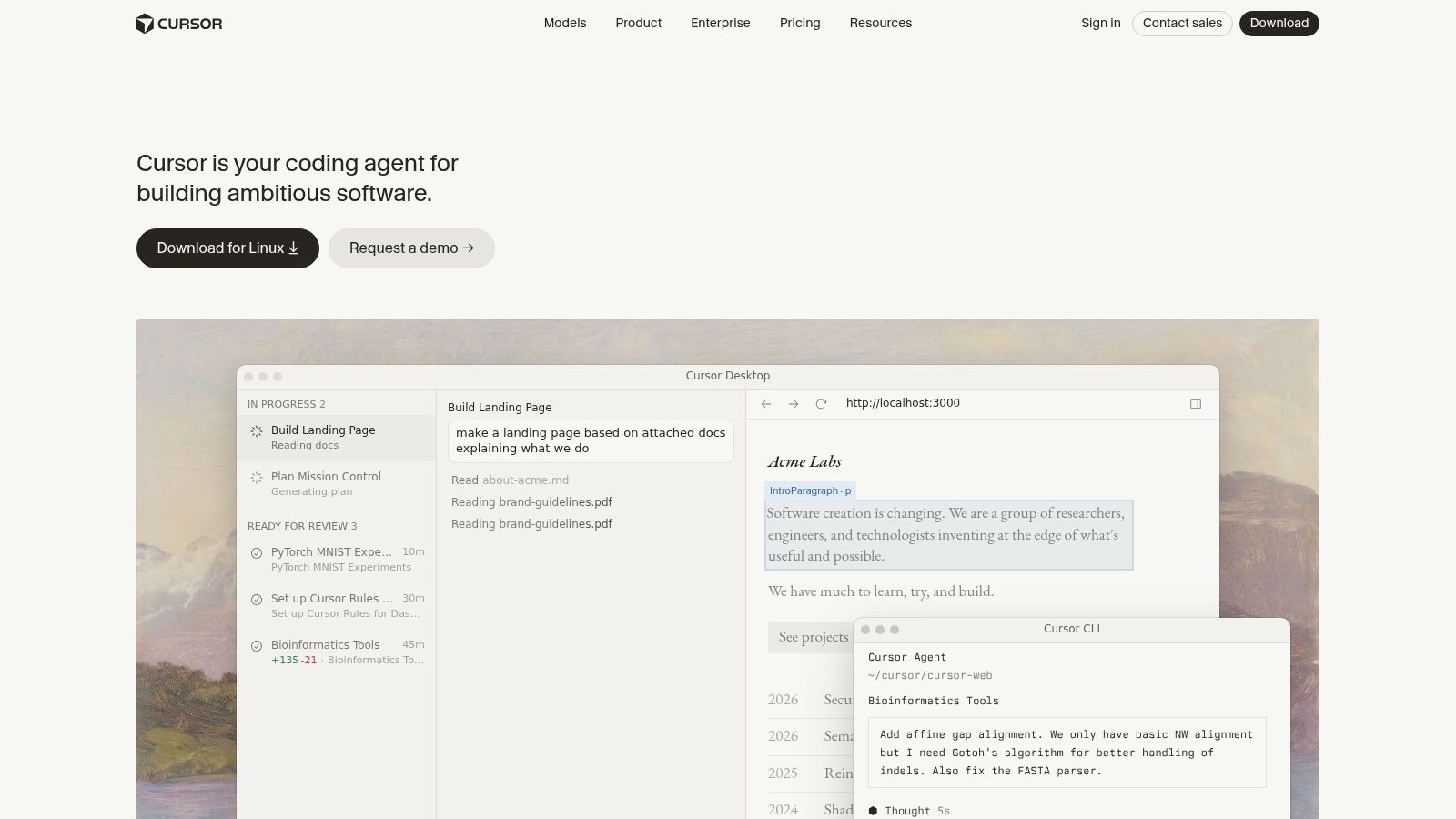
Cursor is the safest landing spot for anyone leaving Copilot, because it feels like VS Code with an agent in the core. Chat understands the codebase, the agent works across files, and paid plans add cloud agents and AI code reviews.
The honest trade-off is that you adopt an editor, not install a plugin. Model access and usage limits depend on your plan, and third-party model charges can sit on top of the seat price. That matters when your team already has a licence agreement somewhere else.
Good at: multi-file refactors, feature work that spans a dozen files, and first-draft reviews.
Weak at: teams pinned to JetBrains or to a VS Code setup with extensions they can't move.
There's a free tier, so a trial costs nothing but time. Run it against your current tool on the same ticket and compare the diffs, not the demos.
If you're mapping the wider field, this guide to AI code generation tools explains how the categories differ.
3. Windsurf / Devin Desktop
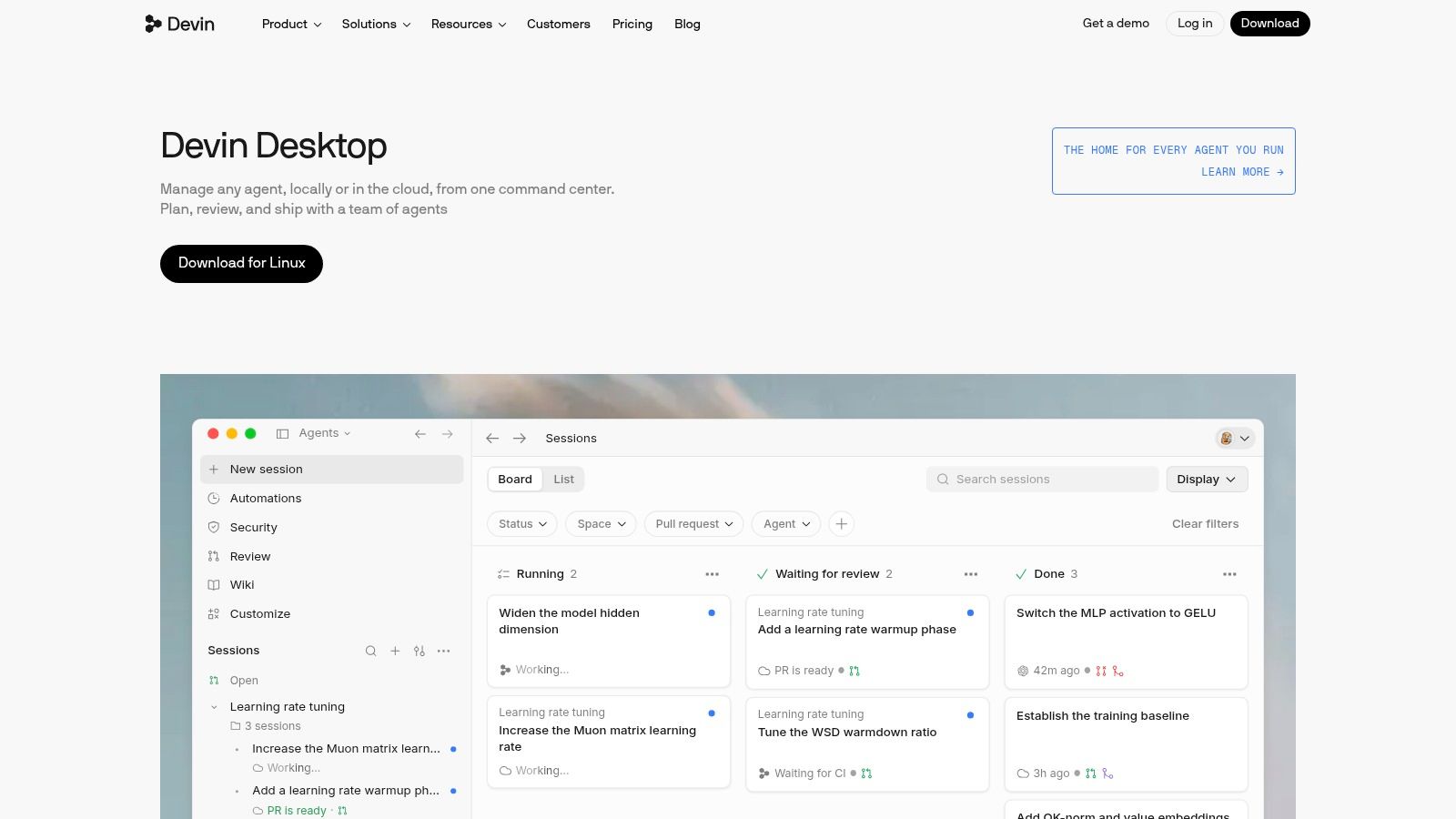
Windsurf's editor now ships as Devin Desktop. Same idea as Cursor, different packaging: a desktop editor with inline assistance and an agent that reads project context and makes changes. If your team likes agent-led work but won't live in a terminal, this is the shape to test.
The caution is that agentic tools don't automatically make people faster. An NBER analysis of evidence on AI coding tools notes that earlier studies commonly reported gains of roughly 15% to 50%, but evidence for newer agentic tools remains limited and mixed. One randomized controlled trial cited in that analysis found an agentic coding tool reduced experienced developers' productivity by 19%.
Practical rule: judge an agent on fix rounds and review time against your own codebase. A polished demo proves nothing about your repo.
Watch for: branding and packaging have changed, plan allowances can cap agent work, and you're adopting another editor.
Suits: teams that want a free entry point and prefer an IDE to a command line.
Check Windsurf's current plans
4. Claude Code
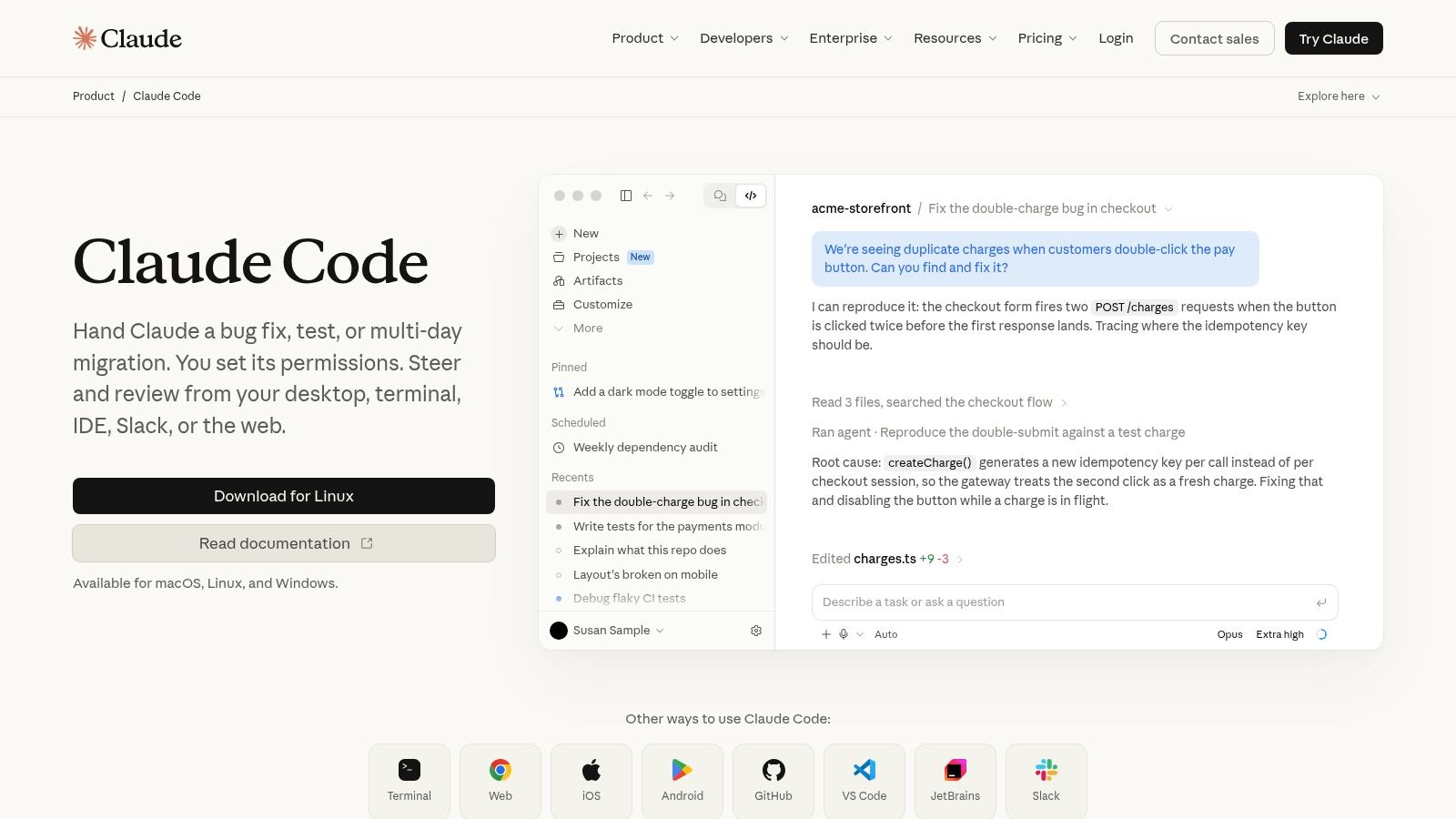
Claude Code is a terminal-first agent that also reaches you through web, IDE, and collaboration surfaces. It's strongest on multi-step work: fix this bug, add the tests, run the migration, then show me the diff. It isn't a drop-in autocomplete extension, and that's the point.
The shift toward this shape happened fast. JetBrains' 2026 developer survey, covering 15,509 developers from May through July 2026, found that 90% used AI coding agents at work at least weekly and 68% used them daily. Claude Code was the most-used workplace tool at 39%, up from 18% in January 2026, while GitHub Copilot moved from 29% to 21%. That's movement in months, not years.
Where it wins and where it stops
Strengths: repository-wide reasoning, real task execution, and a review-and-iterate loop that matches how senior engineers already work.
Limits: terminal habits take adjusting, subscription usage limits apply, and it does not replace your IDE.
If the terminal route isn't for your team, working through Claude Code alternatives helps you find similar capability in a different shell.
5. OpenAI Codex
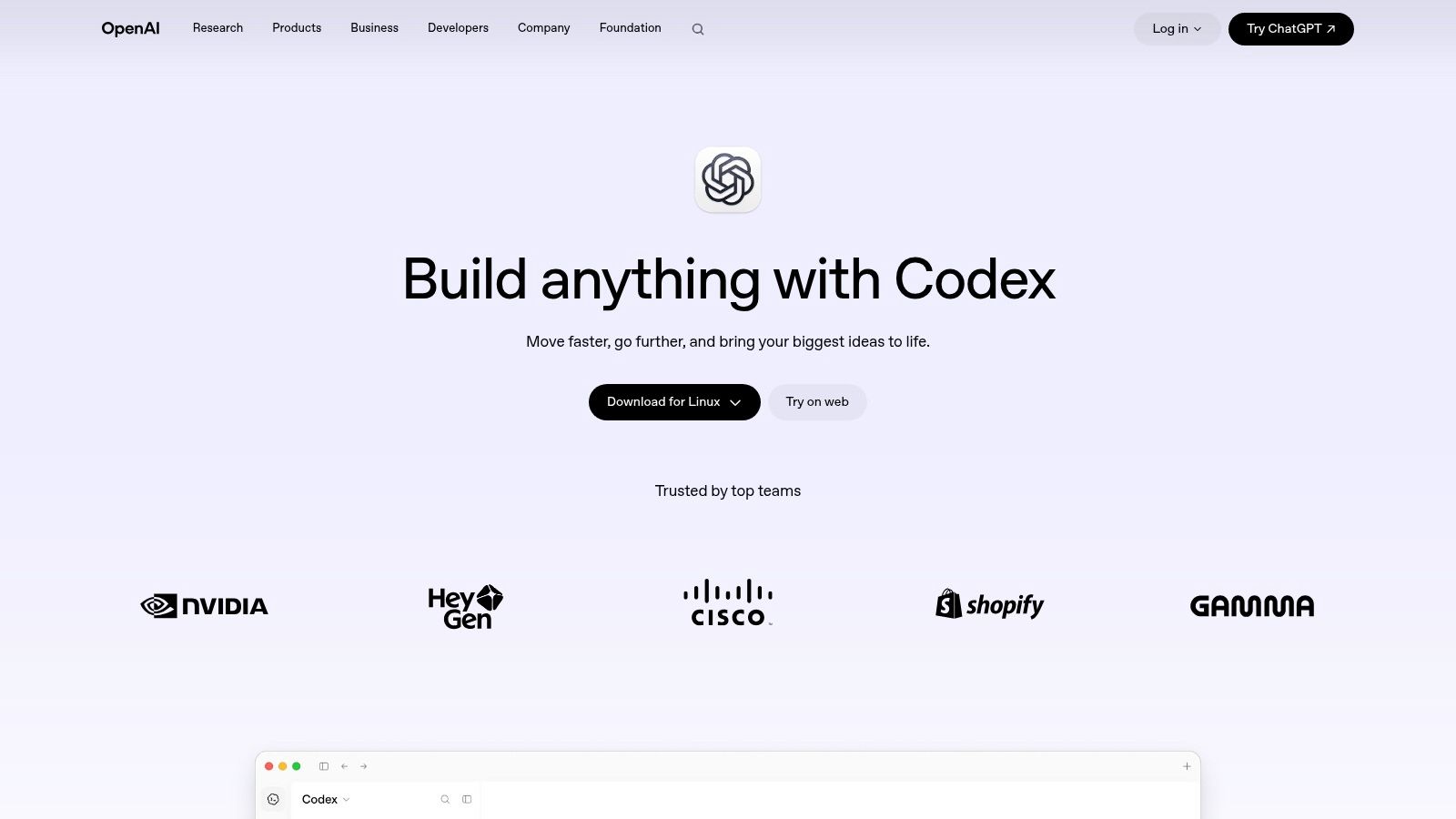
Codex is OpenAI's coding agent, reachable through desktop, CLI, IDE, and web clients. The CLI's agent view and worktree support matter more than they sound, because they let one person supervise several runs against separate folders without creating merge chaos.
Enterprise evidence is worth keeping in view. A study of enterprise developers found Copilot's benefits were strongest for generating testing scripts, boilerplate, queries, and configuration files, and weaker for intricate coding. The same analysis found no statistically significant improvement in monthly pull-request volume, pull-request cycle time, or lines of code, though monthly review count did rise. Agents that work at the pull-request level exist to move that second set of numbers.
Strengths: several surfaces, support for long engineering tasks, and a sensible fit for teams already paying for ChatGPT.
Limits: usage limits vary by plan, cloud features aren't on every plan, and the workflow feels different from editor autocomplete.
For the reviewing half of that loop, this roundup of AI code review tools is a useful companion.
6. Amazon Q Developer
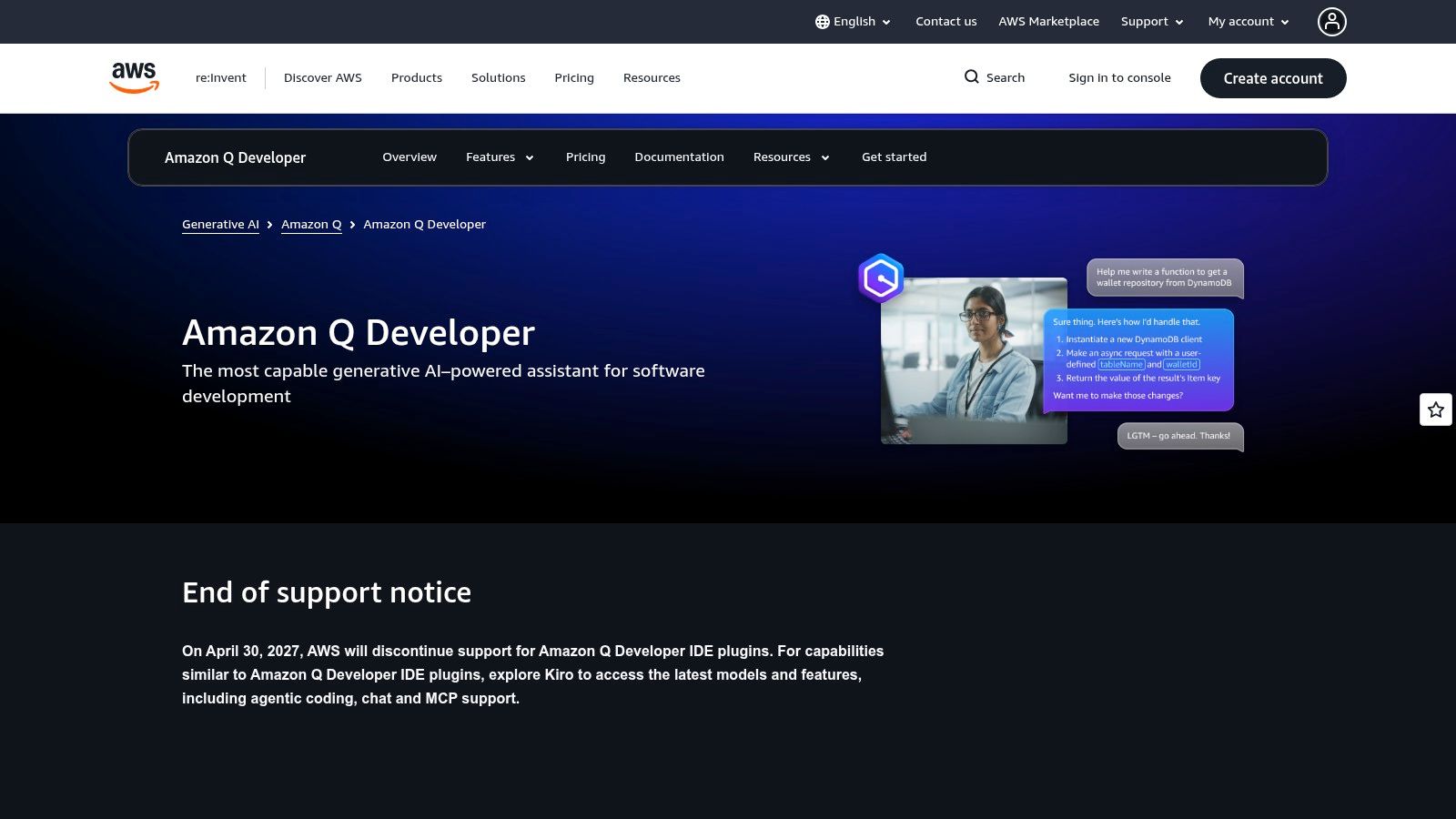
Amazon Q Developer is the pick when your code runs on AWS. It covers IDE and CLI assistance, agentic coding, and the parts of the lifecycle that hurt most: security findings, cloud operations, Java upgrades, and application transformation.
Outside AWS, the differentiation thins fast. If your infrastructure lives in another cloud, you're paying for context you won't use. Judge it on the AWS-specific work it removes, not on autocomplete quality.
If your team spends more of its week on Java upgrades and IAM policies than on new features, this is the only tool on the list built for that.
Pros: a free tier, genuine cloud context, and a paid tier with higher limits and organisation-oriented controls.
Cons: agent requests and transformations carry quotas, some organisational features need AWS identity setup, and most of the value depends on where your workloads run.
Trial it on one upgrade task and one security review before anyone discusses seats.
7. Kiro
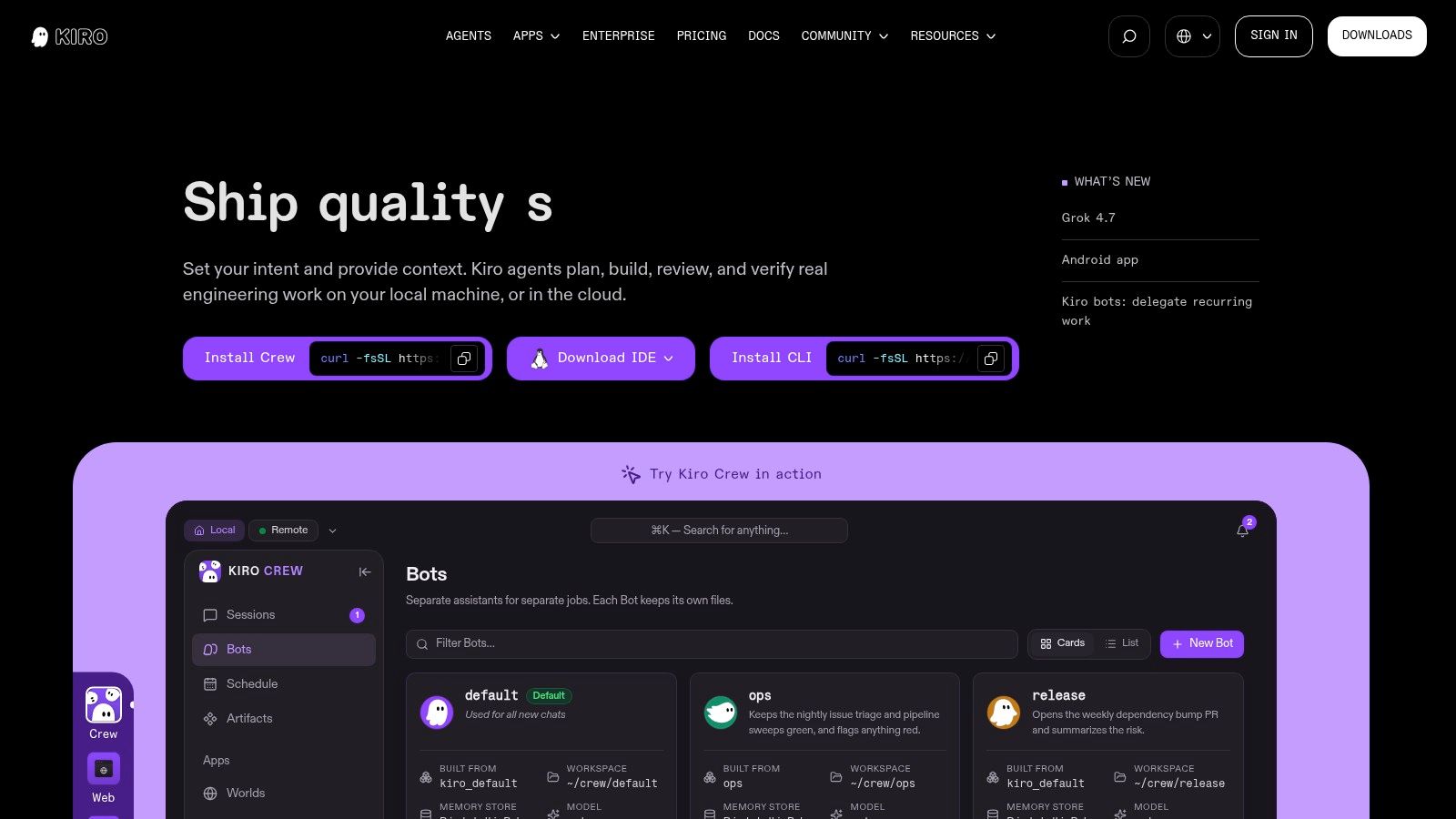
Kiro sells a process, not a prompt box. Spec mode walks you from requirements to a technical design to an implementation plan before any code is written, then the agent builds against that plan. If your problem is agents wandering off and returning unreviewable diffs, the structure is the feature.
That framing matches where adoption sits. The Stack Overflow 2025 Developer Survey reports that 84% of developers use or plan to use AI tools, while only 31% currently use AI agents and 17% plan to adopt them. Among developers who have used agents at work, 69% report increased productivity. Teams are still mid-migration, which is why a guided workflow beats a blank chat window for many of them.
Strengths: planning before code, a free tier, and several usage levels.
Limits: credit consumption is hard to estimate up front, heavier use pushes you to a higher tier or add-on credits, and you're adopting another environment.
8. Cline
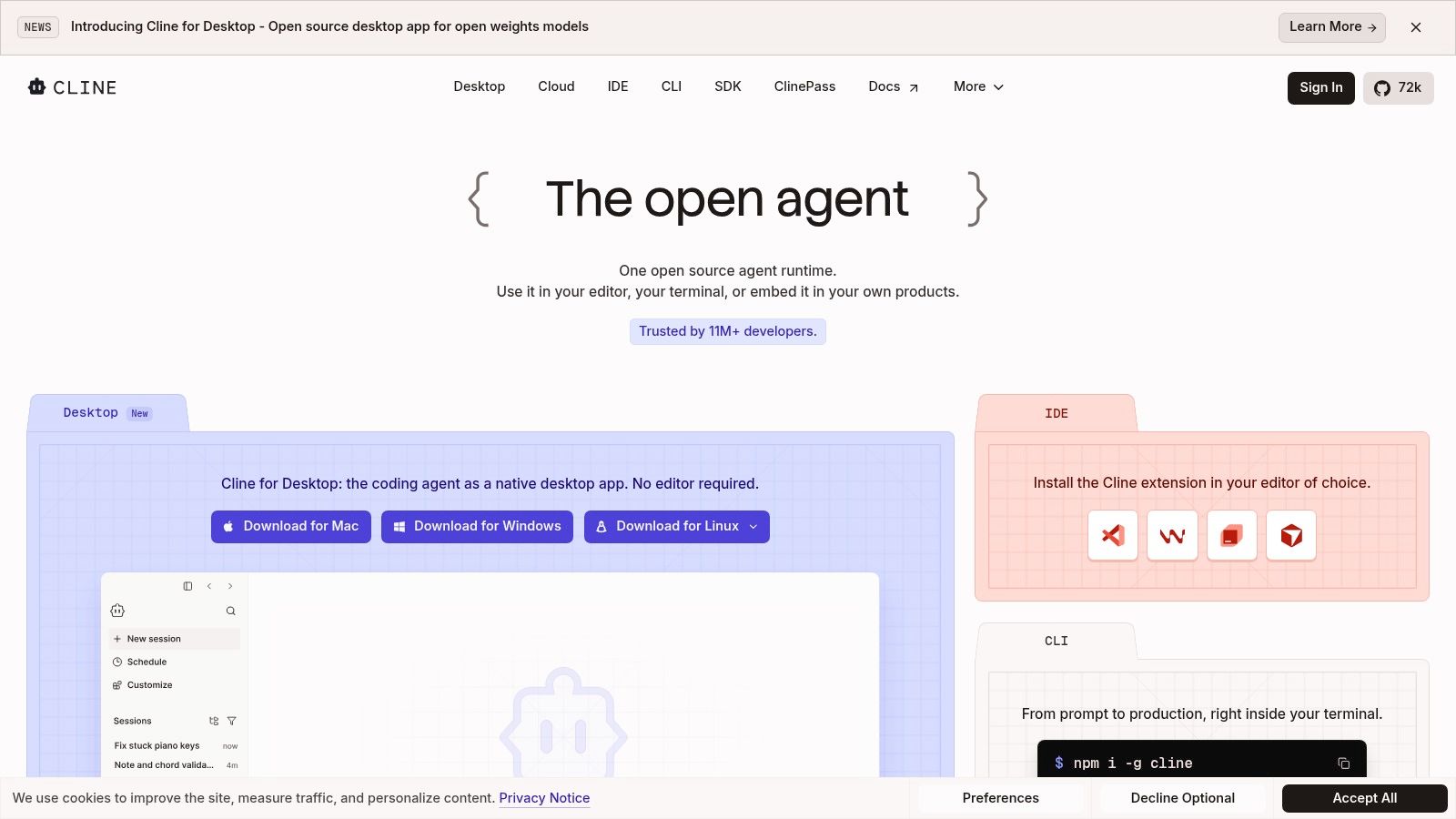
Cline answers a simple question. Can I just pay for tokens instead of buying seats? It's an open-source coding agent that runs as a VS Code extension and a CLI. You pick a model provider, bring your own API key, and pay inference costs directly.
That model-agnostic setup is the closest thing here to real flexibility. Swap providers when a model gets slow or expensive. Pull MCP servers from the marketplace when you need a capability. Keep multi-root workspaces behaving the way your repo already does. No seat licence sits in the middle.
The price is your attention. You configure providers, watch usage, and manage keys yourself. Enterprise controls aren't part of the free individual offering, so a team rollout needs a plan for secrets and spend before the first pull request lands.
Who it suits: solo developers and platform engineers who would rather run the meter than buy a bundle.
9. OpenCode
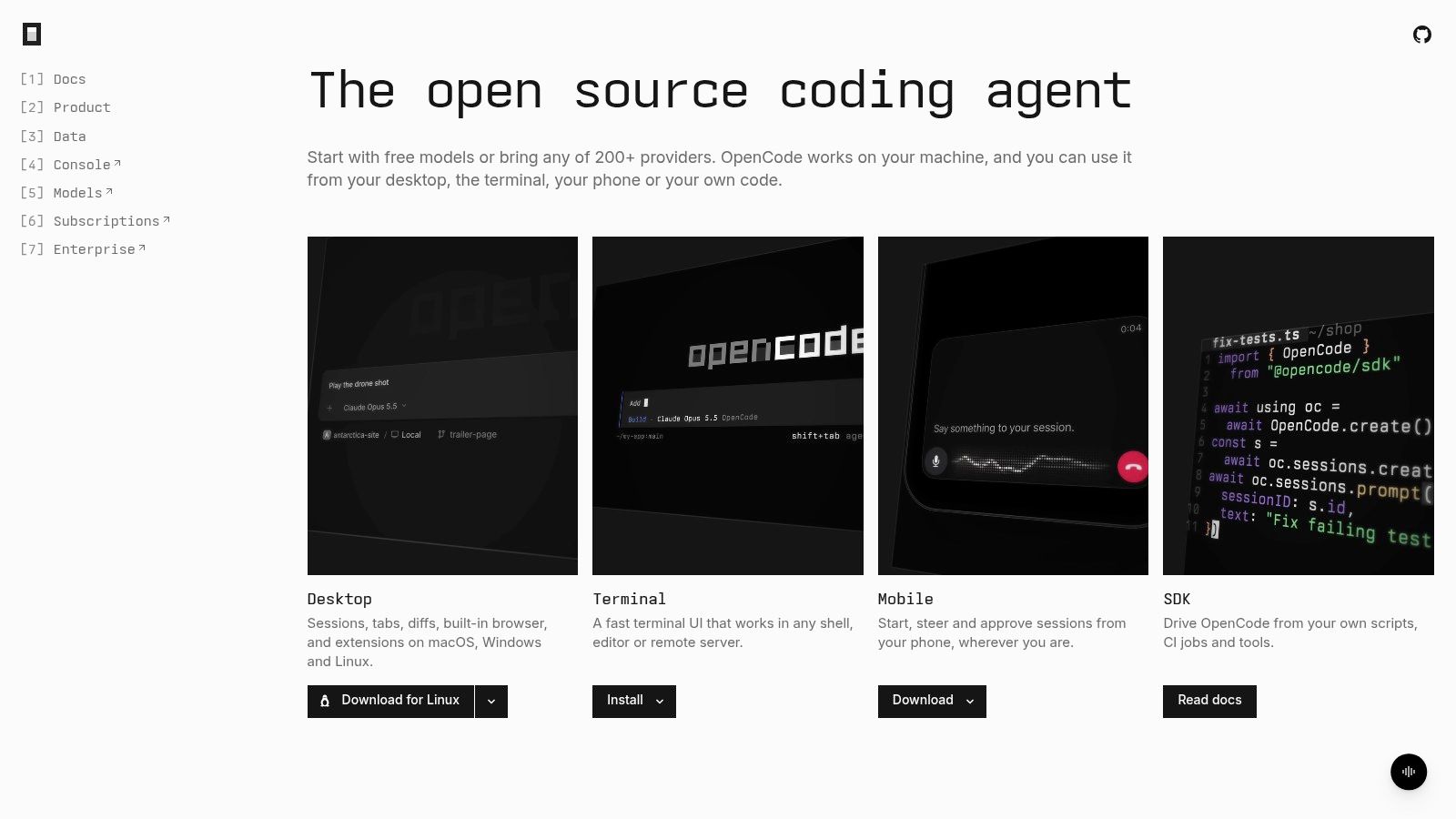
OpenCode is open source, runs on desktop, terminal, and mobile, and supports more than 200 model providers, including local models. Custom agents, MCP server connections, and permission controls are all available. It's the most flexible option here and the most work to operate.
Privacy is usually why people land on it. The Stack Overflow 2025 survey found security or privacy concerns among developers' top technology deal-breakers, alongside prohibitive pricing and better alternatives. Around 70% of agent users say agents reduce time spent on specific development tasks and 69% report productivity gains, but only 29% trust AI tools with complex tasks.
The part self-hosting doesn't fix
That last number is the one to sit with. Fully local doesn't mean safer by default. You trade provider exposure for unpatched model servers, uncontrolled downloads, weaker monitoring, and maintenance hours on your own team.
Write down what data leaves, who can read it, and who approves an agent's action before you install anything.
Limits: paid providers still cost money, permissions need configuring, and setup takes longer than a turnkey assistant.
10. Zed
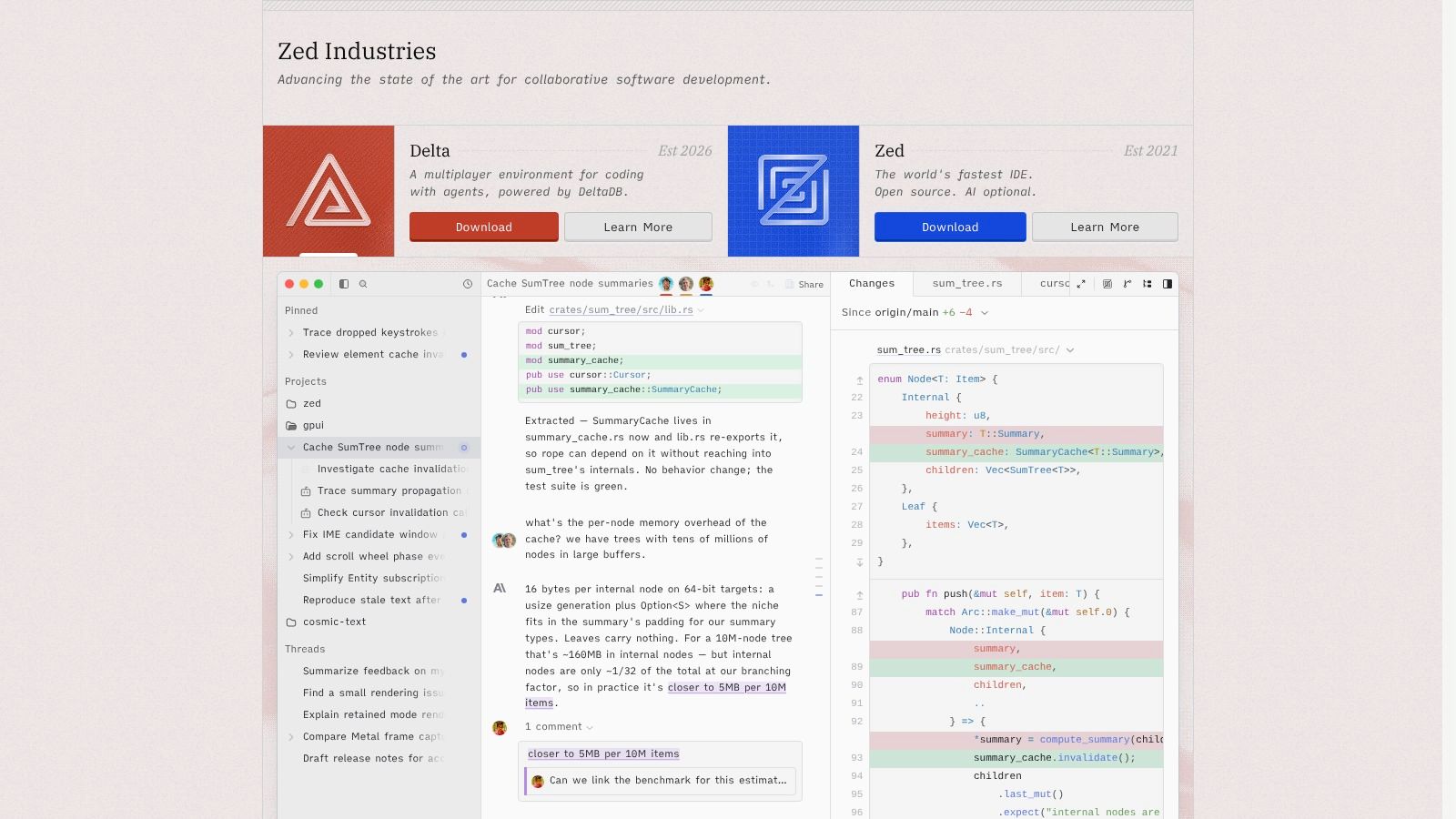
Zed is a fast editor with AI on tap. Edit predictions stay hidden until you hold a modifier, hosted models arrive on paid plans, and you can point it at your own API keys or external agents instead. Multiplayer collaboration is built in, which makes pair review less awkward than screen sharing.
Speed isn't the same as trust. The Stack Overflow 2025 Developer Survey found that 66% of developers are frustrated by AI outputs that are nearly correct, and 45% say debugging AI-generated code takes more time than writing it themselves. Confidence is thin: 46% actively distrust AI accuracy against 33% who trust it, with only 3% reporting high trust.
A low-latency editor helps you type faster. It doesn't help you review faster. Budget for both.
Pros: free editor, bring-your-own-key support, external agents, strong collaboration.
Cons: hosted AI is a separate plan and usage cost, you're switching editors, and organisation-level controls sit on the Business plan.
GitHub Copilot alternatives at a glance
The useful split is who controls the model, the machine and the checkpoint. Read the middle column as a control question, not a feature tally.
| Type | Free option | Deployment / model control | Best for |
|---|---|---|---|
| Loupe, coding-agent workflow platform | Free, AGPL-3.0 self-hosted option; hosted service in private beta | Self-host via Docker Compose; runs with your agents, your machine and your rules | Teams coordinating agents from design through pull request |
| Cursor, AI code editor and agent | Free tier available | No self-hosting; third-party model access depends on plan | Developers wanting agentic coding in an IDE |
| Windsurf / Devin Desktop, AI coding editor and agent | Free entry point | Editor- and agent-led workflow; deployment beyond the app is not the focus here | Developers who prefer agent-led work within an editor |
| Claude Code, terminal-based coding agent | Included in eligible Claude plans | Runs in the terminal; access and model use sit inside eligible Claude plans | Multi-step coding tasks with review and iteration |
| OpenAI Codex, coding agent | Included in ChatGPT plans; limits vary | Spans desktop, CLI, IDE and web; access comes through ChatGPT plans | Engineering tasks across desktop, CLI, IDE, and web |
| Amazon Q Developer, coding assistant and agent | Free tier available | AWS-oriented assistant and agent; free tier gets individual use started | Developers building on AWS |
| Kiro, AI development environment | Free tier available | Environment-centred workflow built around requirements, design and planning before coding | Developers who want requirements and design planning before coding |
| Cline, open-source coding agent | Free for individual developers; model costs are separate | Open source; bring your own provider and API keys | Developers seeking provider choice and control over inference costs |
| OpenCode, open-source coding agent | Free to use; paid model providers may cost extra | Open source; supports local models and multiple providers | Developers wanting configurable agents, models, and workflows |
| Zed, code editor with AI features | Editor is free | Bring your own API keys or use external agents | Developers wanting a fast editor with flexible AI options |
For privacy and governance, prefer rows that state where the work runs and where a human approves it. For cost control, prefer rows where provider spend is separate from the tool itself.
How to Choose With a Quick Decision Matrix
Match the tool to the constraint that blocks you, not to the demo you liked best.
Lowest cost: Cline or OpenCode. Both are open source and you pay model providers directly instead of buying seats. Budget tokens before you budget licences.
Offline or local models: OpenCode. Wide provider support, local options, and permission controls you set yourself.
Full lifecycle governance with human checkpoints: Loupe. Board, rules, agent review against the approved design, and analytics for cost per finished card.
Best editor-integrated agent: Cursor. The closest thing to a one-for-one Copilot replacement with a real agent underneath.
Structured spec-first work: Kiro. Requirements, design, and plan before the first diff.
AWS-heavy teams: Amazon Q Developer. Cloud context and transformation work that other tools skip.
Measurement matters as much as the pick. A randomized field study across Microsoft, Accenture and a Fortune 100 company gave a randomly selected group of 4,867 developers access to an AI coding assistant, and those users completed 26.08% more tasks than the control group, with a reported standard error of 10.3%. That's a real effect with real uncertainty attached. A controlled experiment with 95 professional programmers found Copilot users finished an HTTP-server coding task 55.8% faster. That applies to the tested task, not to every codebase or language.
Both results point the same way. Compare completed work, not generation speed.
Run two tools side by side on a ticket you've already shipped. Track four things for both: time to the first reviewable diff, fix rounds, review comments, and cost per finished item. Watch usage costs through the first month, because agent allowances disappear faster than seat-based plans and the overage hits the bill before it hits anyone's workflow.
Then pick one, write down why, and revisit next quarter.
If you want agents to carry a card from design to a merged pull request with human checkpoints in between, Loupe is built for exactly that. Your workers run on your own machine and subscriptions, and a shared board shows where a person needs to step in. Visit Loupe to see how the board, rules, and review flow fit together.